


Address Import Errors
This guide details potential errors you may encounter when importing addresses into Tradogram and how to resolve them.
CSV Column Headers Do Not Match

This indicates that the column headers in your import file differ from the headers in our official template.
To resolve this issue:
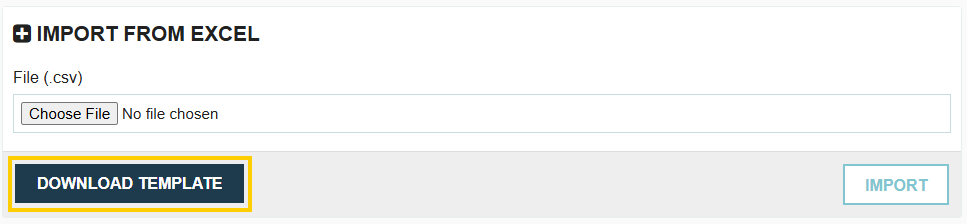
- Click the Download Template button to obtain the latest, correct template.
- Copy your existing import data into the newly downloaded template.
- Save and re-upload the new file.
Location Name, Country, and Street Address are Mandatory



The following fields are required to successfully import an address:
- Location Name
- Country
- Street Address
Note that the City, State, and Zip fields are optional and do not need to be entered to complete the import.
Invalid Country Name

The country options in Tradogram are standardized and come from a set internal list. The country name entered in your import file must be an exact match of the country name provided in the system's dropdown menu. We recommend verifying the correct spelling against the list available when manually adding an address.
Type must be Delivery, Distribution, or Both (default is Delivery)

The system only accepts specific values for the location Type field. The only possible accepted options are:
- Delivery
- Distribution
- Both
Any other text will not be accepted. If the Type field is left blank in your import file, the default type assigned will be Delivery.
.webp)
.png)


