


Branch Import Errors
This guide details potential errors you may encounter when importing branches into Tradogram and how to resolve them.
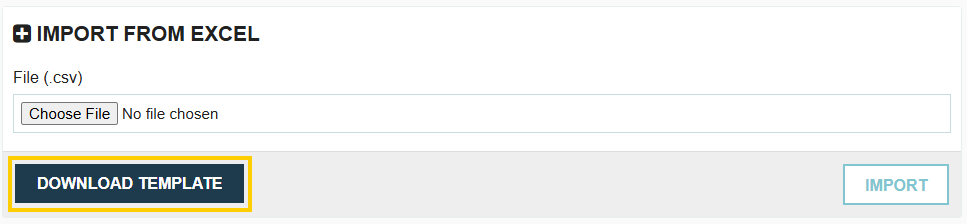
CSV Column Headers Do Not Match

This indicates that the column headers in your import file differ from the headers in our official template.
To resolve this issue:
- Click the Download Template button to obtain the latest, correct template.
- Copy your existing import data into the newly downloaded template.
- Save and re-upload the new file.
Name is Mandatory

All branches must have a Name. This field is required to successfully create or import a branch record.
Name Cannot Exceed 80 Characters
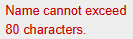
The maximum character length for a branch name is 80 characters. Ensure your branch names adhere to this limit.
Address is Mandatory

When entering a branch, the Street Address and Country fields are mandatory. The City, State/Province, and Postal Code fields are optional and can be left blank.
Please Check Currency Code and Try Again
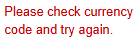
The currency code must match one of the exact drop-down options available in the currency menu within Tradogram. Verify the spelling and format of the currency code in your import file.
Please Check Country and Try Again
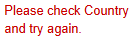
The country name must match one of the exact drop-down options available in the country menu within Tradogram. Verify the spelling and format of the country name in your import file.
.webp)
.png)


