


Completing Additional Verification for TradoPay
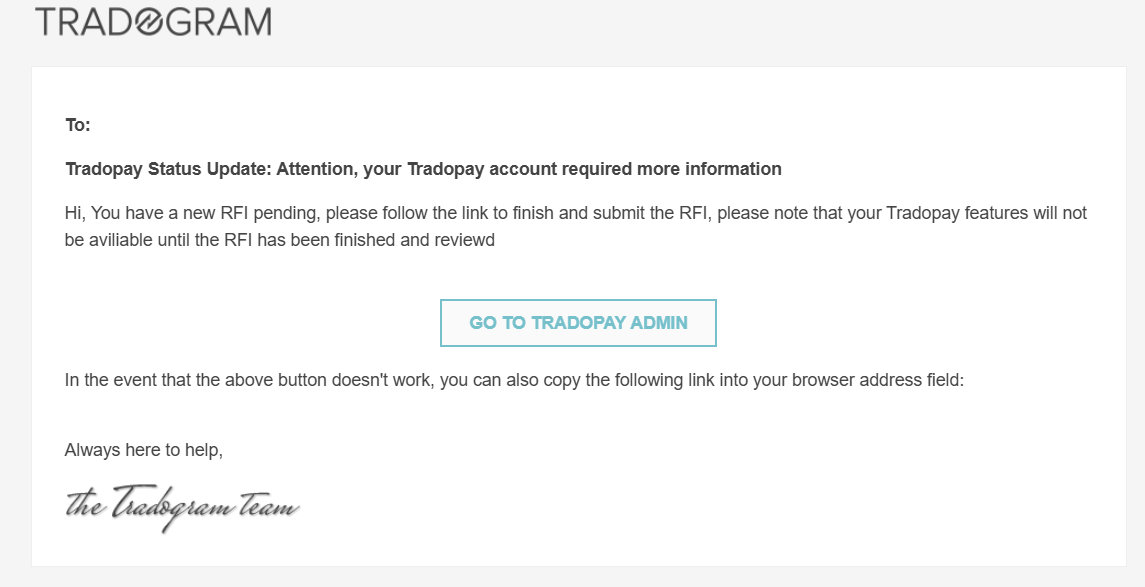
When registering for TradoPay, some users may be required to provide additional verification to finalize their application. This process ensures compliance and security for your business transactions. If your account is flagged for further review, the account's main admin will receive a Request for Information (RFI) via email.
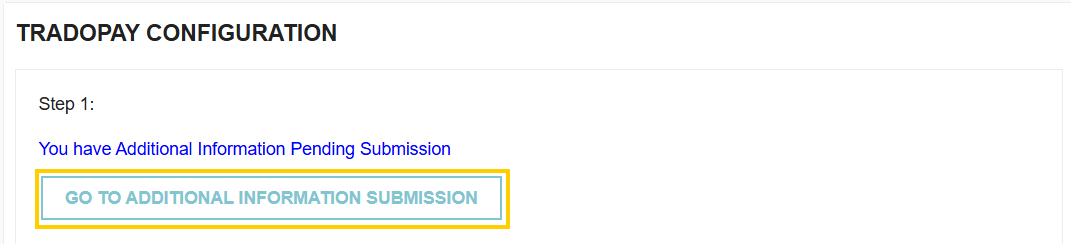
To begin the verification process, navigate to your TradoPay configuration settings:
- Go to Manage Company.
- Select TradoPay.
- Click the button labeled "GO TO ADDITIONAL INFORMATION SUBMISSION".
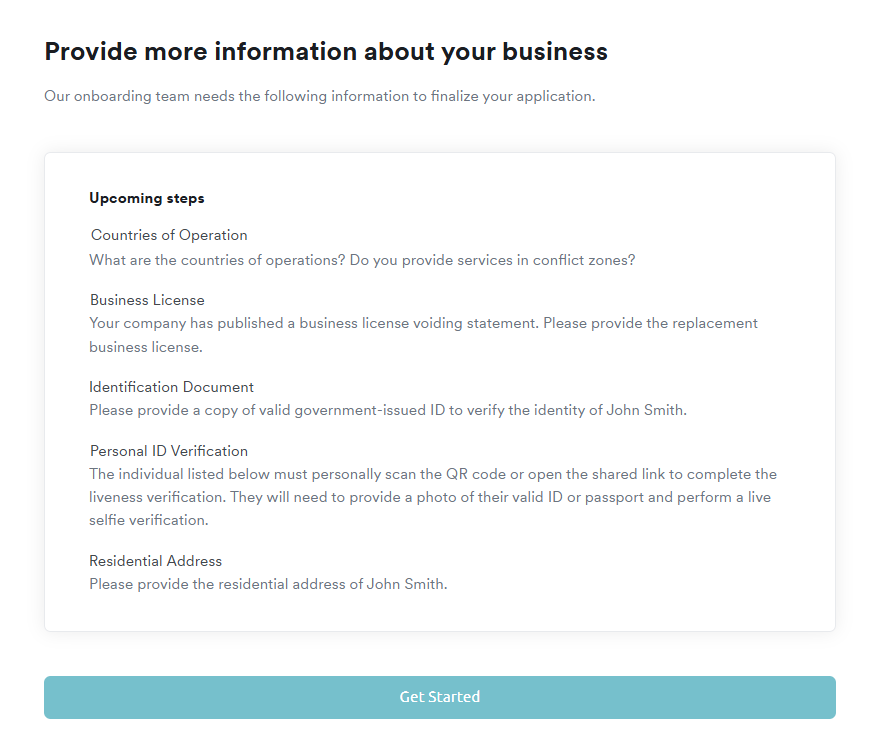
Once you click "Get Started" on the onboarding overview page, you will be guided through a series of forms to provide more information about your business and the primary operator.
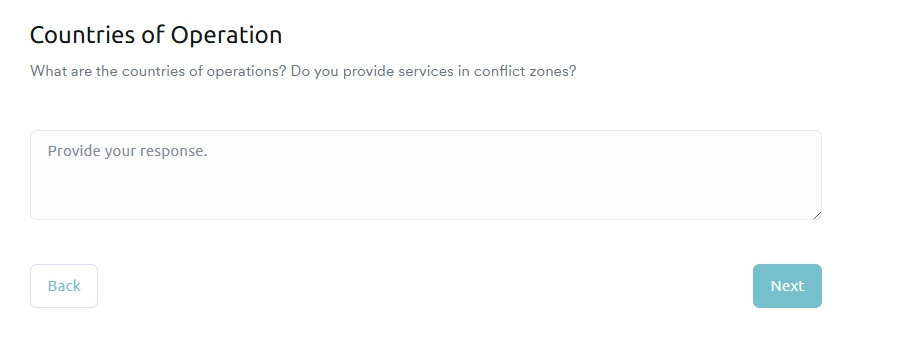
Countries of Operation
You will be asked to list the countries where your business operates and specify if you provide services in conflict zones.
- Example Answer: "We operate primarily in Canada and the United States; we do not provide any services in designated conflict zones."
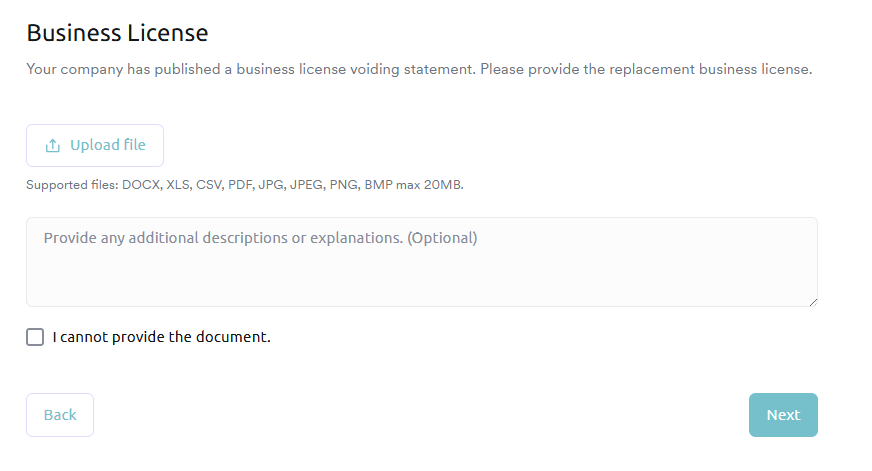
Business License
Upload a digital copy of your current business license.
- Supported formats: DOCX, XLS, CSV, PDF, JPG, JPEG, PNG, or BMP (max 20MB).
- You may also provide optional descriptions or explanations if your license has specific conditions or recent updates.
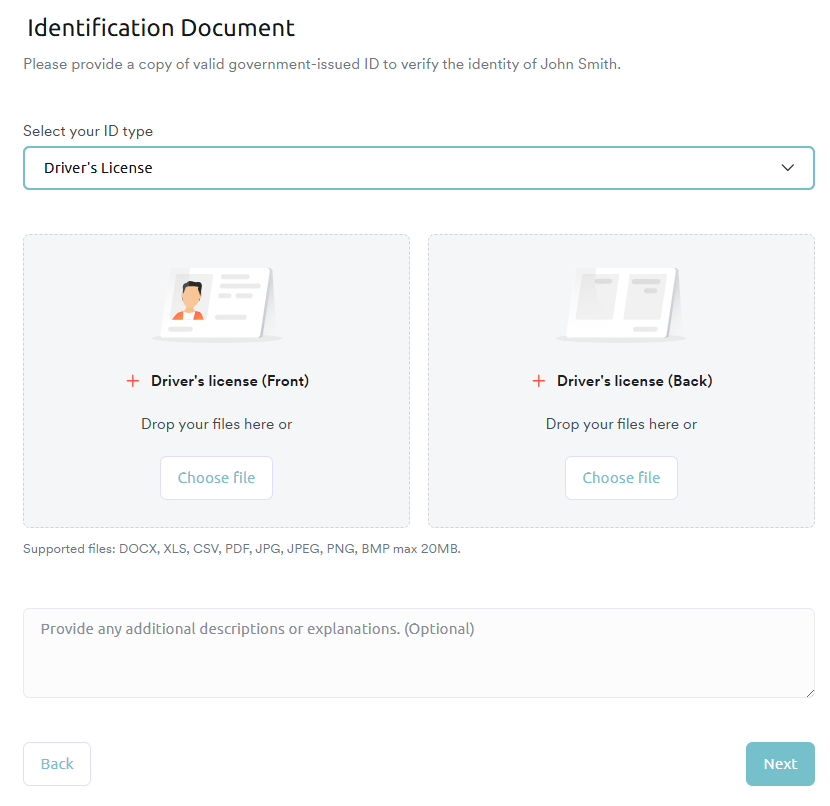
Identification Document
Select your ID type from the dropdown menu and upload clear photos of the front and back of the document. Accepted forms of ID include:
- Driver’s License
- Passport
- Government Issued ID
- Medicare Card
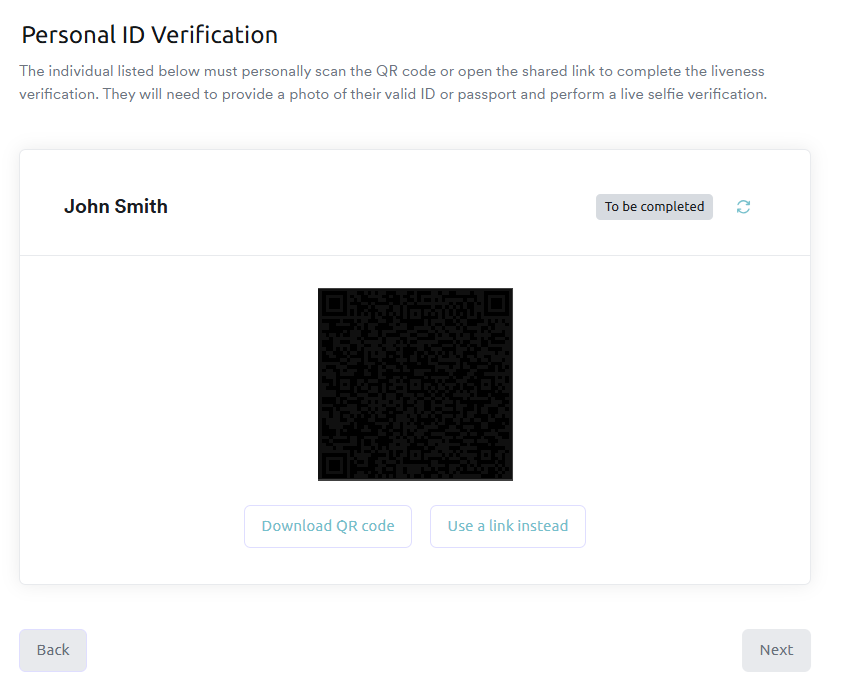
Personal ID Verification (Liveness Check)
To complete the "liveness" verification, the identified individual must scan a provided QR code or use a shared link on a mobile device. This process will require taking a live selfie and a photo of the valid ID to ensure the person applying matches the documentation.
Residential Address
Finally, you must provide the current residential address of the user identified in the form to satisfy standard "Know Your Customer" (KYC) requirements.
After Completing the Verification Form
Once all requested documents and verifications have been submitted, our compliance team will review your application. The main admin will receive a notification email that the request for additional information has been completed and will be reviewed.
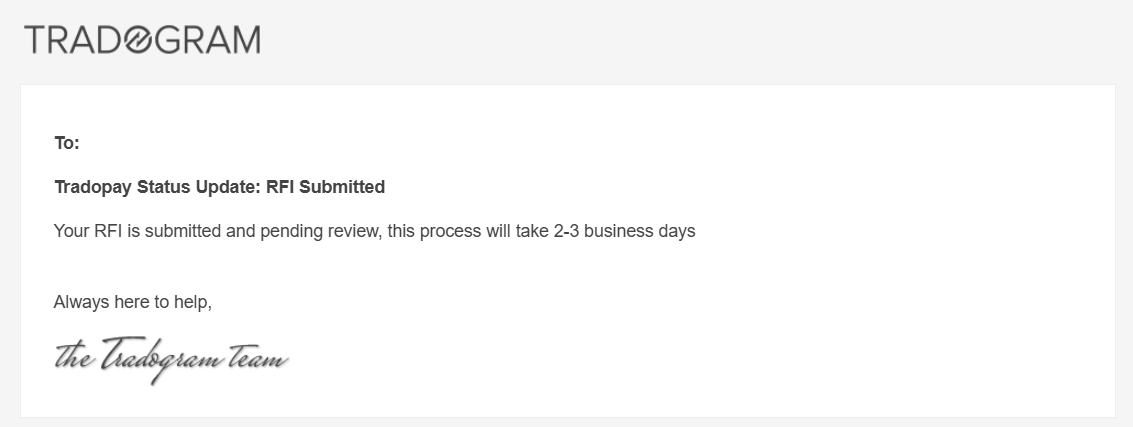
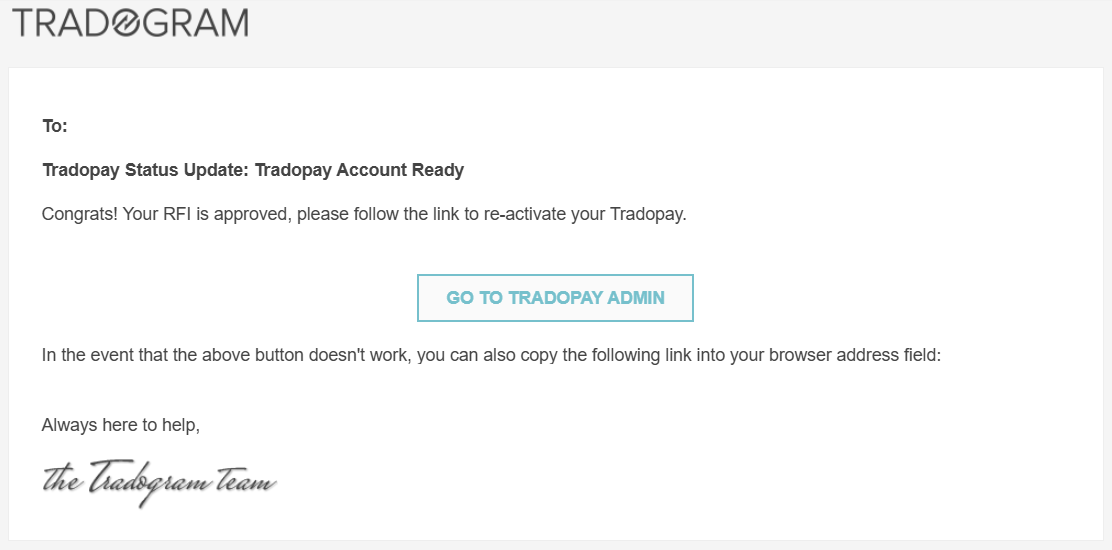
The typical turnaround time for this review is 2-3 business days. The account main admin will receive an email notification once your TradoPay account has been fully verified and is ready for use.
.webp)
.png)


