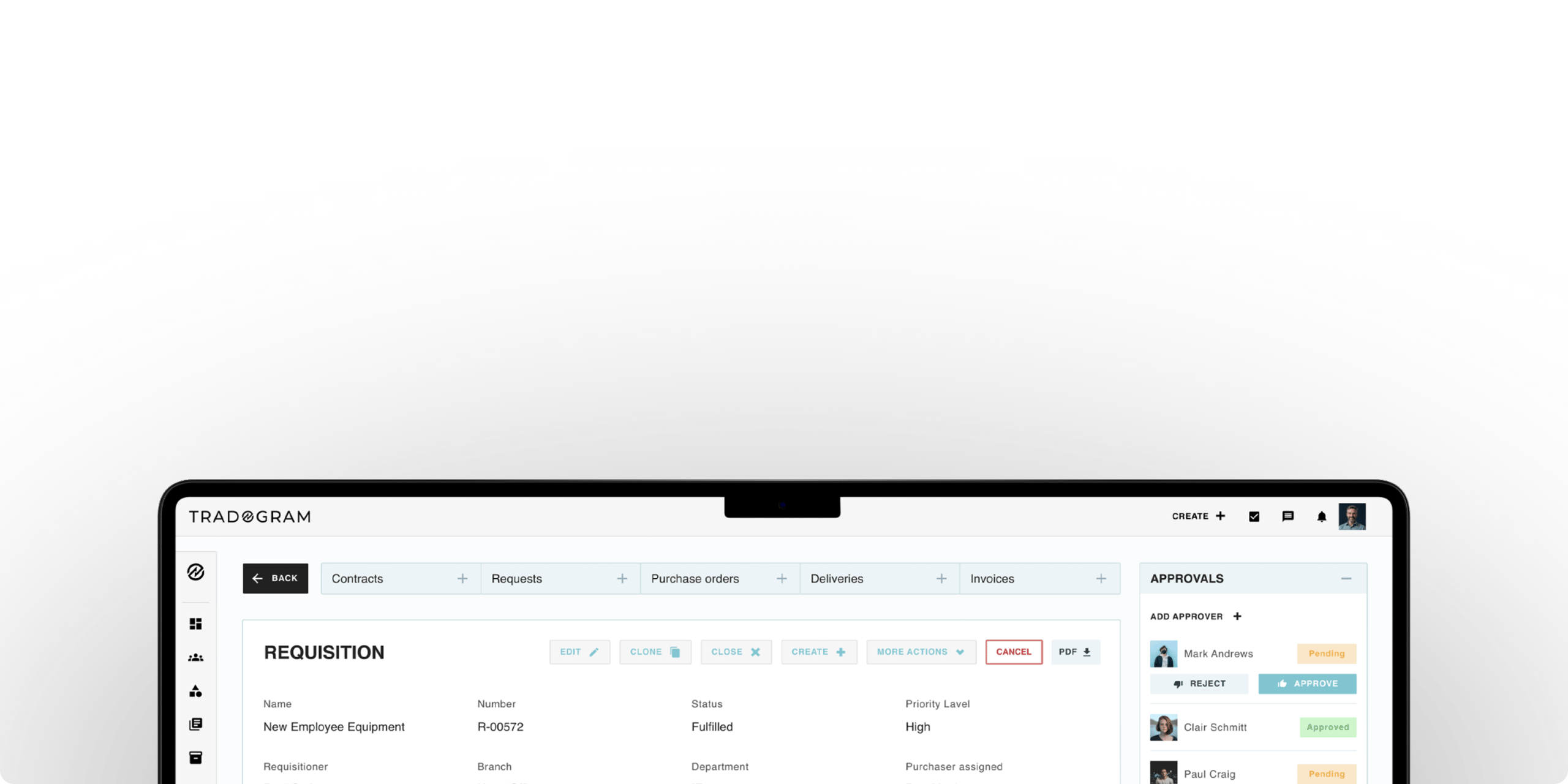
Sync QuickBooks Online seamlessly
Automatically sync vendors, purchase orders, invoices, and payments between Tradogram and QuickBooks.



What syncs automatically
Tradogram and QuickBooks remain aligned by synchronizing
core financial and purchasing data in real time.
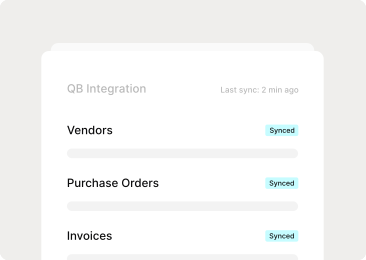
Sync built around your needs
Configure how data syncs across systems based on your workflows

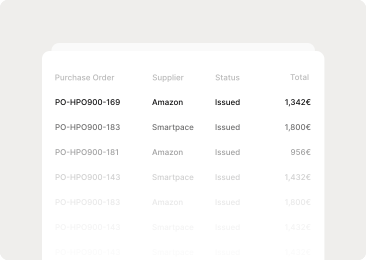
Purchase Orders
Approved purchase orders sync directly into QuickBooks.
Invoices and Bills
Invoices export with correct account
Connect once
and stay in sync
Step 01
Connect securely
Authenticate your QuickBooks account using secure API access.
Step 02
Configure account mapping
Map vendors, chart of accounts, tax codes, and classifications to match your accounting structure.
Step 03
Monitor & validate
Track sync activity and maintain full audit visibility across systems.
Order from your vendors with PunchOuts
Let your team browse and order directly from trusted vendors like Amazon Business, Staples, or Grainger, with items automatically added to your procurement workflow.


Enterprise-grade security & compliance
Tradogram is built with governance, data protection, and audit readiness at its core, ensuring every transaction is secure, traceable, and aligned with your policies and compliance requirements.

Bring procurement and accounting together
Manage purchasing from request to reconciliation while keeping Sage up to date automatically.
.png)
Purchase Request
Capture purchasing needs before spending begins.
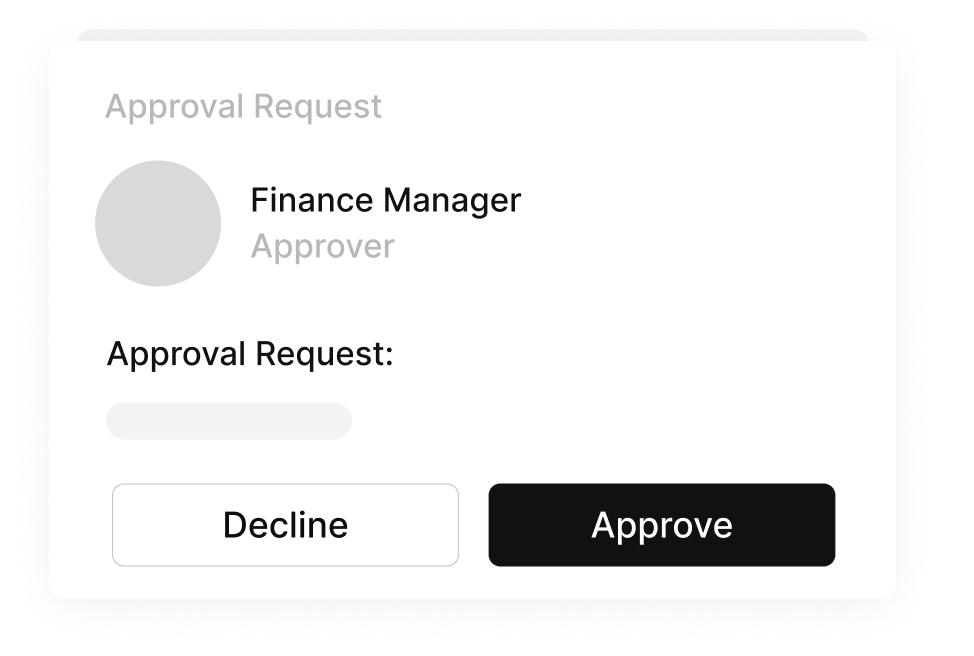
Approval Workflow
Ensure purchases follow policy automatically.
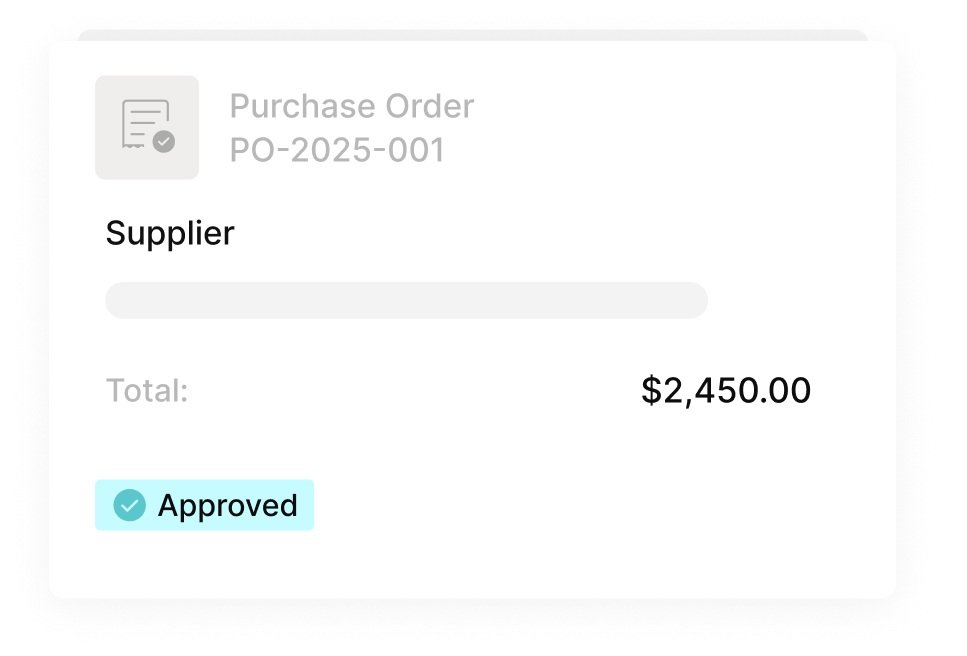
Purchase Order
Approved requests become purchase orders sent to suppliers.

Invoice Matching
Validate invoices against POs and receipts before they sync.

Sage Synchronization
Keep approved transactions and financial records aligned in Sage.

Catalogs
Shop directly from your preferred suppliers without leaving Tradogram.
FAQs
Frequently
Asked Questions
Tradogram integrates with QuickBooks Online. If you use Desktop, contact our sales team to discuss your options and potential workarounds for your setup.
Pro plan saves 8% when billed yearly. Premium plan saves 17%. Free basic remains free. Pay once and lock in your rate for twelve months.
Enterprise plans are custom-built for large organizations with unique requirements. Contact our sales team to discuss volume discounts, custom features, and dedicated support.
Free basic includes limited integrations. Pro and Premium include standard integrations with QuickBooks, Xero, and others. Enterprise includes API access for custom integrations.
Start in minutes,
not months.
No setup fees. No credit card required.