
Purchase Approval Software
Approvals that route themselves
Configure custom approval workflows by amount, department, supplier, GL code, location, or any business rule. Purchase requests route automatically to the right approver, escalations keep the purchase approval process moving, and every decision is recorded.










Manual approvals
slow everything down
When purchase approvals happen over email or chat, requests get lost, policies get bypassed, and no one has a clear view of pending approvals. Manual processes slow the approval process and make follow-up harder.

Policies enforced
Enforce approval policies with rules based on spend, department, supplier, project, location, or GL code.

Bottlenecks prevented
Reduce approval bottlenecks by automatically rerouting requests when approvers are unavailable.

Fully auditable
Keep a record of every approval, rejection, delegation, and escalation for audit readiness.
Approval workflows
built for compliance
Make managing purchase requests easier with custom approval workflows. Each request reaches the right approver without manual intervention.
Multi-level approval routing
Route purchase requests through as many approval levels as your policy requires, with a clear approval structure for each workflow.

Automatic escalation
Keep pending approvals moving by escalating requests or delegating approval when an approver is unavailable.

Conditional approval workflows
Build custom approval workflows using approval thresholds and criteria such as department, supplier, project, location, category, or GL code.

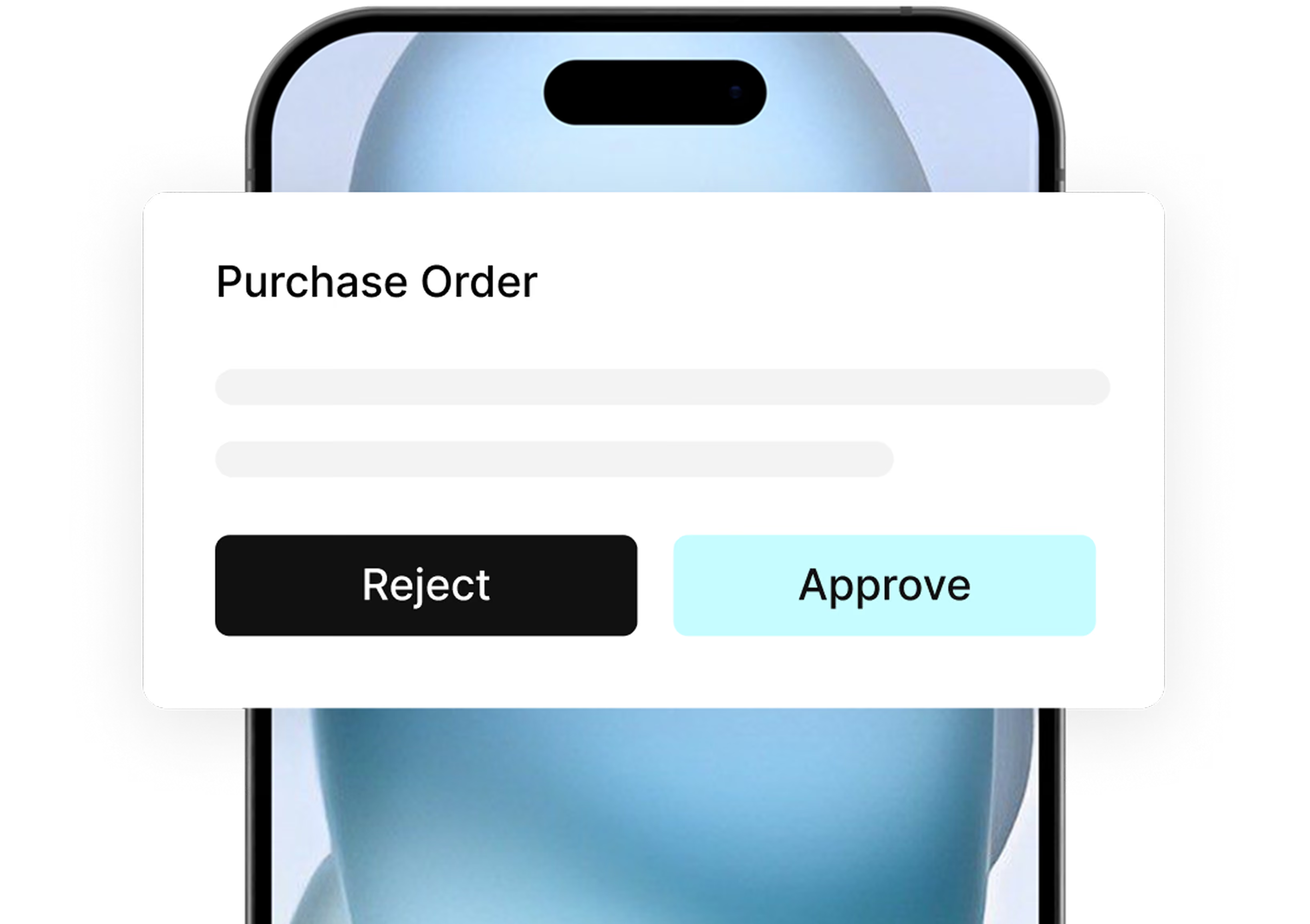
Mobile approvals
Approvers can review purchase requests and purchase orders from any device, keeping the approval process moving wherever they are.
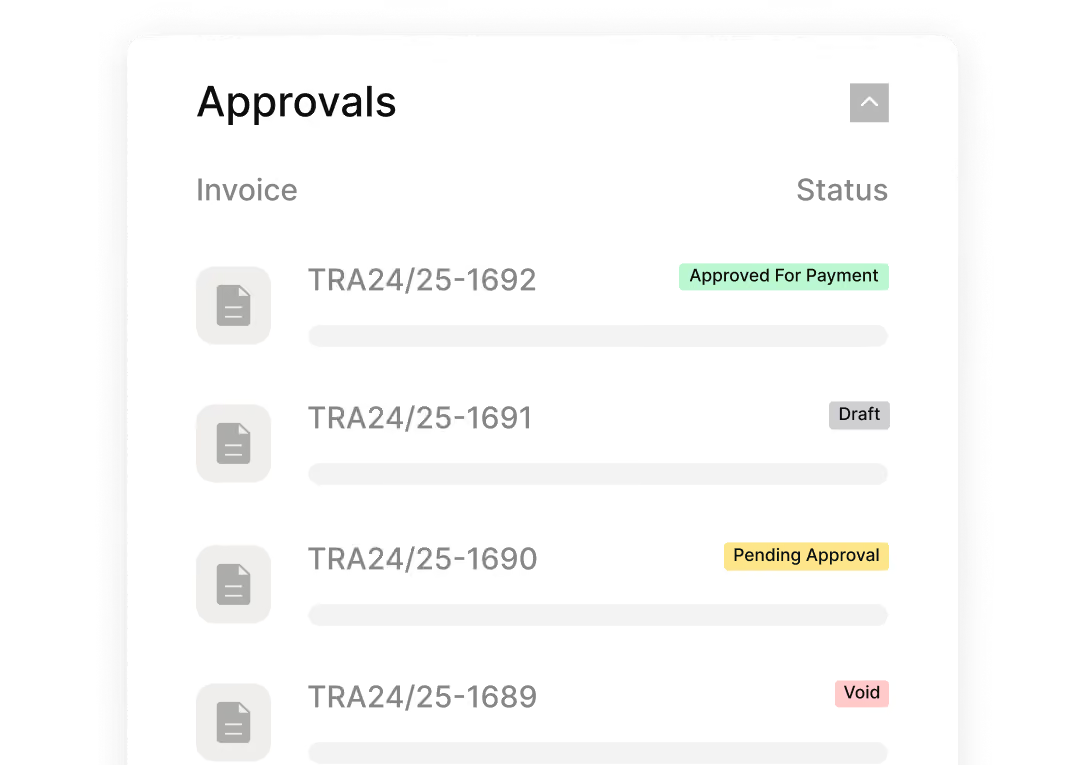
Approval history and audit trail
Track approval status and keep every approval, rejection, delegation, and escalation recorded for audit readiness.
From requested
to approved

Purchase Request
Request submitted
A purchase request is submitted with the required information, supporting documents, and business justification.
Approval Routing
Routed automatically
Tradogram applies approval policies and routes the request based on spend, department, supplier, project, location, or GL code.
Approval workflow
Approved, escalated or delegated
Approvers act according to the workflow rules, while every decision is recorded automatically. Approved requests move into purchase order creation without duplicate data entry, keeping the procurement process connected.
Faster approvals.
Better policy control.
Requests route automatically to the right approver, so teams spend less time chasing pending approvals across Slack, email, and manual follow-up.
Set approval thresholds and routing rules once so the purchase approval process follows your policies automatically, with less manual intervention and better cost control.
Every approval, rejection, delegation, and escalation is recorded with context, supporting audit readiness without manual reconstruction.

The numbers behind
faster purchase approvals


Connect Tradogram with the tools your team already relies on





Frequently
Asked Questions

Yes. Tradogram’s purchase approval software lets you build custom approval workflows using approval thresholds such as amount, department, GL code, category, project, supplier, location, or a combination of criteria. Different purchase requests can follow different approval paths automatically, helping finance and procurement teams enforce approval policies consistently.
Tradogram can automatically escalate pending approvals to the next approver or use a configured delegate, depending on your rules. This keeps the approval process moving without manual intervention or follow-up.
Yes. Tradogram’s purchase order approval software can route purchase orders through configurable approval rules based on amount, department, supplier, project, location, or other criteria. This keeps the PO approval process structured, records each purchase order approval, and reduces manual data entry as the order moves forward.
Yes. Every approval, rejection, delegation, and escalation is recorded with who acted, what changed, and when. This gives procurement teams a clear record of the approval process for audit readiness and financial oversight.
See approvals move without the chasing
Tell us where approvals get stuck today
