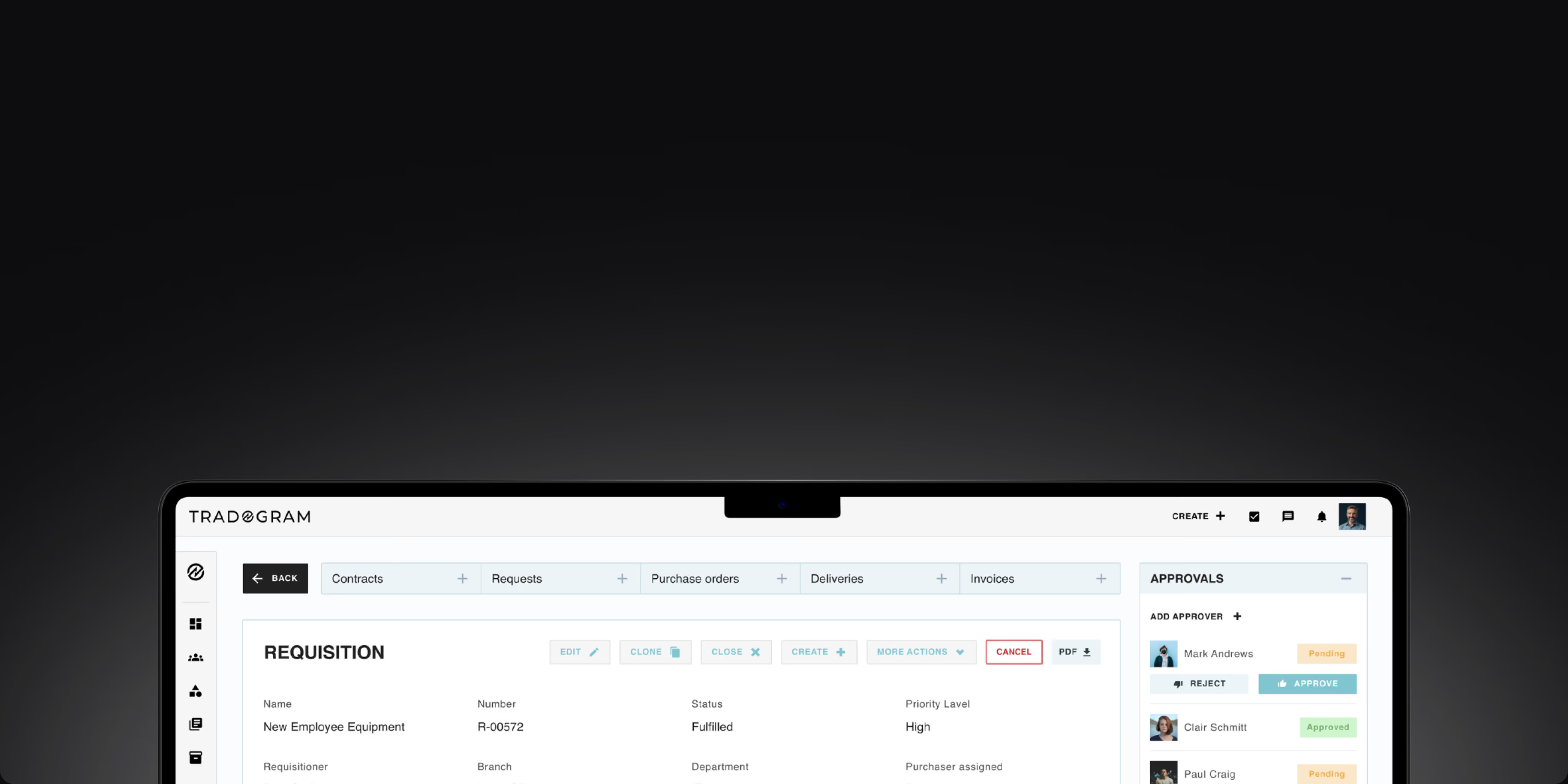
Invoice Matching Software
Catch invoice mismatches before payment
Tradogram’s automated invoice matching software compares supplier invoices against purchase orders and delivery receipts through three-way matching. Discrepancies are flagged for review before payment approval, reducing manual matching and helping AP teams process invoices with greater accuracy.










Manual invoice matching is where errors compound
When AP teams compare invoices, purchase orders, and delivery receipts by hand, the matching process takes longer, and discrepancies are easier to miss. Tradogram automates invoice matching so exceptions are flagged before approval instead of being discovered later.

Automated invoice matching
Compare supplier invoices against purchase orders and delivery receipts automatically to reduce manual matching and surface discrepancies faster.

Exceptions flagged before approval
Identify mismatched quantities, pricing, or receipt details before the invoice moves forward, giving AP teams a clearer exception-handling process.

Connected records for audit readiness
Keep invoices, purchase orders, receipts, and approval history connected to support compliance and audit readiness without reconstructing the record later.
Automated invoice matching that does the heavy lifting
From invoice capture to automated three-way matching, exception handling, and approval, Tradogram keeps the invoice matching process connected to the purchasing records behind every decision.
TradoScan AI invoice capture
OCR-powered extraction of invoice data from supplier invoices, reducing manual data entry and giving AP teams structured information to begin the matching process.

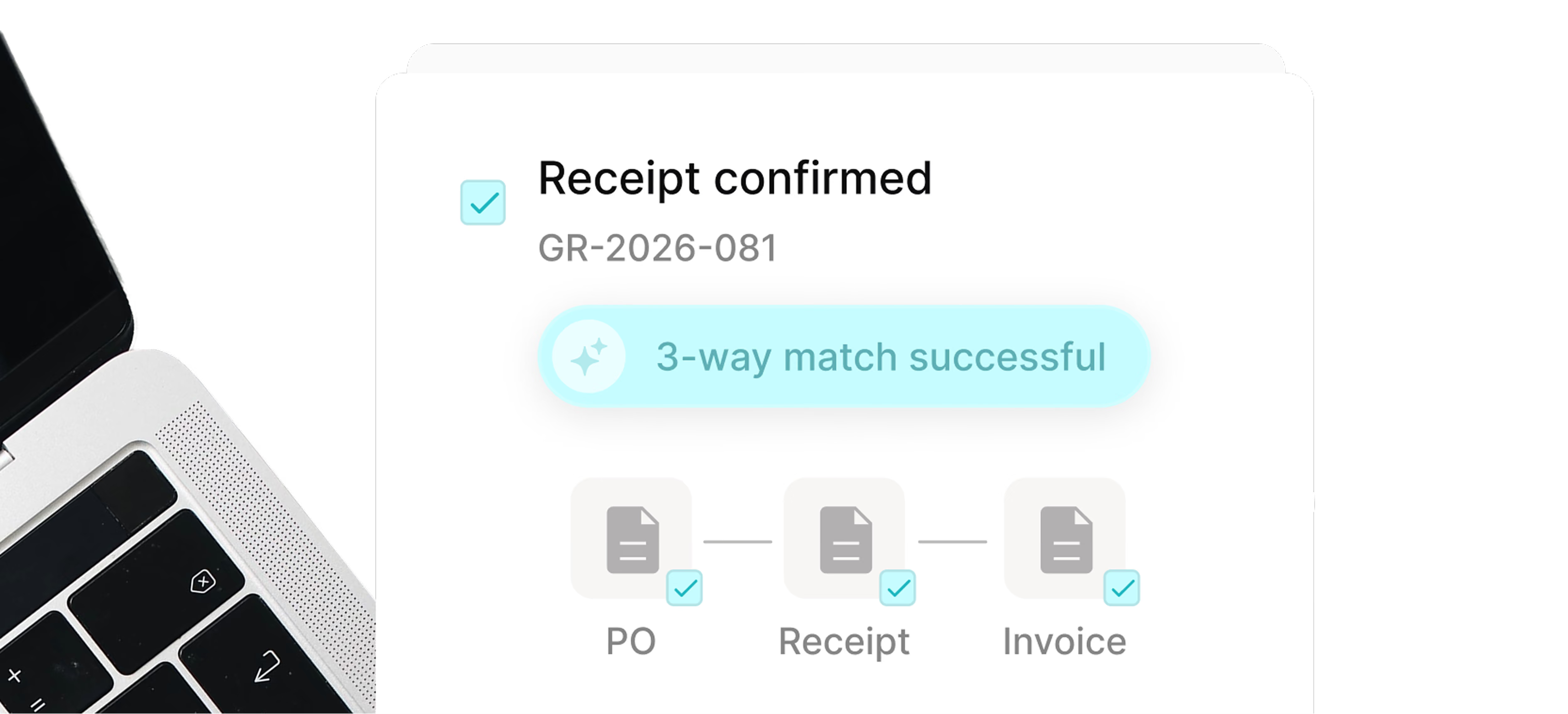
Automated three-way matching
Match incoming invoices against the purchase order and delivery receipt automatically. Tradogram identifies discrepancies so AP teams review exceptions instead of matching invoices line by line.
Invoice approval workflows
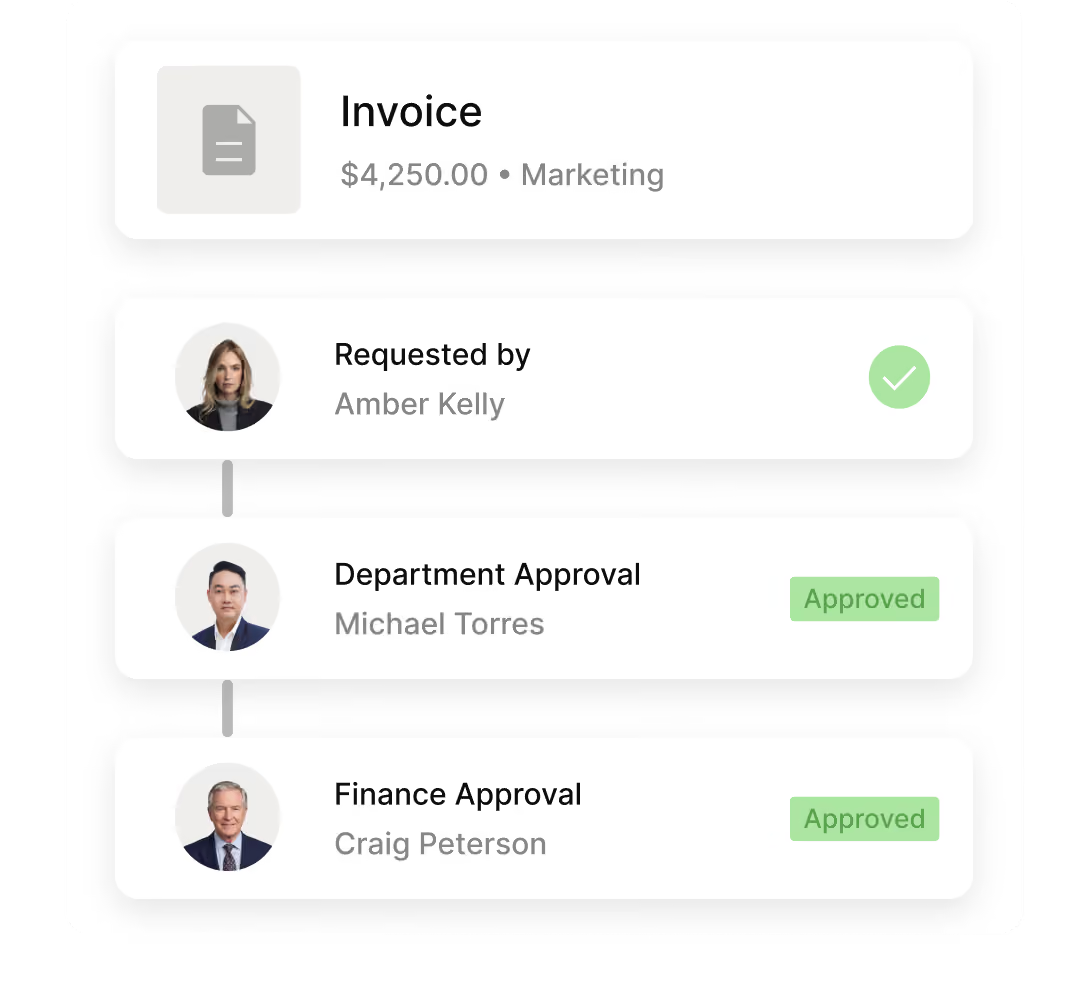
Route flagged invoices to the right approver for review and resolution, keeping exception handling connected to the invoice and its matching records.

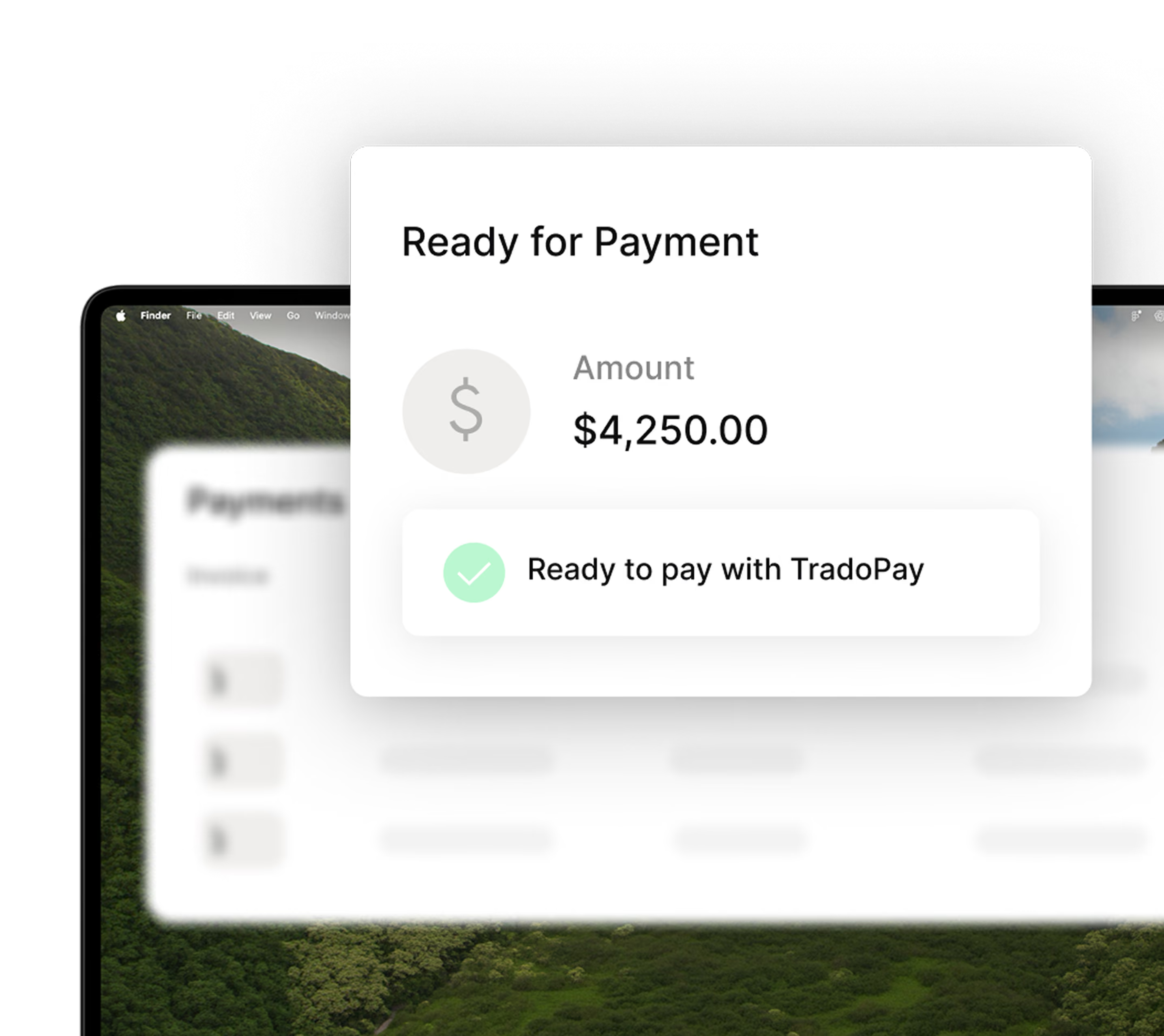
Pay Suppliers with TradoPay
Move matched and approved invoices into supplier payment with TradoPay and keep payment status connected to the original purchasing records.
Full AP audit trail
Keep the invoice, matching result, exception resolution, and approval decision connected in one record to support compliance and audit readiness.
From invoice
to approved payment
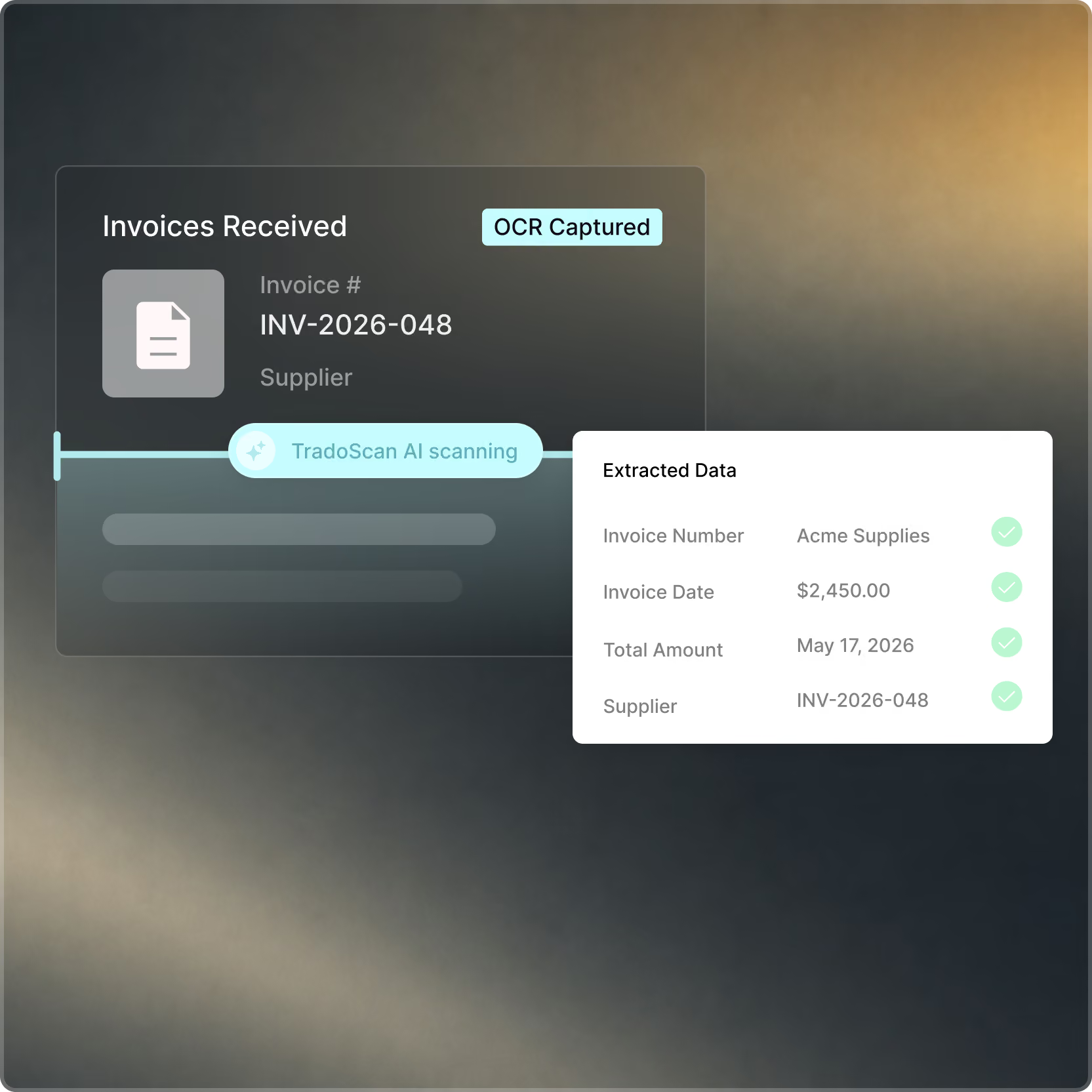
Invoice capture
Capture invoice data automatically
TradoScan AI extracts key data from supplier invoices, including invoice number, supplier, amount, and line-item details, reducing manual data entry before matching begins.
Invoice matching
Automated three-way matching
Tradogram compares each invoice against the related purchase order and delivery receipt through automated three-way matching. Discrepancies are flagged immediately for review.
Exception and approval
Review exceptions and approve
Clean matches move through the approval workflow, while mismatches are routed to the right person for exception handling. Once approved, the invoice is ready for the next step in the payment process.
Fewer errors. Faster closes
Automated invoice matching reduces manual effort by comparing invoice, purchase order, and receipt data before AP teams step in to review exceptions.
Price, quantity, and receipt mismatches are flagged early, helping teams resolve exceptions before they turn into payment errors or supplier disputes.
Keep the invoice, purchase order, receipt, matching result, and approval decision connected to strengthen financial control and simplify audit readiness.

The numbers behind
more efficient invoice processing


Connect Tradogram with the tools your team already relies on





Frequently
Asked Questions

Invoice matching software compares incoming invoices with the purchasing records behind them, such as the purchase order and delivery receipt.
TradoScan uses AI-powered document intelligence to extract header and line item data from any supplier invoice automatically. It goes beyond basic OCR, learning from corrections over time to get more accurate with every document processed.
Invoice matching software automates this process, reducing the manual effort required from accounts payable teams before an invoice moves forward for approval.
Three-way invoice matching compares the supplier invoice with both the purchase order and the related delivery or goods receipt. Tradogram uses automated matching to check key details across those records and identify discrepancies before approval, helping improve matching accuracy and reduce manual errors.
Discrepancies are flagged automatically and routed to the appropriate person for review. The invoice cannot proceed to payment until the exception has been reviewed and resolved through the approval workflow.
Yes. Tradogram automatically matches every invoice against the corresponding purchase order and delivery receipt before any payment is approved. If the three documents align, the invoice moves forward. If there's a discrepancy, it's flagged for review before anything gets paid.
Invoice matching is a control step within the broader accounts payable process. Tradogram connects invoice capture, automated invoice matching, exception handling, approvals, and payment-related records so the accounts payable department has a consistent record from invoice receipt through approval.
For teams looking beyond matching alone, Tradogram’s broader accounts payable automation solution extends this workflow across the procurement process.
Book a demo
See how Tradogram automatically matches invoices against purchase orders and receipts, flags discrepancies, and keeps approvals connected before payment.