
AI Procurement Automation
Turn procurement documents into usable data with AI
TradoScan AI captures data from invoices and procurement documents, structures it for processing, and reduces manual data entry. Automate document handling for purchase order creation, invoice processing, AP matching, and connected procurement workflows.










Manual data entry is where
procurement loses its edge
Manual document handling slows procurement teams down and creates more opportunities for data entry errors. TradoScan AI captures and structures procurement document data so less time is spent rekeying information and more time stays focused on review and action.

Capture document data automatically
TradoScan AI extracts key information from invoices, quotes, receipts, contracts, and supplier documents automatically, turning it into structured data for processing.

Reduce repetitive data entry
Use captured document data in procurement workflows instead of re-entering invoice details manually, reducing repetitive work and helping teams keep processing moving.

Support faster invoice matching
Match captured invoice data to purchase orders and receiving records, surface discrepancies, and give finance cleaner information before payment approval.
Take the manual work out of
procurement documents
Use TradoScan AI and connected automation to capture document data, reduce repetitive entry, and move information into the right procurement workflow faster.
AI invoice data capture
Use smart OCR technology to extract invoice details automatically and turn supplier invoices into structured data ready for processing, review, and matching.

AI procurement document extraction
Capture key information from quotes, receipts, contracts, and supplier documents without manually re-entering the data.

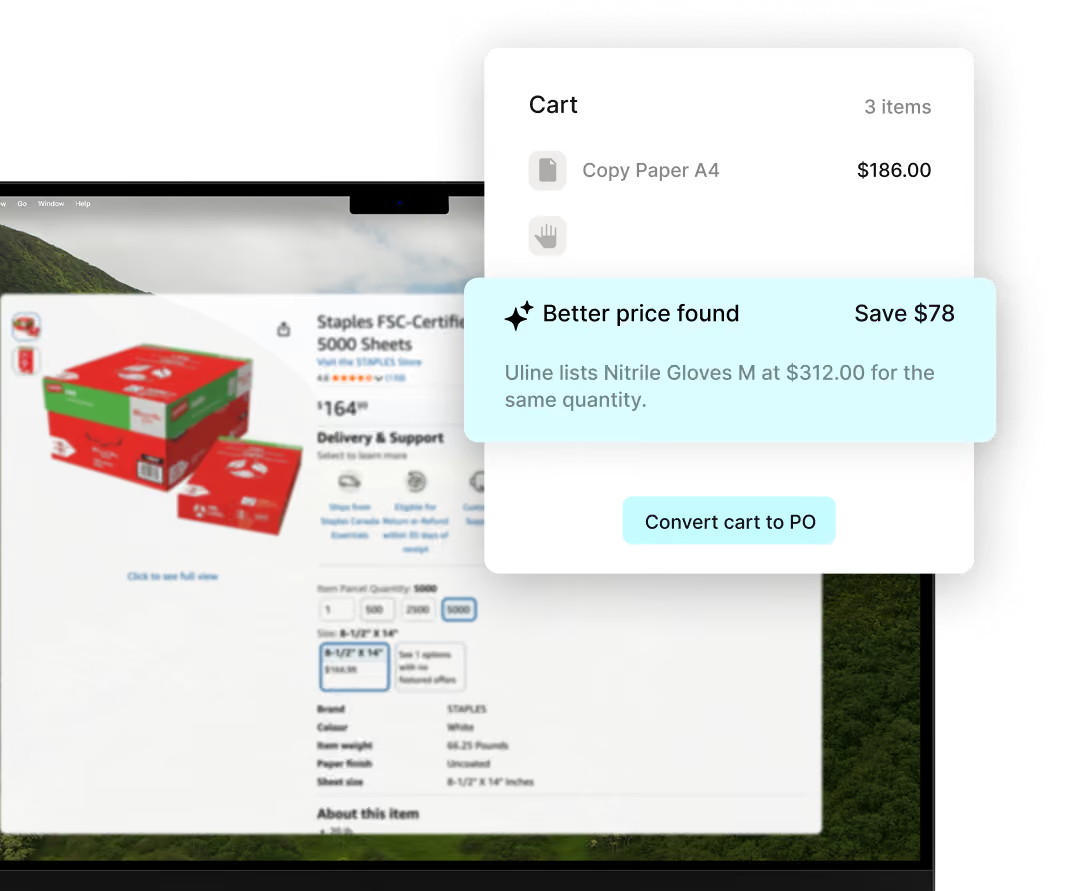
Bring online carts into your approval workflow
Use TradoCart to send selected items from supported vendor sites directly into your purchasing process.
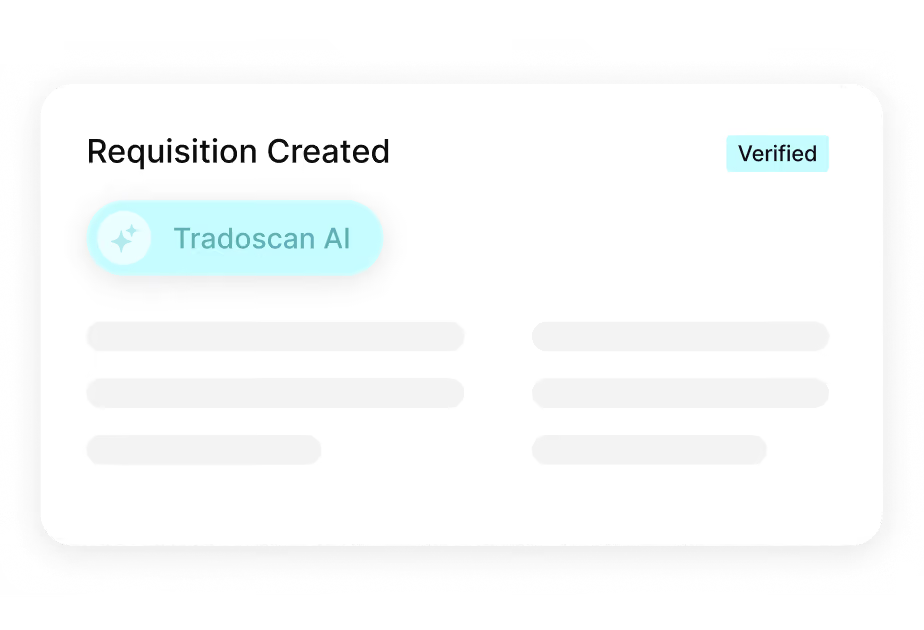
Turn document details into requisition data
Use information captured from supporting documents to reduce manual entry when preparing structured purchase requisitions for approval.
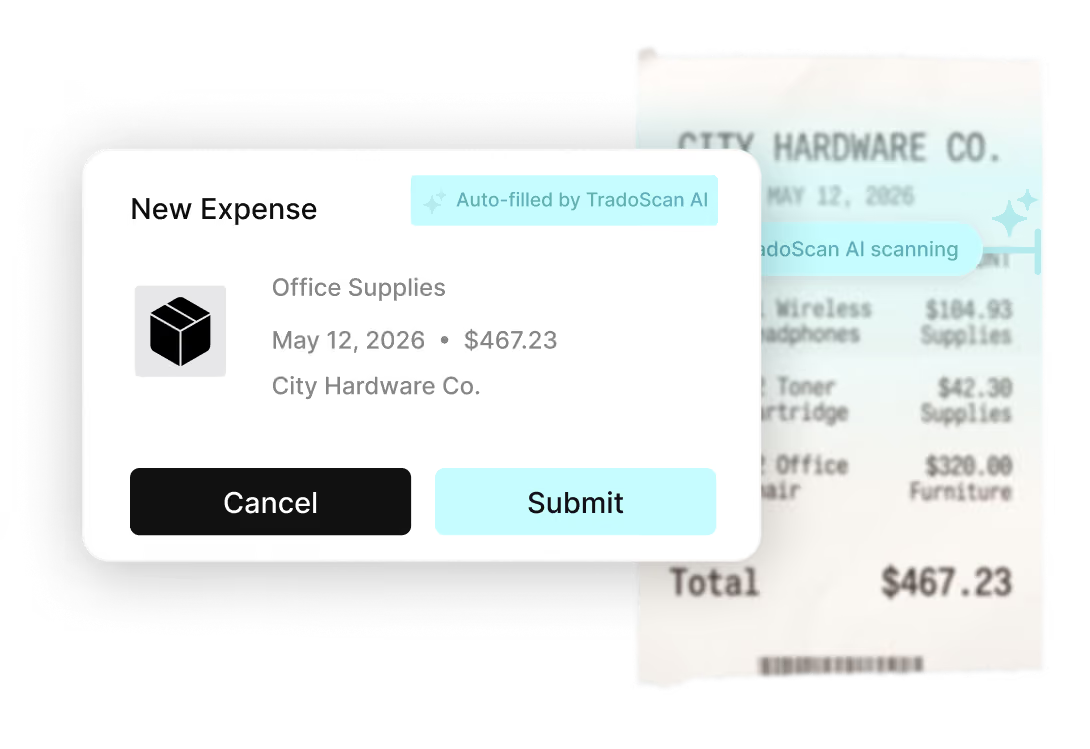
Simplify expense capture and reporting
Extract receipt and expense details automatically to reduce manual coding, speed up submission, and keep expense records ready for review.
How TradoScan AI Works

Document recognition
Read procurement documents
TradoScan uses optical character recognition to read invoices, quotes, receipts, contracts, and supplier documents and prepare the content for extraction.
AI extraction
Extract, validate, and structure the data
Capture header fields, line items, supplier details, pricing, and other document data automatically, then structure it for review and processing.
Review and Processing
Put captured data to work
Use structured document data in invoice processing, expense workflows, and matching while keeping human oversight where review or approval is required.
Your team's time is worth more than data entry
Reduce the manual effort spent reading and re-entering invoice data so AP teams can focus on exceptions, approvals, and the invoices that actually need attention.
Use captured invoice data with purchase orders and receiving records to support three-way matching, surface discrepancies, and improve data quality before payment approval.
Use AI to reduce repetitive processing while keeping human oversight for exceptions, approvals, and decisions that require procurement or finance judgment.

The numbers behind
AI-powered procurement

Reduction in manual data entry


Data capture accuracy

Faster document processing
Connect Tradogram with the tools your team already relies on





Frequently
Asked Questions

TradoScan uses optical character recognition and AI-assisted document extraction to capture invoice fields and line-item data, then turn that information into structured data for review and invoice processing.
It learns from corrections over time, helping accuracy improve as more documents are processed.
TradoScan helps surface mismatches between invoices, purchase orders, and receiving records so procurement and finance teams can focus human oversight on exceptions before payment approval.
Nothing proceeds to payment until the exception is resolved.
TradoScan AI captures data from invoices and other procurement documents, including quotes, receipts, expense documents, contracts, and supplier documents, turning document content into structured data for processing.
Tradogram connects with accounting and ERP systems through native integrations and API access. TradoScan structures invoice data inside the procurement workflow, helping keep procurement and financial information aligned while reducing duplicate data entry and manual reconciliation.
See TradoScan AI capture documents in seconds
Tell us where manual data entry slows your team
