
Procurement Budget Management Software
Control budgets before spend is committed
Set budgets by department, cost center, GL code, or project, then track committed and actual spend in real time. Budget management software checks purchase requests against available budget before approval, helping procurement and finance teams catch budget issues before money is committed.











Keep every purchase
within budget
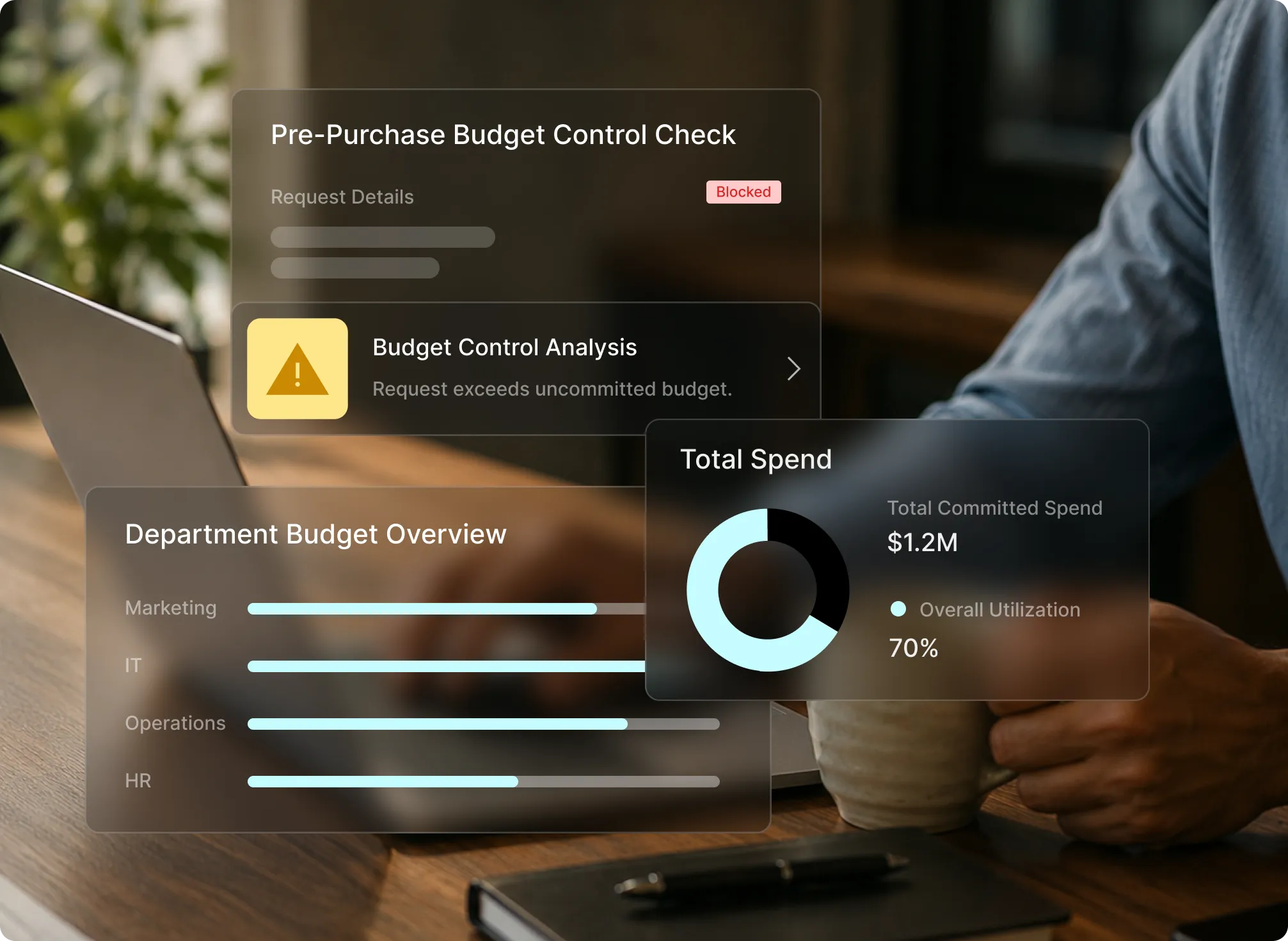
When budget impact only becomes visible at month end, the purchasing decisions that caused an overrun have already been made. Procurement budget management brings budget visibility into the approval process, while there is still time to act.

See committed spend before invoices
Track committed spend against available budget as soon as purchase orders are approved, instead of waiting for invoices to arrive.

Budget issues flagged before approval
Budget checks run when a purchase request is submitted, flagging potential overruns before approval.

Every budget decision documented
Keep a complete audit trail of budget checks, approvals, overrides, and purchasing activity for finance and compliance review.
Budget controls
built into every purchase
Set procurement budgets once. Purchase requests are checked automatically against available budget, with exceptions flagged before they move forward.
Live budget visibility
Track committed and actual spend in real time across departments and cost centers, without relying on manual budget updates.

Alerts before the request moves forward
Budget thresholds are checked when a purchase request is submitted, flagging potential overspend before approval.

Committed spend tracking
Track requested, approved, ordered, received, and invoiced spend in one place. See committed spend before invoices arrive and actual spend is recorded.

Budgets by department or project
Set and manage budgets by department, cost center, GL code, project, or branch.

Spend limits and policy enforcement
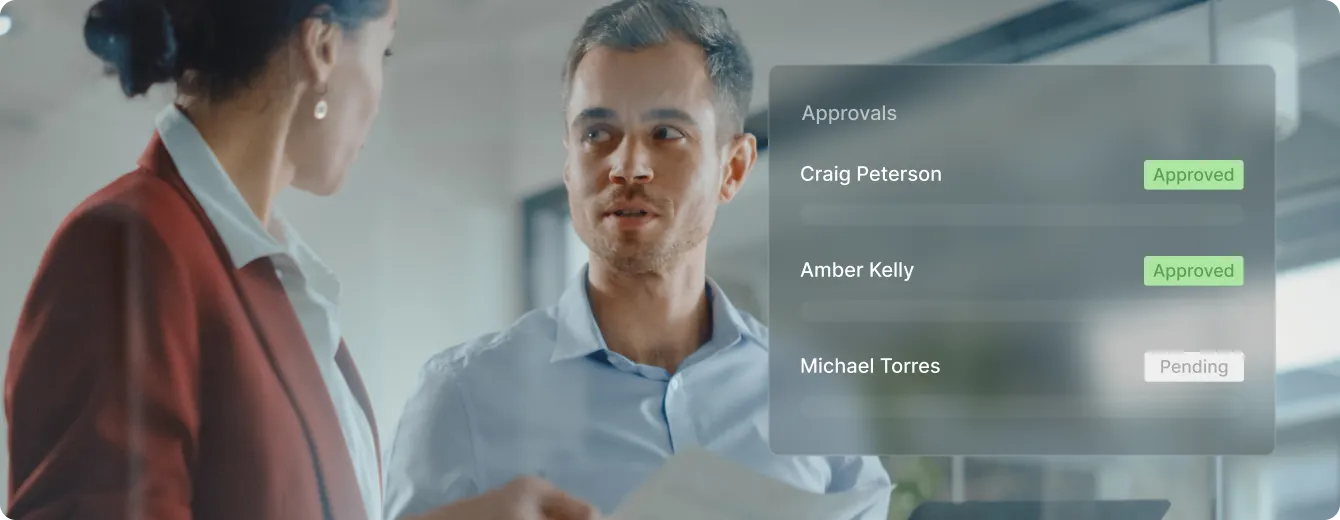
Apply budget caps and spending thresholds automatically, with exceptions flagged for additional approval or a controlled override.
From budget setup
to spend control

Budget setup
Set budgets around how your organization buys
Configure procurement budgets by department, cost center, project, or GL code. Once set, the same budget rules apply automatically to incoming purchase requests.
Budget controls
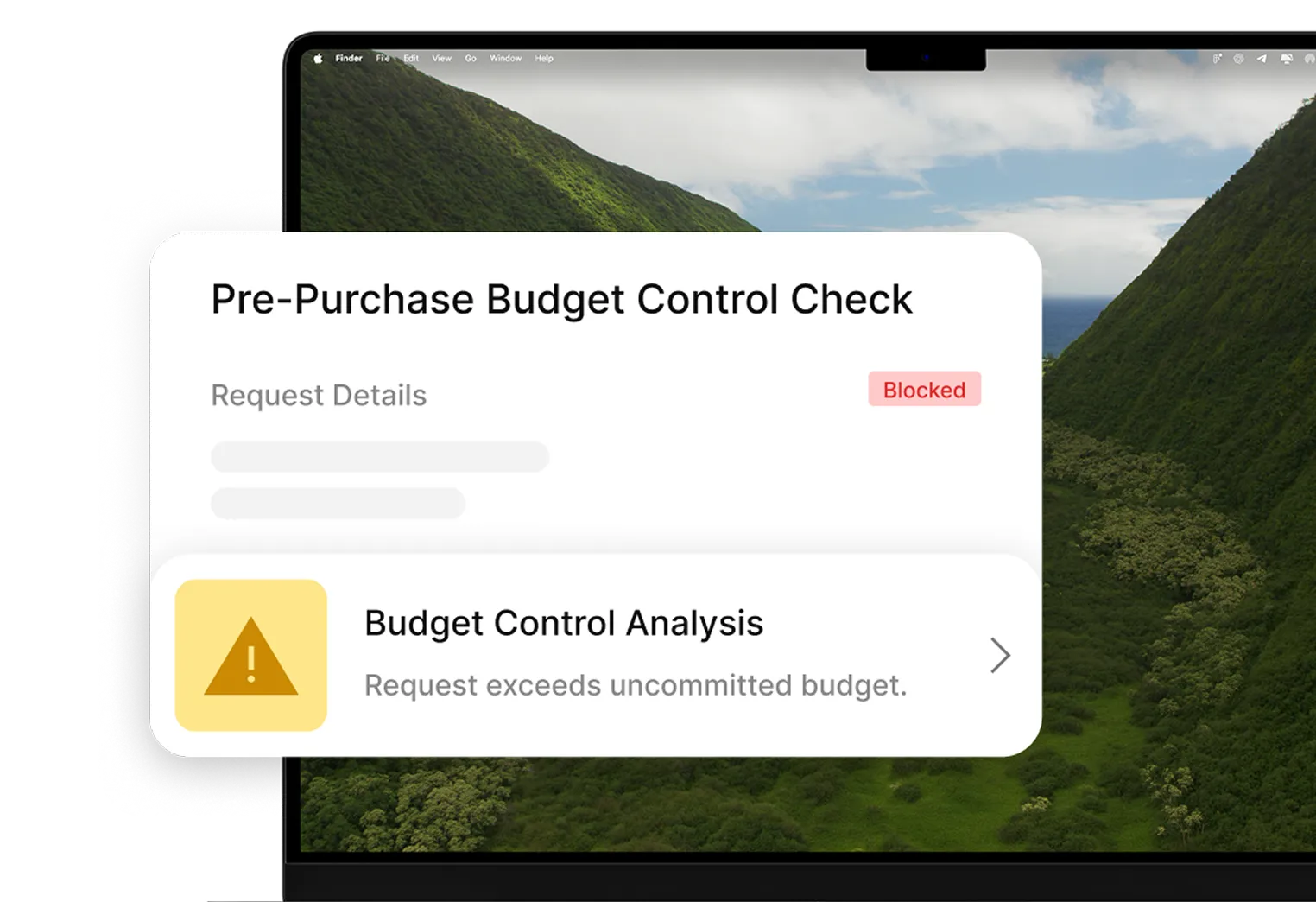
Check every request against available budget
Each purchase request is checked against available budget before approval. Exceptions are flagged before spend is committed.
Spend visibility
Track budget impact as purchases move forward
Track available budget, committed spend, actual spend, and variance in real time across departments and projects.
Better budget decisions, fewer surprises
Budget checks happen during the purchasing process, helping teams catch potential overruns before spend is committed. Month-end reporting confirms what teams already know instead of surfacing new surprises.
Real-time budget visibility keeps committed and actual spend in one place, giving finance and procurement teams a shared view of budget utilization without chasing manual updates.
Keep budget checks, approvals, exceptions, and overrides documented in one audit trail. Finance and procurement teams can review how purchasing decisions affected budget without manually reconstructing the process.

The numbers behind
more controlled procurement

Less time on manual approvals


Fewer compliance violations

Faster invoice processing
Connect Tradogram with the tools your team already relies on





Frequently
Asked Questions

Procurement budget management software helps organizations set budgets, track purchasing activity against them, and apply budget rules directly within the broader procurement management process.
Tradogram combines budget management and real-time budget tracking with purchase requests, approvals, and purchase orders so procurement and finance teams can see budget impact before purchases move forward.
Unlike standalone budgeting tools that focus mainly on financial planning and reporting, Tradogram’s budget management software connects budget visibility with the purchasing workflows already managed in its procurement software.
Tradogram checks purchase requests against available budget before approval, taking existing purchasing activity into account, including committed and invoiced spend. This helps teams identify potential budget overruns before additional spend moves forward. Budget thresholds and spending limits can trigger approval workflows, flag exceptions, or require an authorized override when a request falls outside established controls.
This gives procurement and finance teams stronger cost control without relying on manual budget checks or waiting until month-end to discover an issue.
Yes. Tradogram supports flexible budget configuration so organizations manage budgets by department, cost center, project, GL code, and other budget categories that reflect how purchasing is structured.
Teams track budgets and purchasing activity at the appropriate level, giving budget owners clearer category-level budget visibility while finance maintains a centralized view across the organization.
Tradogram gives finance and procurement teams up-to-date budget data across requested, approved, committed, and actual spend, helping improve budget planning and financial control throughout the procurement process. Teams can use this visibility to identify spending patterns, monitor budget performance, and surface potential cost-saving opportunities before month end.
For board reporting and audits, Tradogram keeps budget checks, approvals, exceptions, and overrides documented with a clear audit trail. Finance teams can generate budget reports and review the history behind purchasing decisions without manually reconstructing activity across spreadsheets and disconnected systems.
See budgets enforced before the spend happens
Tell us how your team tracks budgets today
