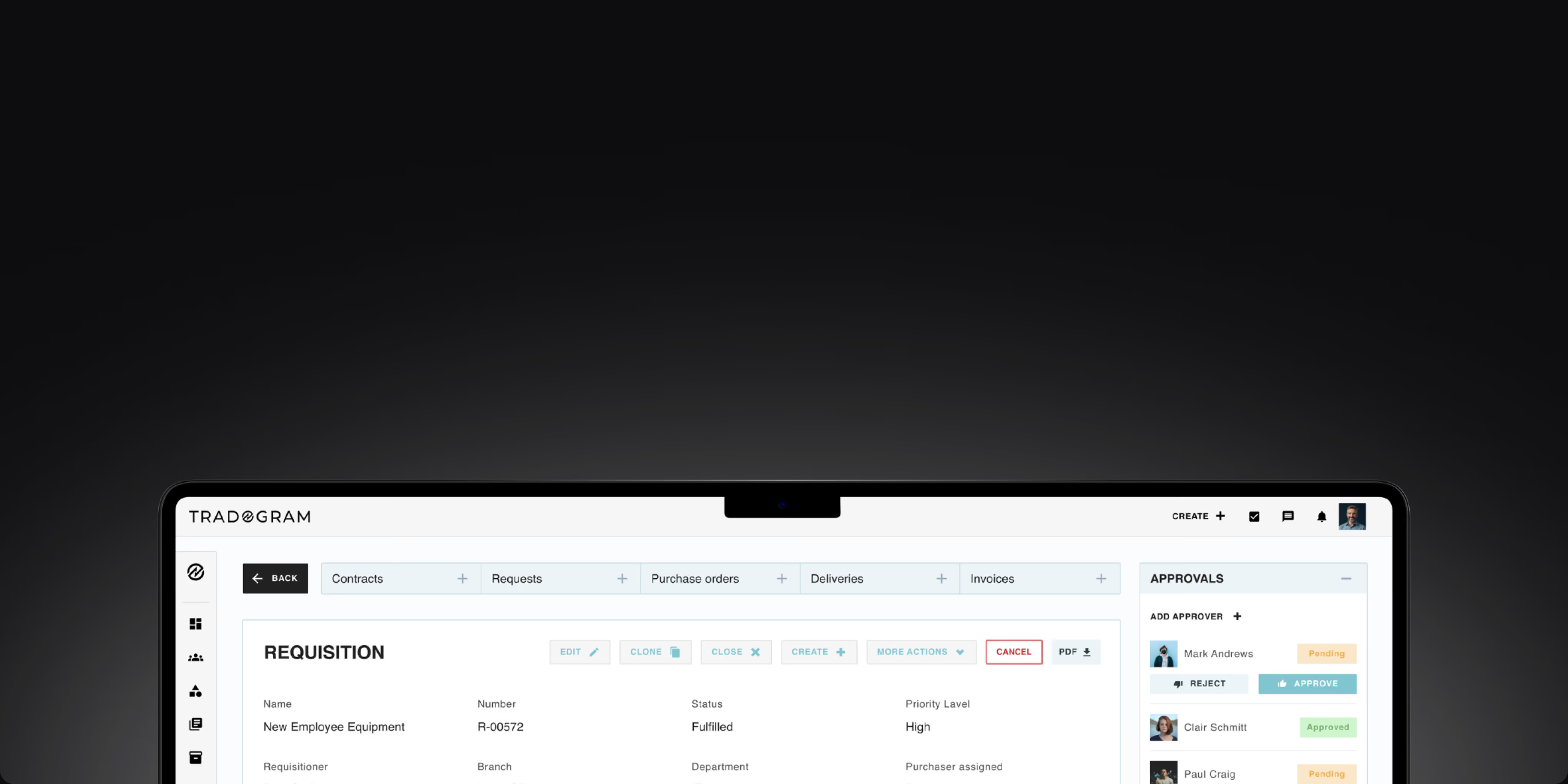
Netsuite Procurement Integration
Sync with NetSuite seamlessly
Simplify procurement by integrating Tradogram with NetSuite. Strengthen purchasing controls, improve visibility, and keep procurement and finance aligned through synchronized data.










What syncs automatically
Tradogram and NetSuite work together to synchronize purchasing and ERP data, helping teams eliminate manual work and maintain operational accuracy.

Keep supplier data aligned
Vendor records stay synchronized across both systems.

Automate procurement records
Purchase orders and bills sync directly into NetSuite.
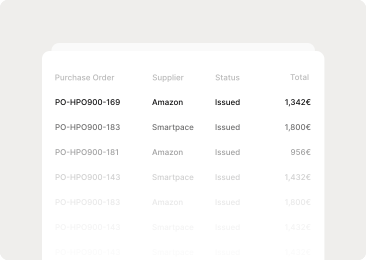
Improve ERP visibility
Financial and procurement records remain aligned automatically.
One click connection,
built for finance teams

Step 01
Connect in one click
Link Tradogram to NetSuite and authenticate your account securely.
Step 02
Choose what syncs
Select the procurement and ERP records shared between systems.
Step 03
Keep data flowing automatically
Monitor synchronization activity and address exceptions when needed.
Improve invoice accuracy before they reach NetSuite
Match purchase orders, receipts, and invoices to catch discrepancies before they impact your ERP records.


Control spending before cash is committed
Support purchasing compliance with approval workflows, role based permissions, and complete audit visibility.
Trusted controls help ensure only approved purchasing activity reaches your accounting system.
Control spending before it reaches NetSuite
Tradogram manages requests, approvals, purchase orders, supplier activity, receiving, and invoice matching before approved financial data is synchronized to NetSuite. Maintain control over purchasing while keeping ERP records accurate and up to date.
.png)
Request
Capture purchasing needs before spending begins.
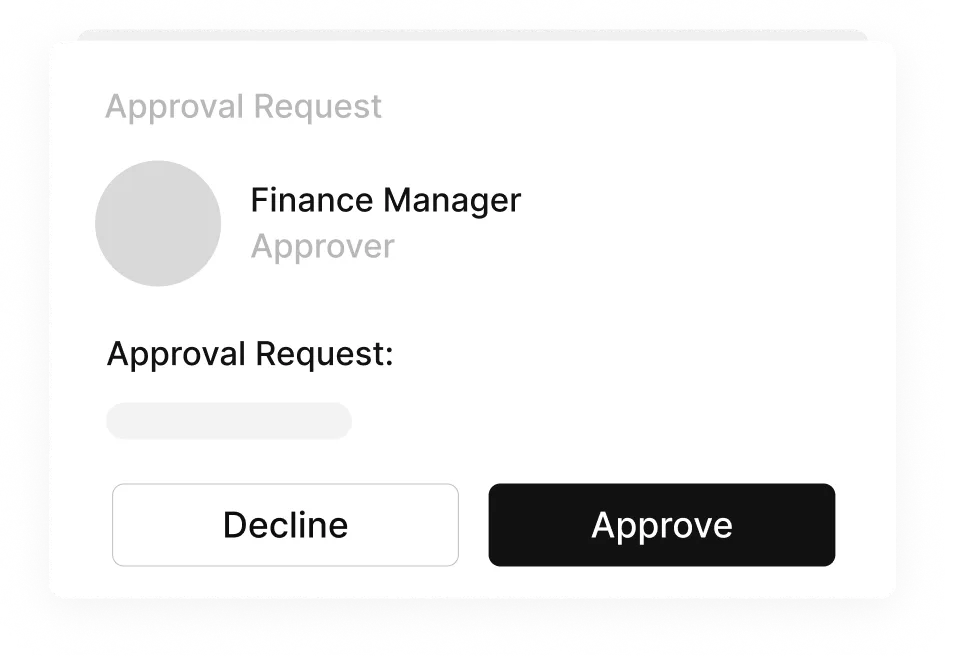
Approve
Ensure purchases follow policy automatically.
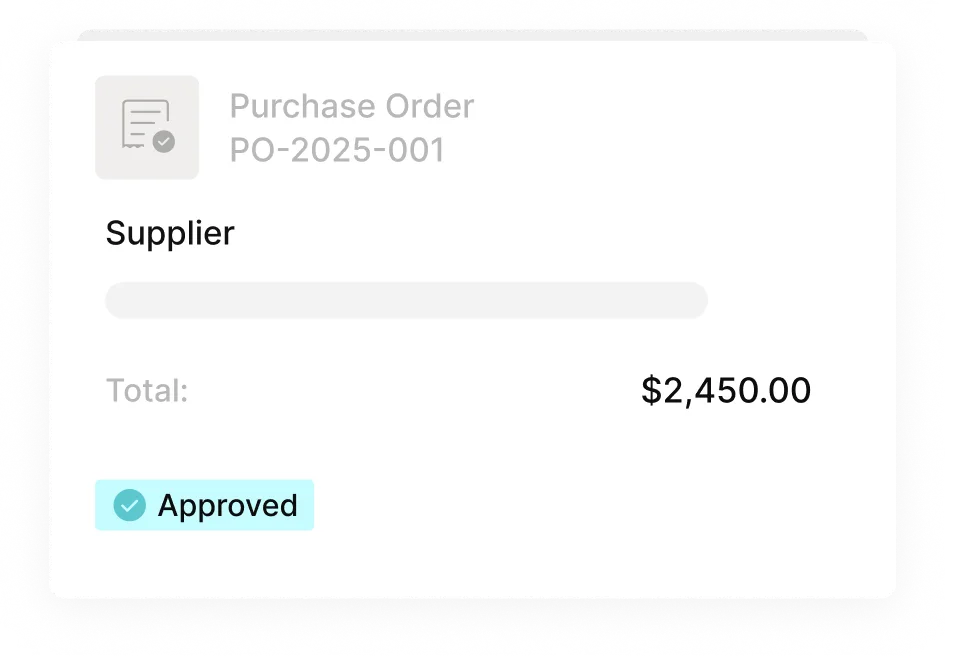
Purchase
Generate approved purchase orders and send them to suppliers.
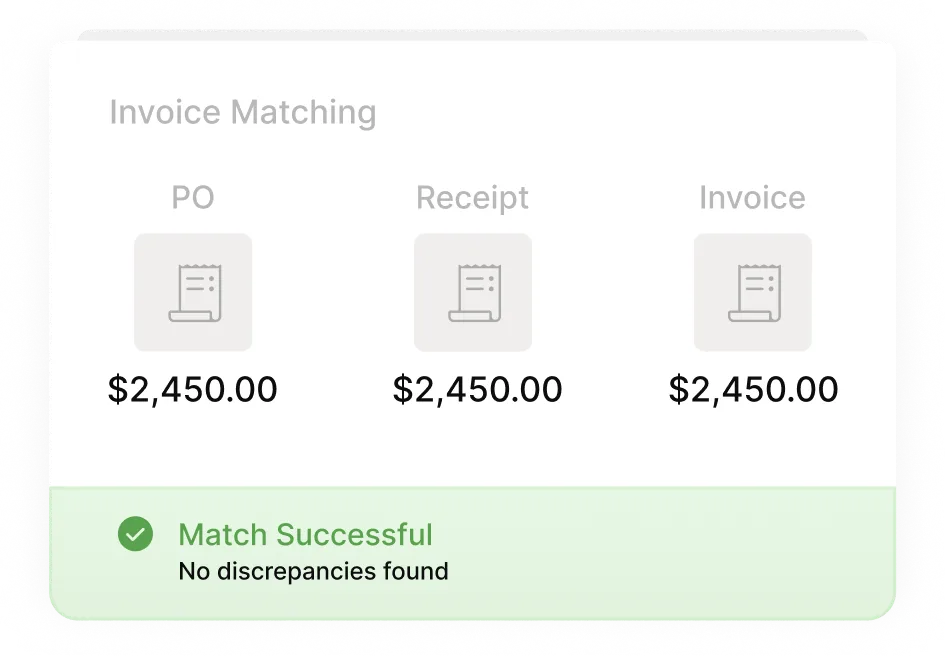
Match
Verify invoices against purchase orders and receipts before payment.
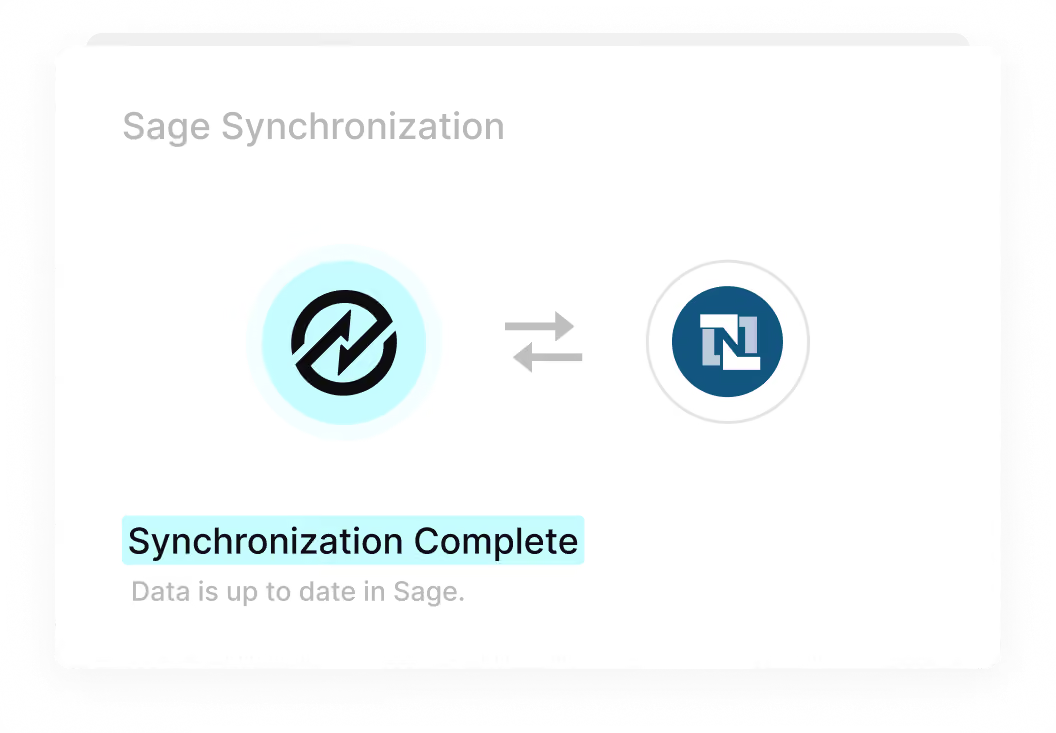
Sync to NetSuite
Keep purchasing and financial data aligned automatically in NetSuite.
FAQs
Frequently
Asked Questions

Yes. Tradogram offers a native NetSuite integration to synchronize procurement and ERP information between systems.
Yes. Administrators can determine which records and data points are shared between Tradogram and NetSuite.
No. NetSuite administrators can configure the integration and determine which records should synchronize.
Tradogram provides visibility into synchronization activity and alerts administrators when records require attention.
Start in minutes,
not months.