
Inventory Management Software
Never run out. Never over-order
Tradogram’s inventory management software connects stock tracking with purchasing and receiving. See stock levels in real time, set low-stock alerts, and turn replenishment needs into purchase requisitions before items run out.










Stock problems start before the stockout
By the time someone notices inventory is low, it may already be too late. Real-time inventory data and low-stock alerts help teams reorder before shortages disrupt business operations

Real-time stock visibility
Track what’s in stock, on order, and running low without relying on manual updates.

Automated low-stock alerts
Set minimum stock thresholds and trigger reorder alerts or purchase requisitions before items run out.

Inventory connected to procurement
Keep inventory, purchasing, receiving, and purchase orders connected so replenishment reflects actual stock needs.
Real-time stock visibility
drives smarter purchasing
Turn inventory data into purchasing action. Give procurement a clearer signal of what needs replenishment, create requests from stock needs, and keep quantities aligned as orders are received.
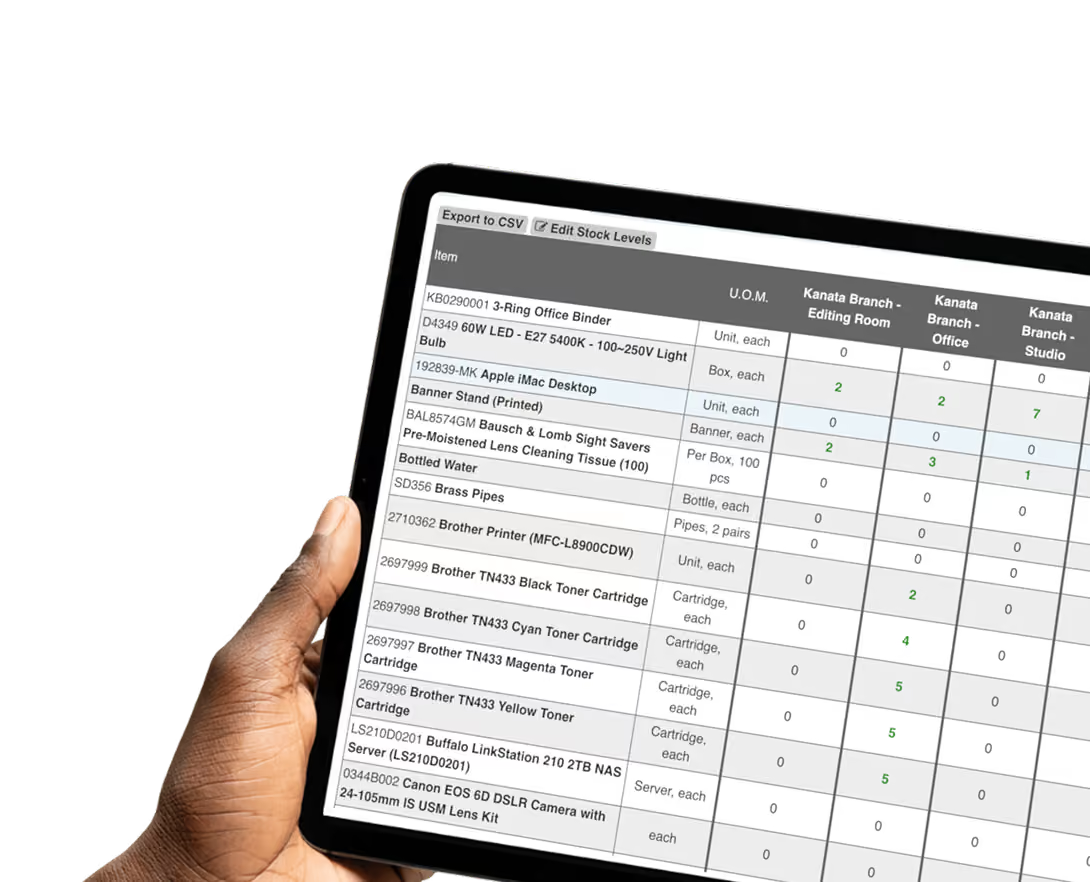
Real-time stock tracking
See what’s available, committed, and on order across locations so stock management decisions reflect current inventory data.

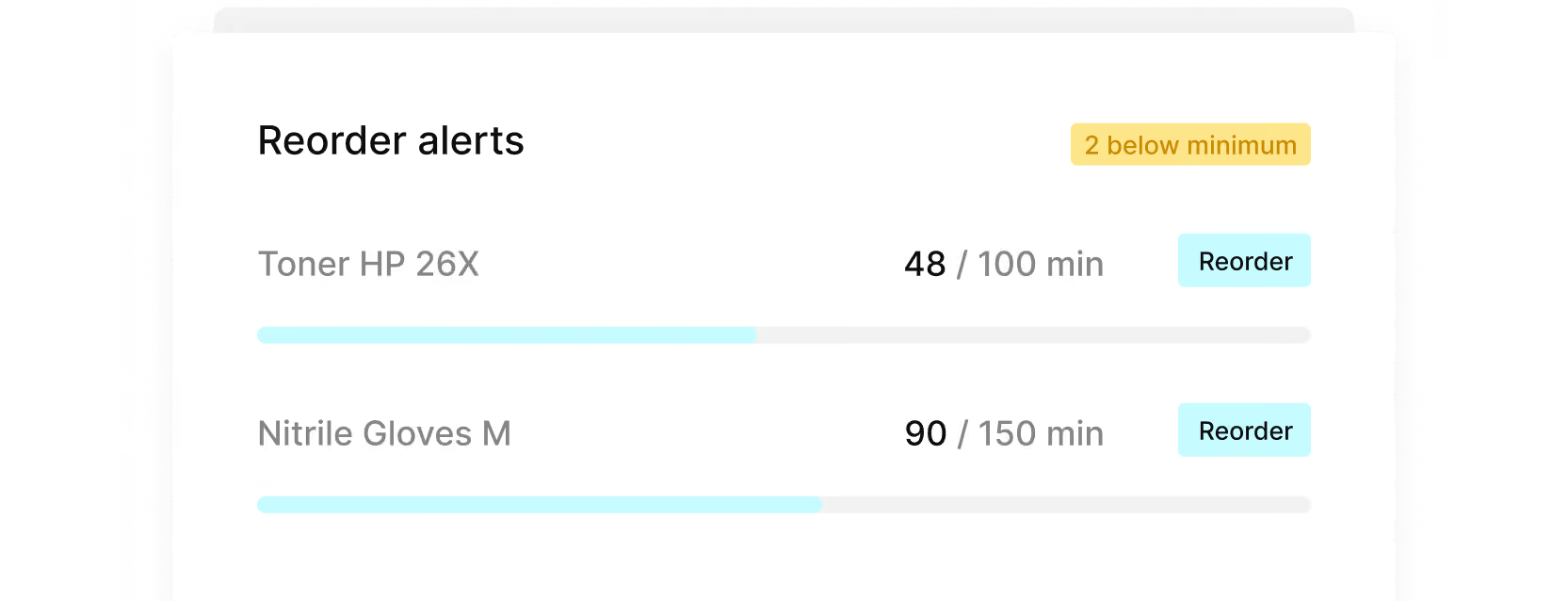
Reorder point alerts
Set replenishment thresholds by item so purchasing decisions follow consistent rules instead of guesswork or last-minute requests.
Turn stock needs into purchases
Create a purchase requisition from the inventory record so procurement can act without rebuilding the request manually.

Automatic stock updates
Confirm a delivery and update inventory quantities while keeping receiving records and purchase orders aligned.

Centralized item catalog
Keep item details, supplier information, and purchasing data together so teams reorder consistently and avoid fragmented records.
From inventory signals
to replenishment

Inventory visibility
Know what stock needs attention
Use current inventory data across locations to spot items that need replenishment and prioritize purchasing action.
Reorder management
Turn thresholds into purchasing action
Set reorder points by item so replenishment needs move into the purchasing process before stock runs short.
Inventory control
Update inventory when orders arrive
Receiving updates inventory after delivery, keeping stock records aligned with purchase orders and reducing manual tracking.
No stockouts. No over-ordering
Use current inventory data and purchase history to make replenishment decisions based on what your organization actually needs.
Plan replenishment earlier so essential items are available when teams need them and business operations keep moving.
Keep replenishment needs, purchase requisitions, purchase orders, and receiving records connected from request through delivery.

The numbers behind
better inventory control


Connect Tradogram with the tools your team already relies on





Frequently
Asked Questions

Yes. Tradogram’s inventory management software tracks stock across multiple locations so procurement and operations teams can see what is available, what is running low, and where replenishment may be needed.
Each location has its own inventory view with consolidated reporting available across all sites.
Set minimum inventory thresholds by item and use reorder points to identify when stock needs attention. From there, replenishment needs can move into the purchasing process instead of relying on manual tracking or memory.
Tradogram triggers an alert and can automatically generate a purchase requisition routed through your standard approval workflow.
Yes. When a delivery is received and recorded, inventory quantities update so stock records stay aligned with receiving activity and the related purchase order. This helps reduce manual updates between purchasing and inventory.
No manual stock counts or system updates required.
Tradogram connects inventory data with purchase requisitions, purchase orders, receiving, and supplier information.
That gives teams an inventory management solution built around purchasing activity rather than a separate stock system that needs to be maintained on its own.
See stock levels drive your purchasing
Tell us how your team tracks stock today
