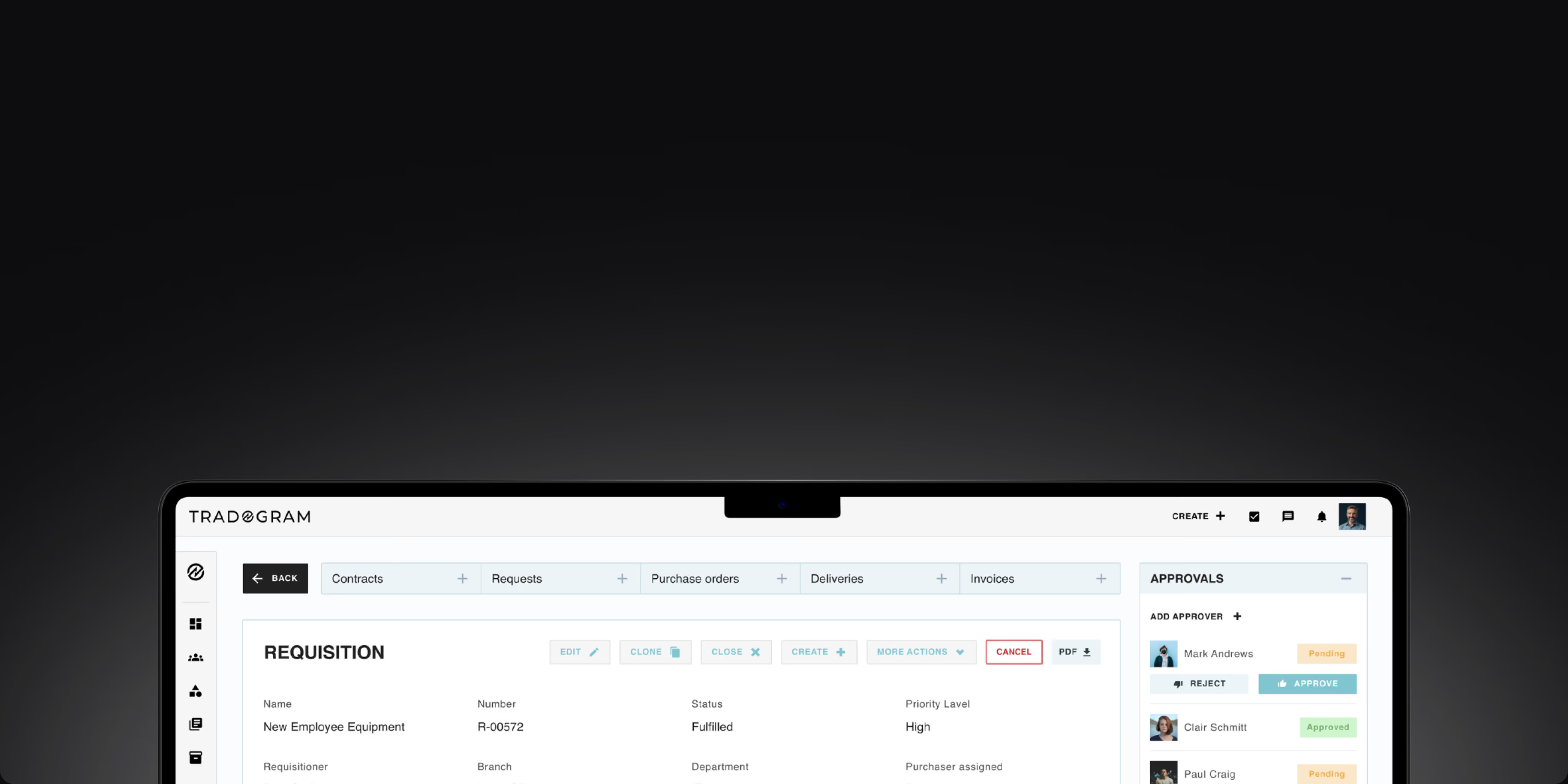
Tradogram’s AP automation software connects invoice capture, matching, approval routing, and payment tracking within the procurement process. Reduce manual AP work, keep invoice status visible, and give finance teams a clearer path from invoice receipt through approval and payment.










AP teams re-key supplier invoice data into procurement or accounting systems. Manual invoice data entry slows invoice processing, increases the risk of errors, and takes finance teams away from higher-value work.
Without automated matching and clear approval routing, discrepancies and pending invoices rely on manual follow-up. As invoice volumes grow, processing time increases, and AP teams spend more time chasing exceptions.
When invoices, approvals, payment status, and supporting records live in separate places, finance teams lose visibility across the AP process. Reconstructing the history later adds manual effort and makes audit readiness harder.
Tradogram connects invoice capture, three-way matching, approval routing, payment tracking, and accounting-system workflows into a single AP automation platform, helping finance teams reduce manual work and keep invoice status visible from receipt through payment.

TradoScan AI uses OCR to extract header and line-item details from uploaded invoices, reducing manual invoice data entry and giving AP teams structured information to start processing sooner.
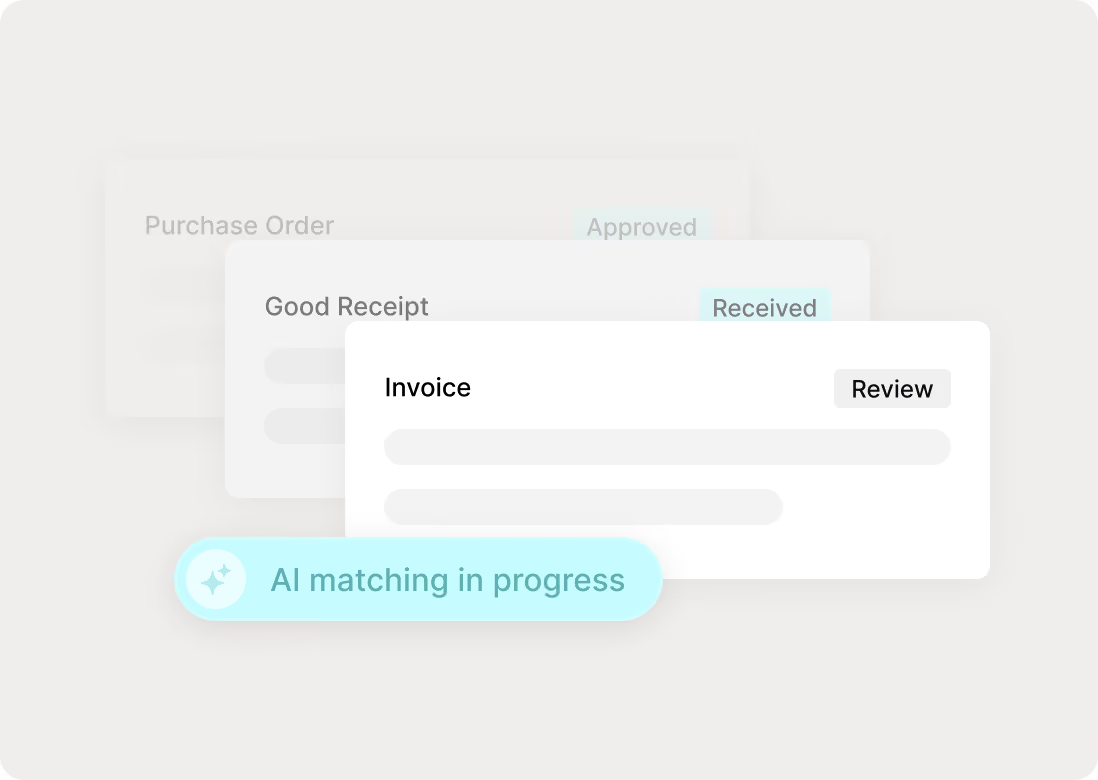
Automatically match invoices against purchase orders and receipts. Discrepancies are flagged for review before they slow the AP process or become payment issues.
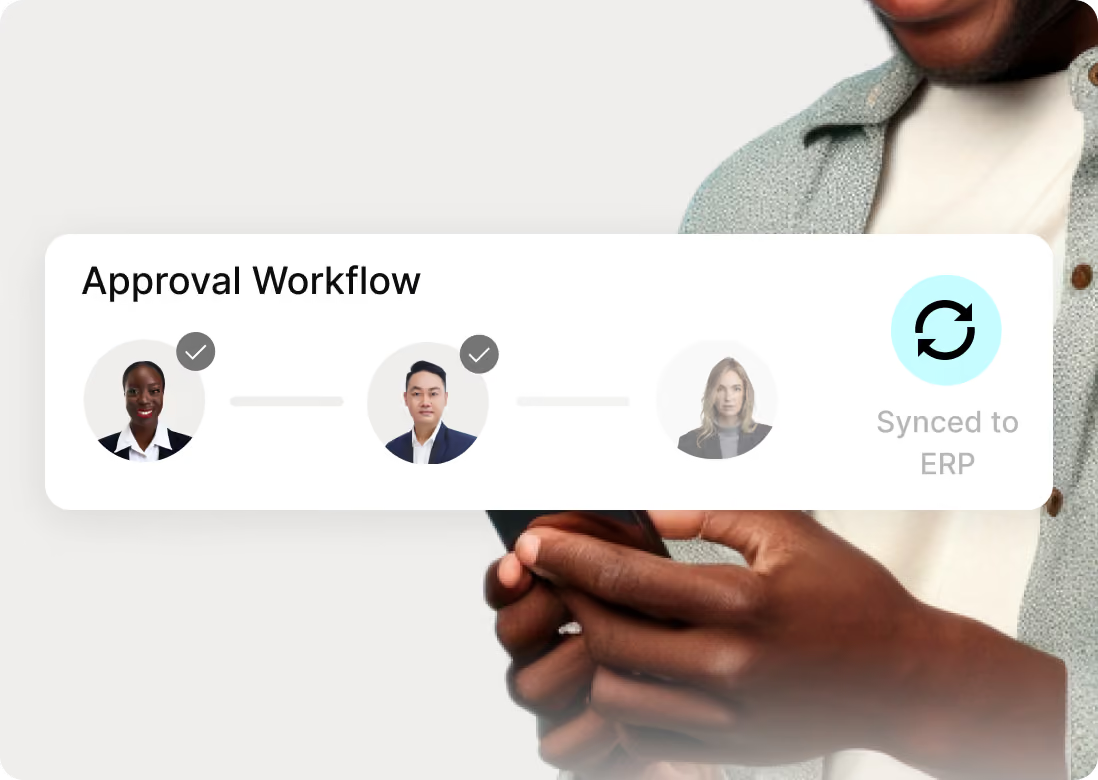
Route invoices to the right approvers and keep approved records connected with your ERP or accounting system, reducing manual reconciliation across finance workflows.


Tradogram connects invoice capture, matching, approvals, compliance, payment visibility, and reporting in one AP automation solution, helping finance teams reduce manual work and keep the process moving.

TradoScan AI uses OCR to capture and structure invoice details from emailed or uploaded invoices, reducing manual data entry and helping finance teams start invoice processing with cleaner data.

Automatically compare invoices against purchase orders and receipts to improve accuracy, catch discrepancies earlier, and reduce manual review.

Route invoices through structured approval workflows to reduce delays, maintain control, and keep the approval process visible from submission to payment.

Move approved invoices into supplier payment while keeping payment status, approvals, and related purchasing records connected in the same workflow.

Maintain clear financial controls across invoice approvals, payment activity, and supporting records so AP teams can enforce policies and stay audit-ready.

Track invoice status from receipt through approval and payment, giving AP teams real-time visibility into pending invoices and bottlenecks across the AP process.

Use AI-powered AP workflow automations to handle repetitive work across invoice capture, matching, routing, and approvals, reducing manual effort while keeping exceptions visible for review.
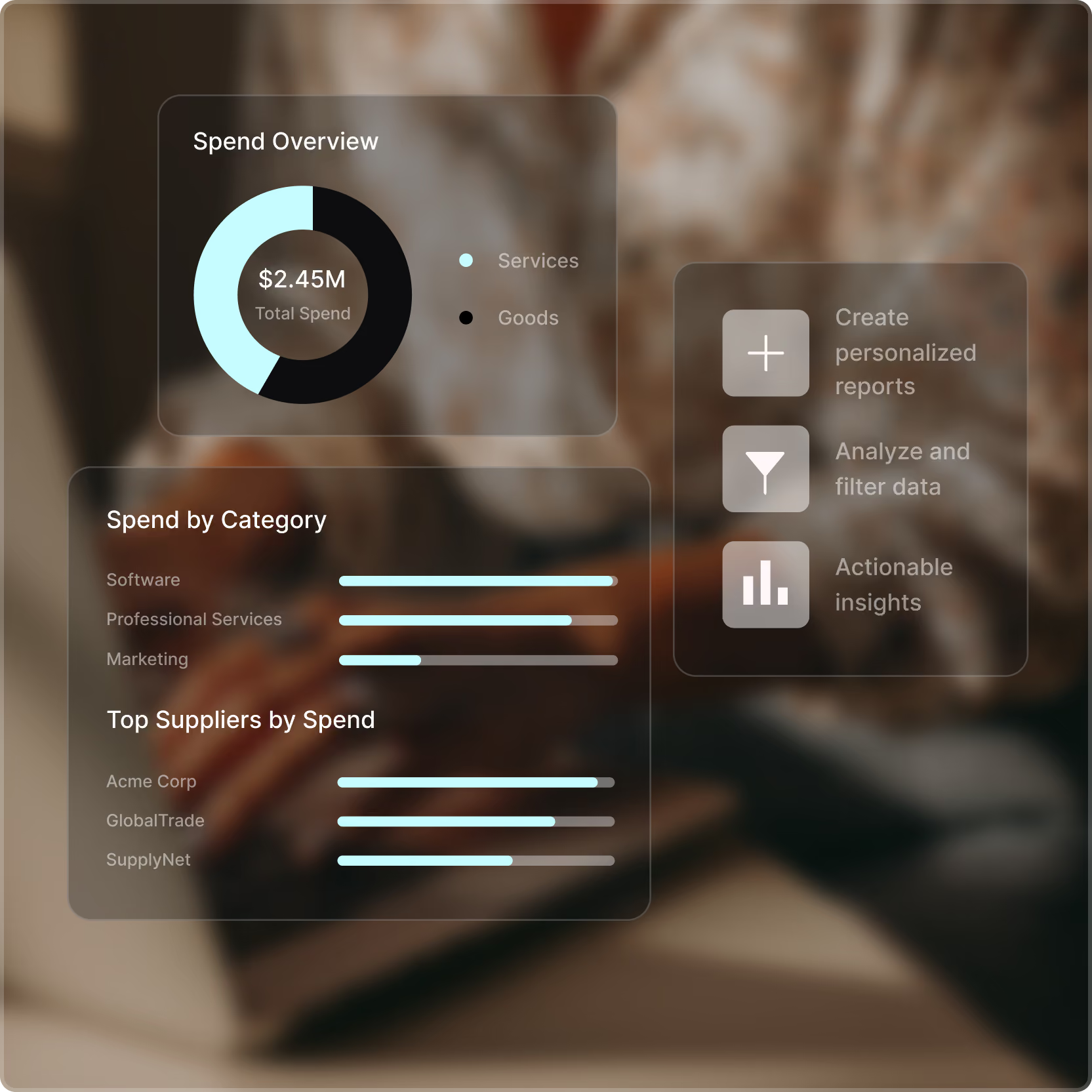
Analyze invoice activity, payment trends, processing time, and spend data to give finance teams clearer financial visibility and identify bottlenecks across AP operations.

Julian D'Oyley - Head of Financial Accounts - Reed





Tradogram automates the AP function from invoice receipt to payment. TradoScan AI uses OCR to extract header and line-item details from emailed or uploaded invoices. Tradogram then matches each invoice to its order and receipt and automatically routes approvals to the right people.
Approved records sync with your ERP or accounting system, and TradoPay handles domestic and international supplier payments using ACH or wire transfers. AP teams spend their time on exceptions that need judgment, not data entry: Tradogram customers process invoices 7x faster and cut AP administration costs by 20%.
Tradogram combines purchase order management software and automated invoice matching in one system, so AP never has to pull a PO from another tool to check an invoice. It matches each invoice against its purchase order and receiving record, flagging price or quantity differences before payment approval.
Because the PO, receipt, and invoice share one record, the system logs every approval and change with 100% audit trail visibility. AP reviews only the invoices that don't match, instead of comparing every invoice to its PO by hand.
Tradogram improves cash flow management by showing what you owe before the invoice arrives. Approved purchase orders appear as committed spend, so finance can forecast cash needs from real obligations.
Faster invoice approvals let accounts payable choose the payment date, early enough to capture early payment discounts and on time to avoid late payments that strain supplier relationships. Payment status stays visible in TradoPay through settlement, so finance knows what has been paid and what is due without chasing updates.
Yes. Because Tradogram ties every invoice to an approved purchase order, it flags invoices without a matching PO or receiving record for review before they enter a payment run. AP routes each one to the budget owner, and the audit trail shows who approved what and when.
Over time, finance can see which departments or suppliers keep buying outside the process and tighten the approval workflows that keep purchases on policy. The result is a purchasing process with built-in accountability, so finance spends less time policing invoices after the fact.
Yes. Tradogram's procurement integrations connect with QuickBooks Online, QuickBooks Desktop, Xero, NetSuite, Sage, and Microsoft Dynamics 365 Business Central, and API access covers other systems. Approved invoices and payment records sync to your accounting system, reducing manual reconciliation and keeping AP and the general ledger aligned. Integrations and API access are available as add-ons on every plan.
Your accounting system remains the financial record, while Tradogram handles the invoice capture, matching, and approval work that used to happen in spreadsheets and email.
See how Tradogram connects invoice capture, matching, approvals, payment visibility, and AP reporting in one streamlined procurement workflow.