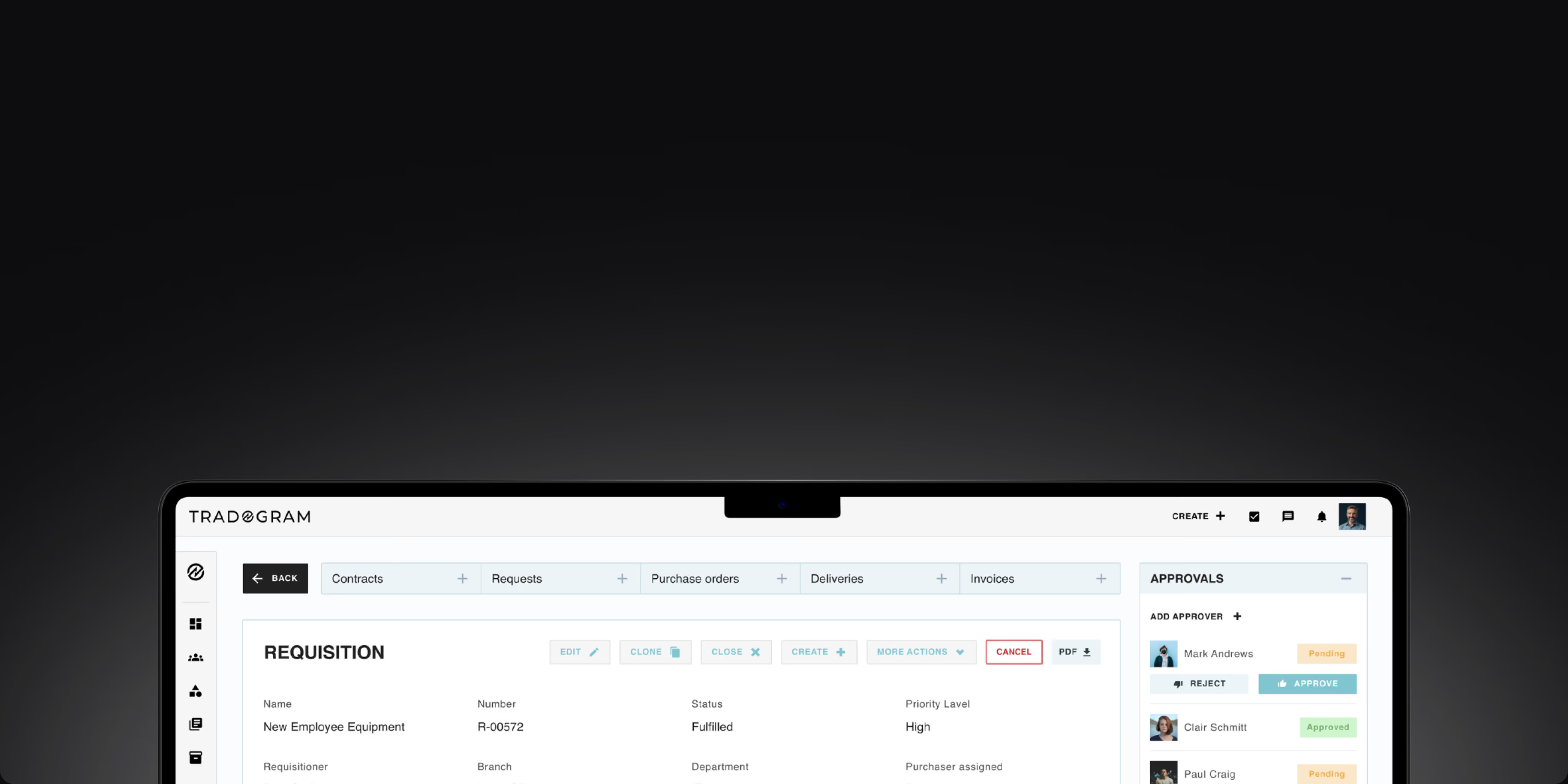
Connect purchase requisitions, approvals, purchase orders, receiving, invoice processing, and payments in one procure-to-pay process. Give procurement and finance teams real-time visibility and control from request through payment.










Purchase requests submitted through email, spreadsheets, or chat arrive in different formats and are easy to miss. Approvals sit in inboxes, teams chase updates manually, and purchases may move forward without the right review.
When purchasing and supplier management are spread across disconnected tools, finance teams may not see committed spend until invoices arrive. Budget overruns, maverick spend, and unauthorized purchases surface after the decision is already made, when there’s less room to control costs.
When purchase orders, receiving records, and invoices live in different places, invoice processing turns into manual reconciliation. Accounts payable teams spend time tracking down missing records and discrepancies, while delayed approvals can hold up supplier payments.
Tradogram connects purchase requests, approvals, budgets, purchase orders, receiving, invoice processing, and payments in one procure-to-pay solution, helping teams manage procurement with automated workflows and real-time visibility across the entire procurement process.
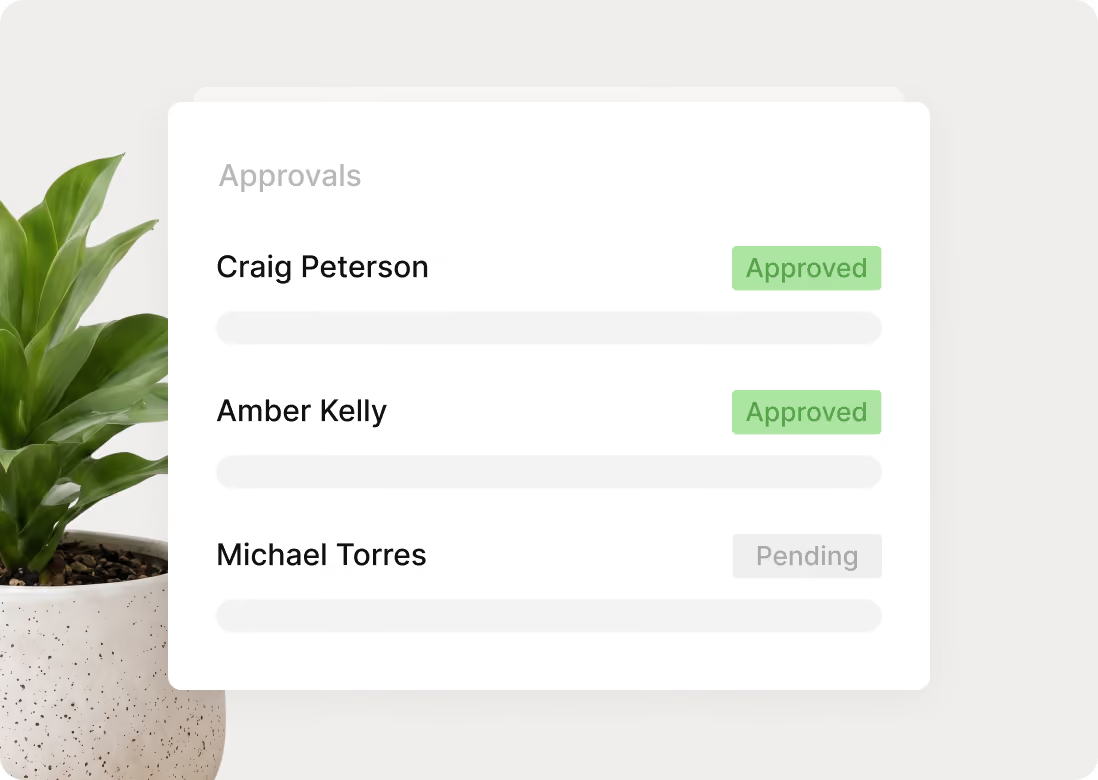
Route each purchase request to the right approver based on amount, department, GL code, or other business rules. Automated approval routing keeps requests moving without manual follow-up.
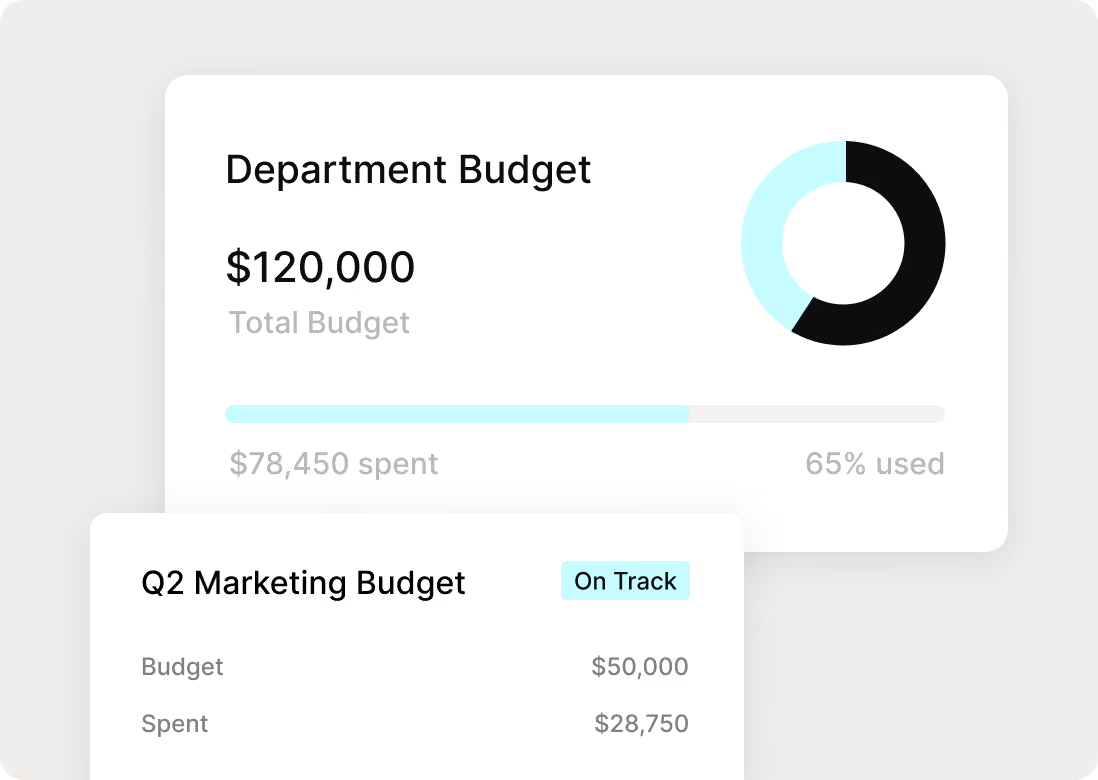
Track budgets and committed spend in real time by cost center, department, or project, so finance teams can see the impact before an invoice arrives.
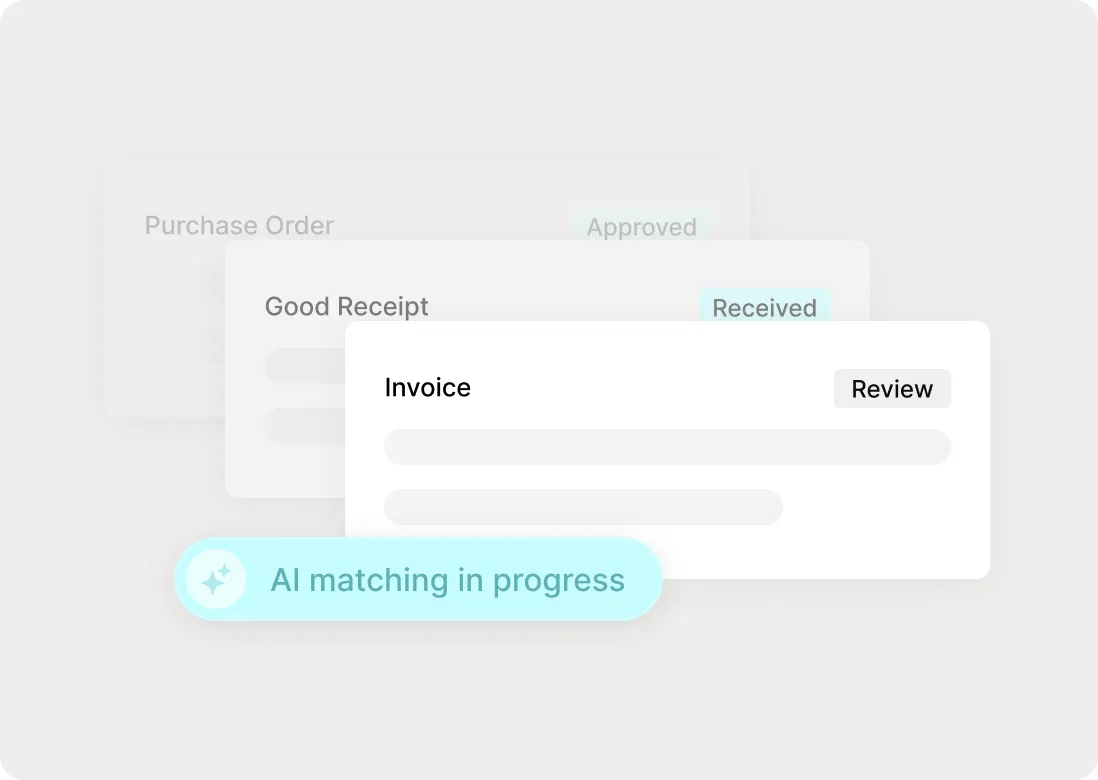
Match purchase orders, receipts, and invoices before payment approval, helping accounts payable teams catch discrepancies and reduce manual invoice checks.
Follow each purchase through the purchase-to-pay lifecycle, from request and approval through ordering, receiving, invoice matching, payment, and reporting. Each stage of the procurement cycle stays connected, giving procurement and finance teams a clear record of what happened and what comes next.


Run procure-to-pay with consistent controls, connected records, and real-time spend data. Configure procurement processes around how your organization handles purchasing, approvals, vendor management, contract management, and payments.

Standardize purchase requests at intake so procurement teams get the right details, documents, and budget information before approval begins.
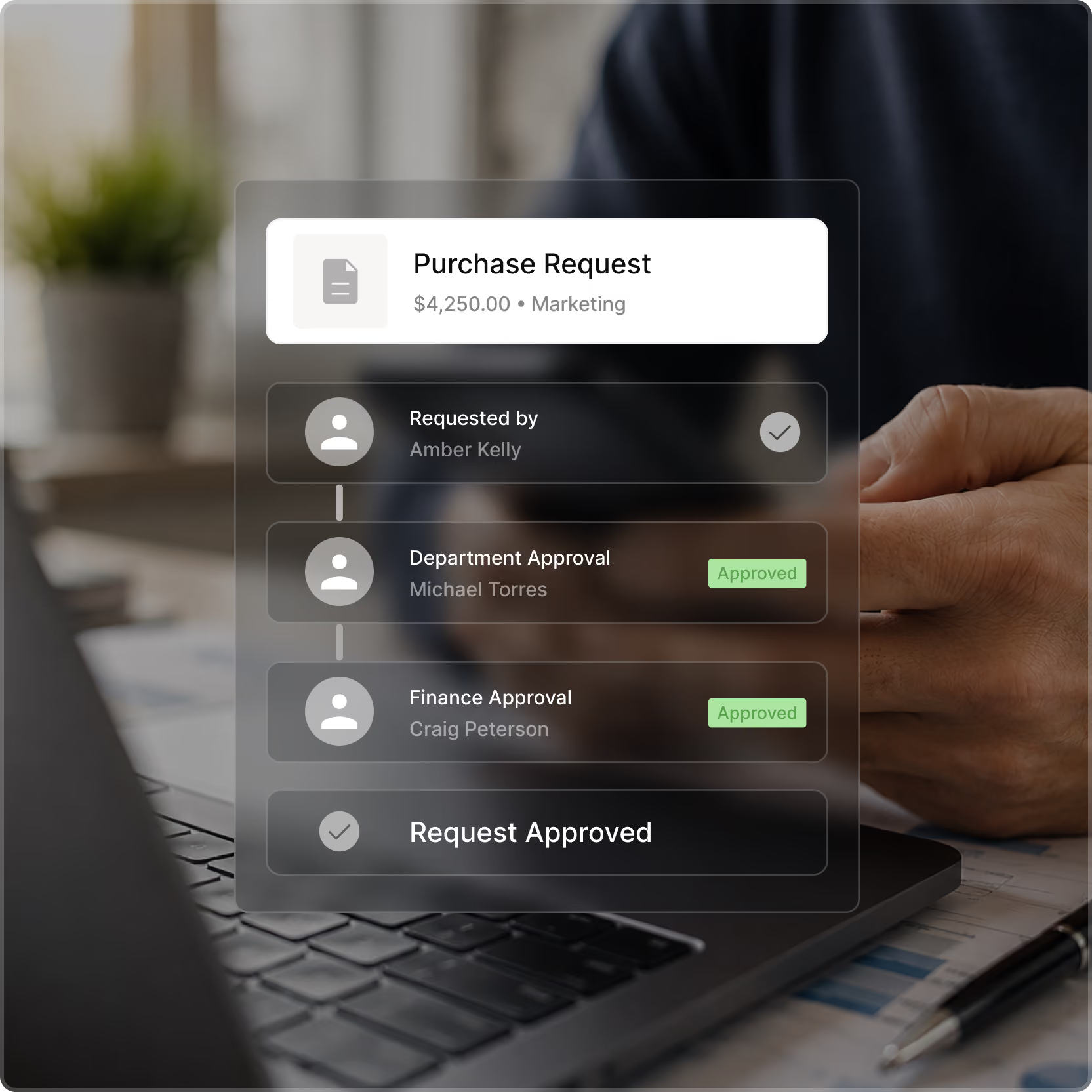
Route purchase requests to the right approvers automatically, keeping the approval process moving while maintaining control and accountability.

Create, send, and track purchase orders in one place while keeping approved requests and purchasing controls connected.

Record goods and services received, flag discrepancies, and keep receiving records connected to the purchase order before invoice approval.

Reduce manual work and improve accuracy by automatically matching invoices against purchase orders and receiving records before payment approval.

Move approved invoices to payment with purchase orders and receiving records already connected, while maintaining clear financial controls.
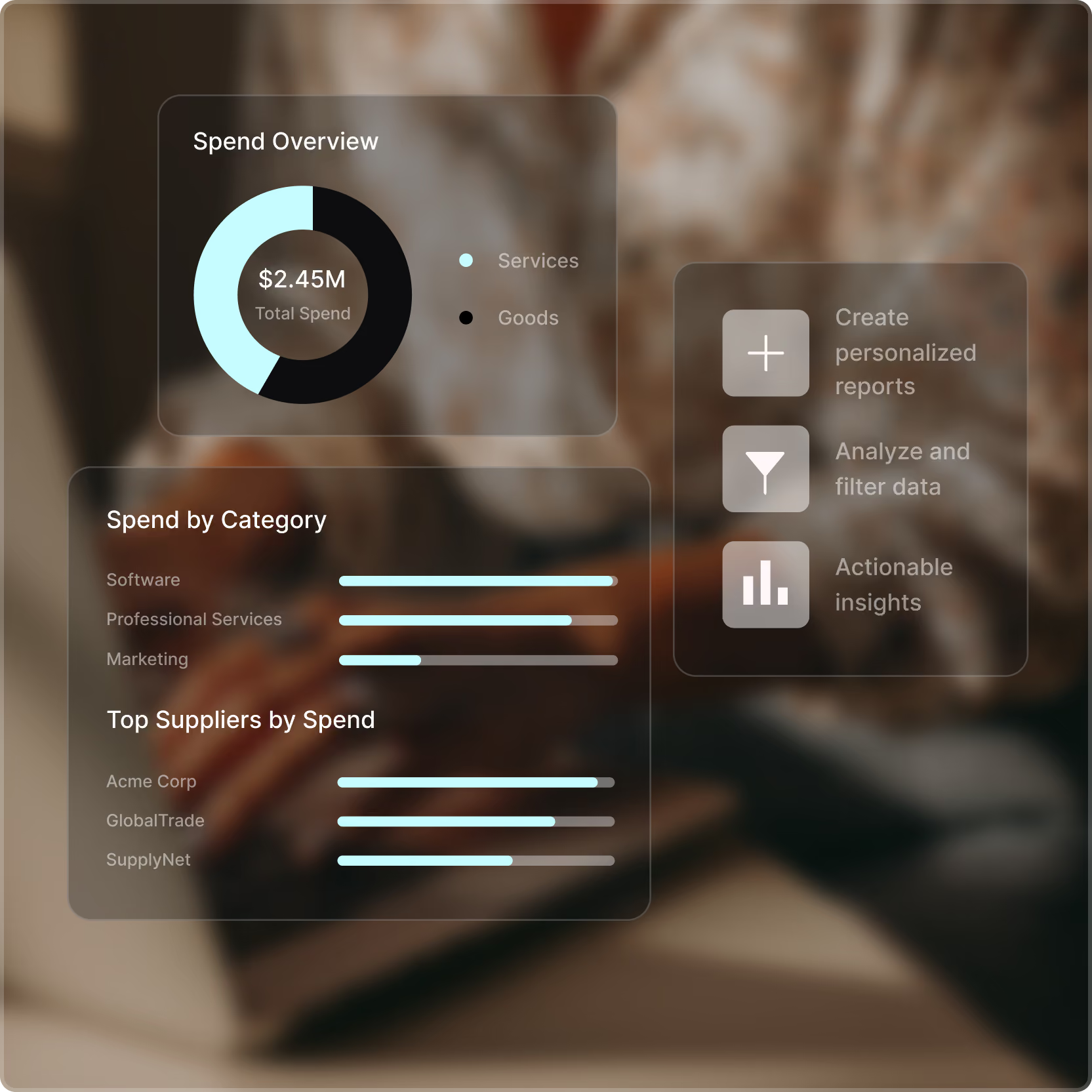
Track committed and actual spend against budgets in real time, so finance teams can spot pressure early, protect cash flow, and act before spending goes over plan.
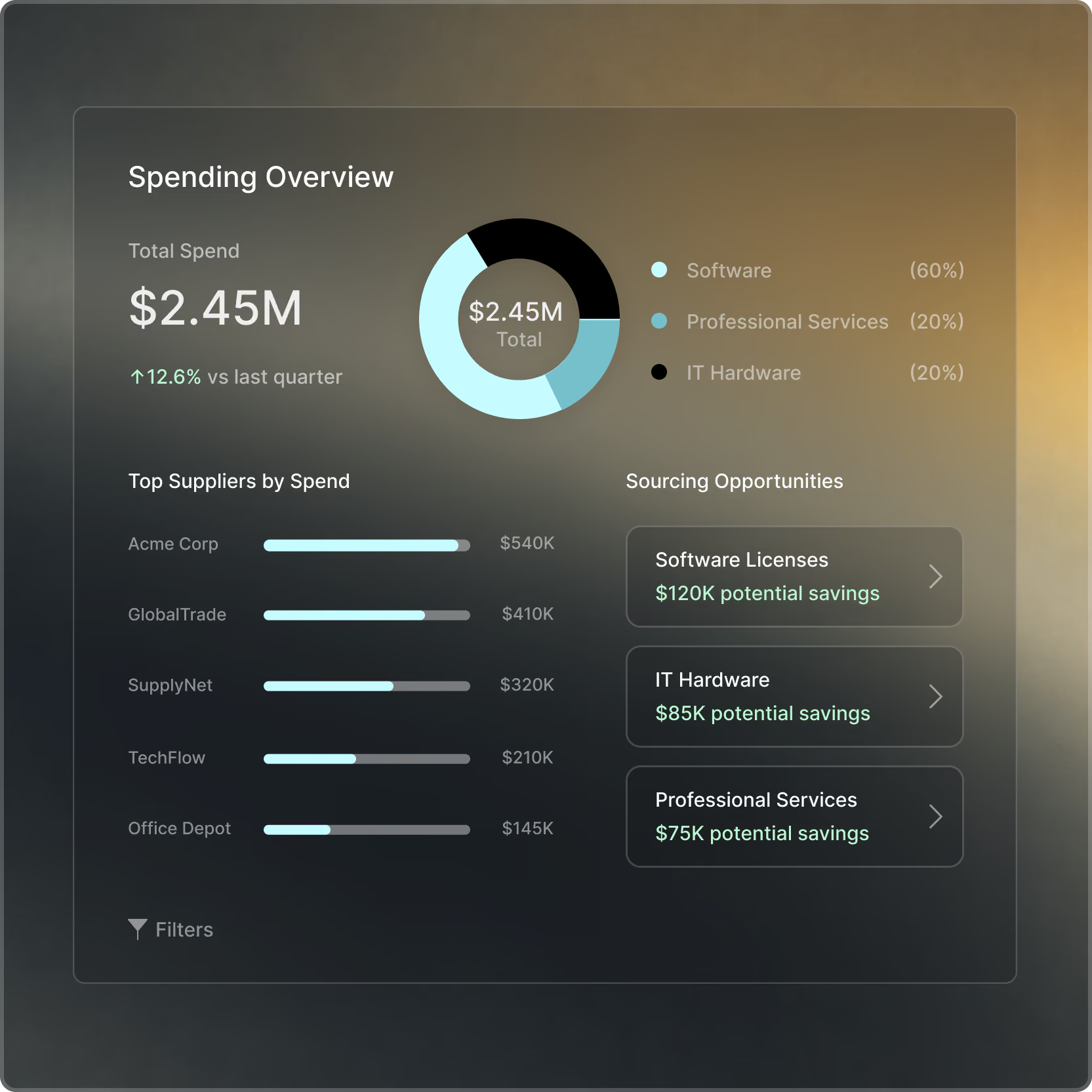
Use spend analytics and procurement reports to compare suppliers, categories, and purchasing trends, track supplier performance, strengthen supplier relationships, and support better supply chain management decisions.

Dr. Ali Yallah - Chief Information Officer, River Edge Behavioral Health





Tradogram connects purchase requisitions, approval workflows, budgets, purchase orders, receiving, invoice processing, three-way matching, and supplier payments in one procure-to-pay solution. Every document links to the previous one, so finance can trace any payment back to the approved request and goods receipt, with a complete audit trail.
Tradogram customers move purchasing and approvals 3x faster and see 20% average cost savings, with every request following the same approval rules and every invoice checked against its order and receipt before payment.
For most mid-sized teams, Tradogram recommends procure-to-pay software connected to the ERP. ERP purchasing modules are built for trained finance users, while Tradogram is built for everyone who requests, approves, or receives purchases, including occasional users on mobile.
You can configure approval rules, thresholds, and required fields without IT or ERP consultants. Tradogram syncs approved transactions with NetSuite, Sage, Microsoft Dynamics 365 Business Central, QuickBooks, and Xero through its procurement integrations, and provides API access to other systems, so the ERP stays your financial system of record.
Implementation time with Tradogram depends on your data more than the software. Teams that provide a structured list of active suppliers, users, and departments within about a week can have their first workflow, usually requests and approvals, live in weeks, with full go-live within 1 to 4 months. Tradogram's implementation sheet lays out exactly what to gather. Customer Success reviews it before loading anything, and data migration runs within a couple of days. If you use QuickBooks Online or another API-connected accounting system, clean vendor records can transfer automatically.
Purchase orders, budgets, and invoice matching then move in stages, so the first workflow runs while the next one is being built.
Yes, once purchasing involves several approvers, several departments, or more invoices than one person can check by hand. Tradogram is designed for that stage, with enterprise-grade control and mid-market simplicity.
The Essentials plan starts at $99 per month and includes purchase orders, supplier management, AP invoices, TradoScan AI, and TradoPay, with requisitions, receiving, and real-time budget tracking available as add-ons when you need them. Your data, configurations, and workflows carry over when you upgrade to Premium, so the system grows with you.
Tradogram records spend when a purchase is approved, before the invoice arrives. Approved purchase orders count as committed spend against the specified budget, cost center, department, or project, so finance sees the impact before an invoice ever reaches the accounting system.
Receiving records then show what has arrived, revealing which commitments are fulfilled and which are still open. Tradogram customers get 100% spend visibility before purchase, giving finance leaders the clarity to approve with confidence and fewer month-end surprises or reconciliation delays.
See how Tradogram connects requests, approvals, purchase orders, receiving, invoices, payments, and spend visibility in one procure-to-pay process.