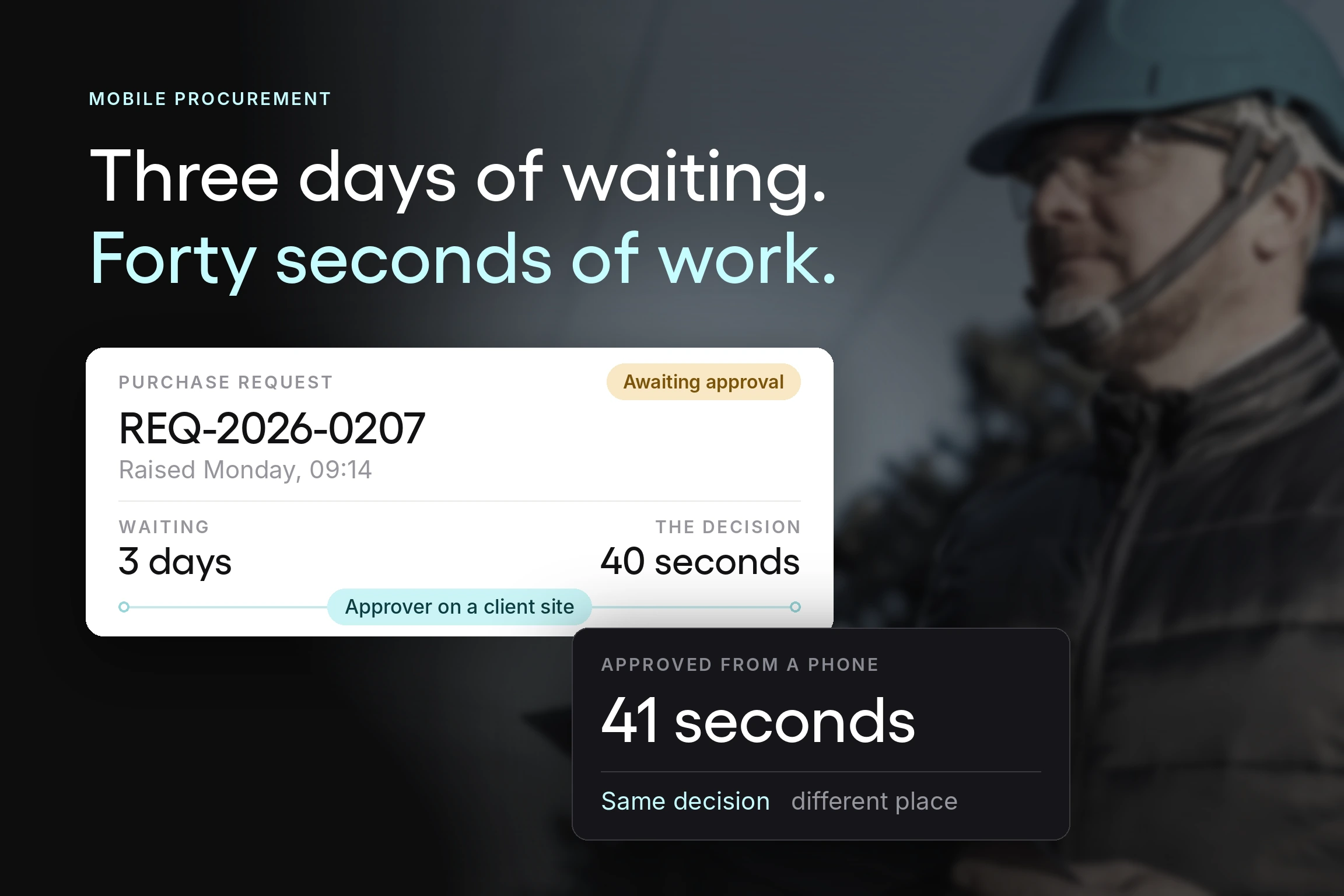



A purchase request raised on Monday morning reaches an approver who is on a client site until Thursday. Nothing is wrong with the request. Nothing is wrong with the approver. The order simply doesn't move for three days, and the person who needed the item has already found another way to get it.
Count the purchase requests sitting in your system right now waiting on one person's approval, and multiply each by the working days it has been waiting. That total is the size of the gap, and you pay for it in three places:
- The project that slips because a part was never ordered
- The requester who gives up and puts the purchase on a personal card
- The invoice that lands in accounts payable with no purchase order to match against.
APQC benchmarks put the median time from requisition to purchase order at 2.0 days for goods across 1,181 organizations. The teams sitting well behind that median are seldom slow at sourcing or at raising orders. They are waiting on approvers who are on a client site, in a plant, or on a plane. Every day of that wait is spent on a decision that takes about forty seconds to make.
Mobile procurement closes the distance between a decision being ready and the person who makes it being at a desk. What follows covers what mobile procurement is, which purchasing tasks belong on a phone and which do not, what the platform has to connect to, and how to choose one without being sold a feature list.
At Tradogram, we have helped thousands of organizations digitize their procurement processes, and the pattern we see with mobile is consistent. Teams adopt it expecting a smaller version of the desktop system. When it works, they get a much narrower set of tasks done far faster. That narrowness is the point.
Key Takeaways
- Mobile procurement earns its place on approval speed above everything else. Approval delays are the single largest recoverable loss in most purchasing processes, and they exist because authority sits with people who aren't always at a desk. Moving that one step to a phone can compress approval cycles from days to minutes.
- Not every procurement task belongs on mobile, and the good platforms do not pretend otherwise. Approving, receiving, capturing receipts, and checking status work well on a phone. Running a sourcing event, negotiating contract terms, or analyzing spend does not. A product claiming full desktop parity on a phone is usually weaker at the handful of things mobile does well.
- Match the platform to your company size and your real bottleneck. A small team with an approval delay problem needs something entirely different from a multi-entity organization with complex procurement needs. Identifying which one you are before you shortlist saves the most time.
- Adoption is decided by the occasional user, not the procurement team. The person who approves four requests a year determines whether the data is any good. If the interface assumes familiarity, that person keeps using email and the spend they authorize stays invisible.
What is mobile procurement?
Mobile procurement is the ability to carry out purchasing tasks from a phone or tablet rather than a desktop, including raising and approving purchase requisitions, issuing and tracking purchase orders, recording receipts, and communicating with suppliers.
It is not a separate system. Mobile procurement software is the same procurement management software accessed through a different device, whether that is a phone or one of the tablets and other mobile devices your team already carries, with the interface reduced to the tasks that work on a small screen.
Two distinctions to draw before going further.
Mobile procurement is not mobile expense management. Procurement controls money before it is committed, through requests and approvals. Expense management records money employees have already spent and reimburses it. The two are complementary and frequently confused, and most organizations need both for different reasons.
Mobile device procurement is something else again. Buying phones and tablets for your workforce is a category of purchasing, not a way of purchasing. If that is what brought you here, this article will not help you.
Who is involved
Three groups touch a mobile procurement process, and they use it very differently.
Buyers are the procurement professionals responsible for business purchasing: selecting items, running the negotiation, and setting payment terms. They are the heaviest users and the ones a demo is usually aimed at.
Sellers are the vendors and suppliers providing goods and services. Their involvement depends entirely on whether the platform offers a supplier portal they can use without buying anything themselves.
Stakeholders are everyone with an interest in the outcome: upper management, the finance department, legal, and (in regulated sectors) external parties. Most of them interact with procurement exactly once per transaction, at the approval step, so that single step shapes their whole experience of the system.
That last group matters most for mobile, and most evaluations overlook it.
What belongs on a phone, and what does not
This is the section most mobile procurement content skips, and it decides whether adoption sticks.
| Task | Suits mobile | Why |
|---|---|---|
| Approve purchase requests | Yes | One decision, minimal context, high time sensitivity. This is the case for mobile on its own |
| Raise a simple requisition | Yes | Particularly from a job site or a supplier's premises, where the need is identified |
| Record receipt of goods | Yes | Happens at a loading bay, not at a desk. Photo evidence attaches naturally |
| Capture a receipt or invoice photo | Yes | Point of capture is the point of spend |
| Check order status | Yes | A lookup, not a task |
| Message a supplier about a line item | Yes | Vendor communication is naturally conversational |
| Compare bids in a sourcing process | No | Needs side-by-side detail a phone cannot show |
| Negotiate contract terms | No | Contract management is document work |
| Run spend analysis | No | Procurement analytics needs a screen you can interrogate |
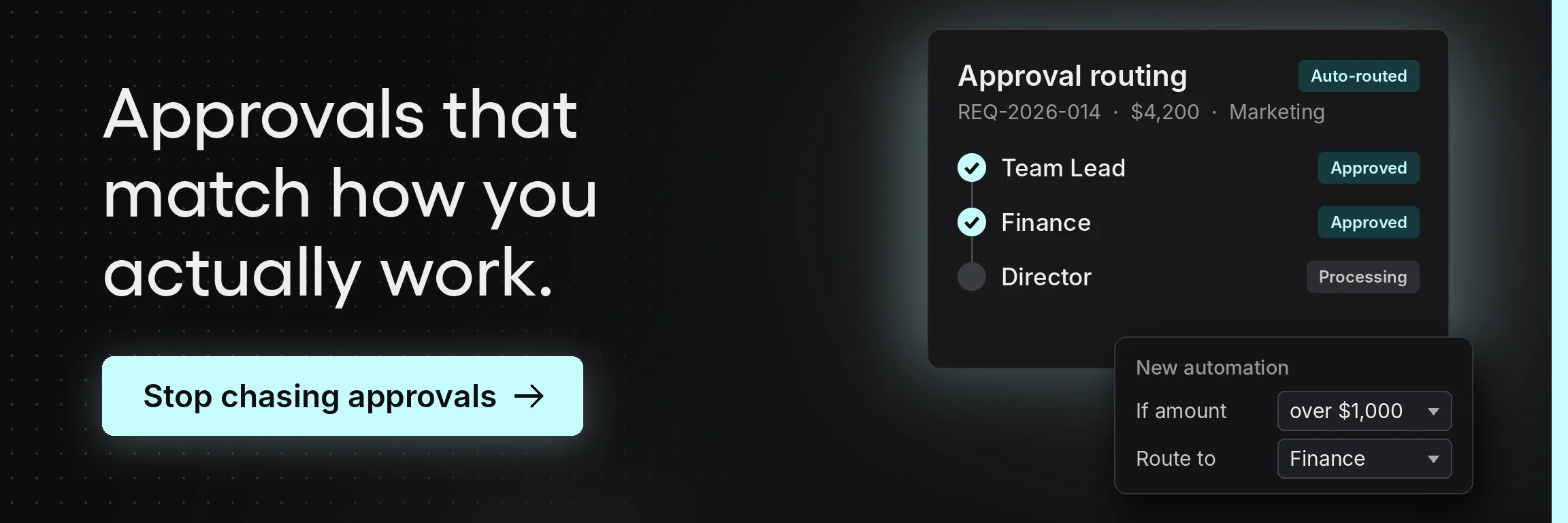
| Configure approval workflows | No | Administrative setup, done once, deserves a desktop |
The pattern is that mobile suits tasks that are short, decisive, and happen somewhere other than an office. It does not suit tasks that are exploratory, comparative, or document-heavy.
A platform that claims every desktop function works identically on a phone is making a marketing claim, and it usually shows up as an interface that is mediocre at the six things in the top half of that table.
Judge mobile procurement tools on how well they handle approvals and receiving, not on how many procurement functions they technically expose.

The advantages of mobile procurement, in order of what they are worth
Mobile procurement software gives approvers, requesters, and finance teams real-time access to procurement data from wherever they are. The benefit shows up at the points in the procure-to-pay cycle where work stalls because the right person is away from a desk. Not every advantage carries equal weight, though.
Most comparisons list a dozen benefits side by side, as if a same-day approval and a receipt photo were equally valuable. They aren't. The list below ranks them by how much operational efficiency and cost savings each delivers once manual processes give way to workflow automation, starting with the one that justifies the investment on its own.
Approvals that stop waiting
This is the whole case, and everything else is secondary.
In most purchasing processes, approval is where time gets lost. Approvers are not slow. Approval workflows are built around named individuals, and those individuals are periodically unavailable. A request raised Monday and approved Thursday has consumed three days with nothing happening.
Those days carry a price. APQC benchmarking puts the cost of processing a single purchase order anywhere from $14 to more than $54, and organizations at the expensive end of that range usually pay for chasing, re-keying, and rework generated while orders sat still.
The Hackett Group's 2025 research on digital world-class procurement found top performers running requisition-to-purchase-order cycles 58% shorter than their peers, alongside 31% fewer FTEs at 19% lower cost. The approval step does much of that work.
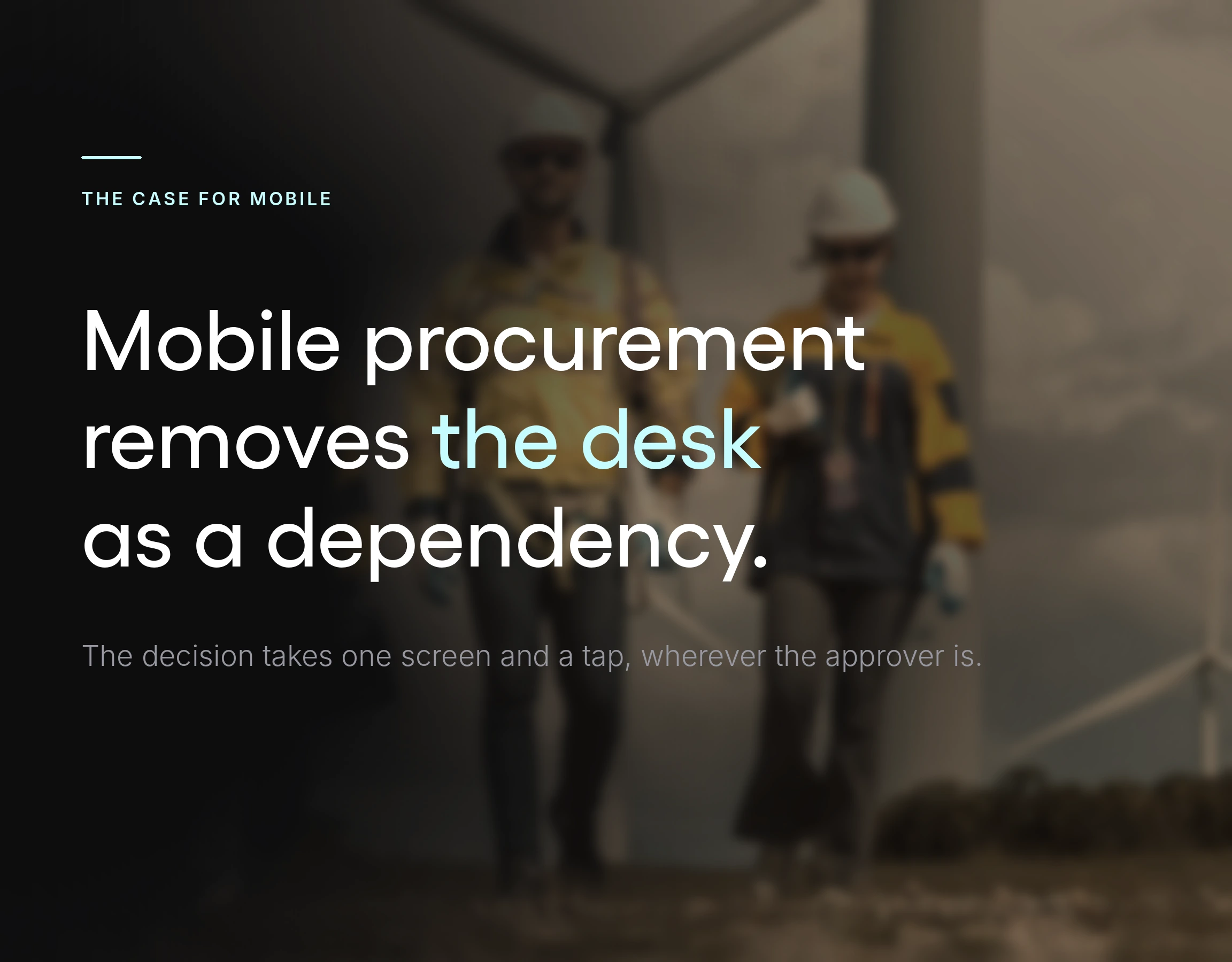
Mobile access removes the desk as a dependency. Push notifications reach the approver where they are, the decision takes one screen and a tap, and the order moves. Approval cycles that ran in days can run in minutes. That sounds like a marginal gain until you look at what the delay was causing: requesters going around the process, purchases arriving without a purchase order, and invoices that will not match.
Fixing approval delays is therefore not only a speed improvement. It is the most effective compliance intervention available to most teams, because it removes the reason people work around the system in the first place.
Receiving recorded where the delivery happens
The second strongest case, and the one most often underused.
Goods arrive at a loading bay, a job site, or a stockroom. The person receiving them is not at a desk and frequently never goes to one. Without mobile tools, receipt gets recorded later from memory or not at all, so three-way matching collapses into two-way matching and undelivered goods get paid for.
That failure surfaces as cost at the other end of the process. Ardent Partners' 2025 State of ePayables research puts the average cost of processing a single invoice at $9.84, average processing time at 8.2 days, and the exception rate at 18.4%. Best-in-class AP functions run 79% cheaper, 79% faster, and with a 47% lower exception rate. Exceptions are where the money concentrates, and a missing or guessed goods receipt is one of the most common ways an exception gets created.
Recording receipt on a phone at the moment of delivery, with a photo attached, closes that gap. It is a small change that materially improves the quality of every downstream invoice check.
Capture at the point of spend
Smartphone cameras are useful procurement instruments. A receipt, a delivery note, a damaged pallet, a quote handed over on paper at a supplier's premises: all of these can be captured where they occur, weeks before anyone would otherwise transcribe them.
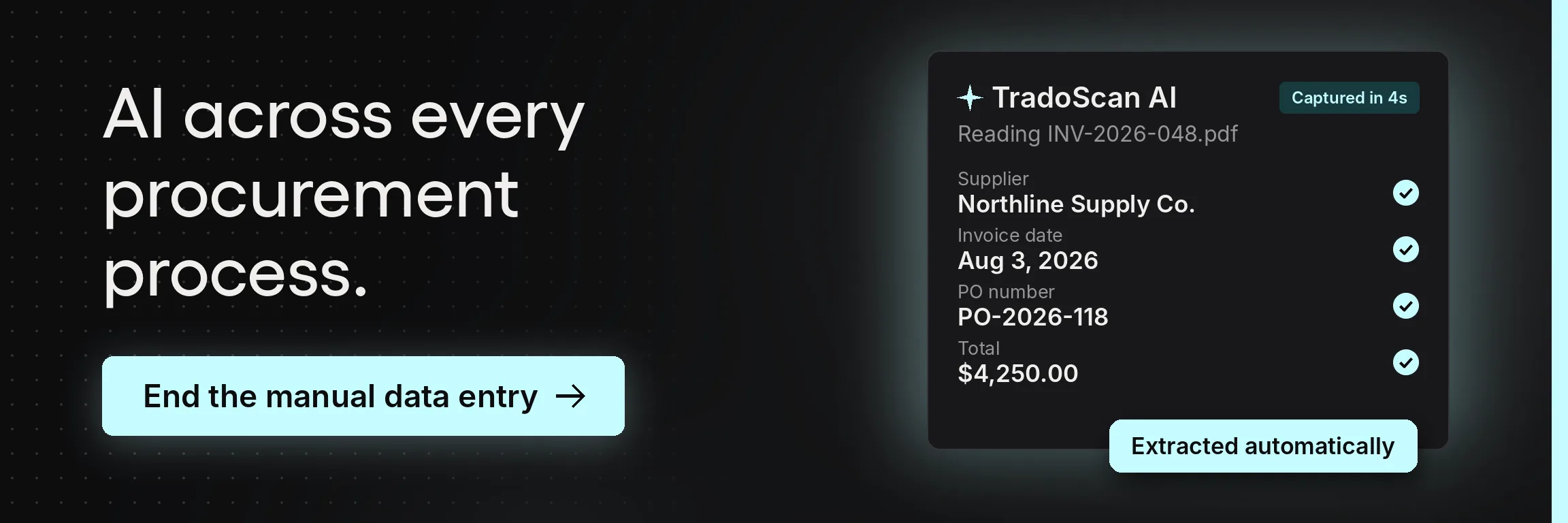
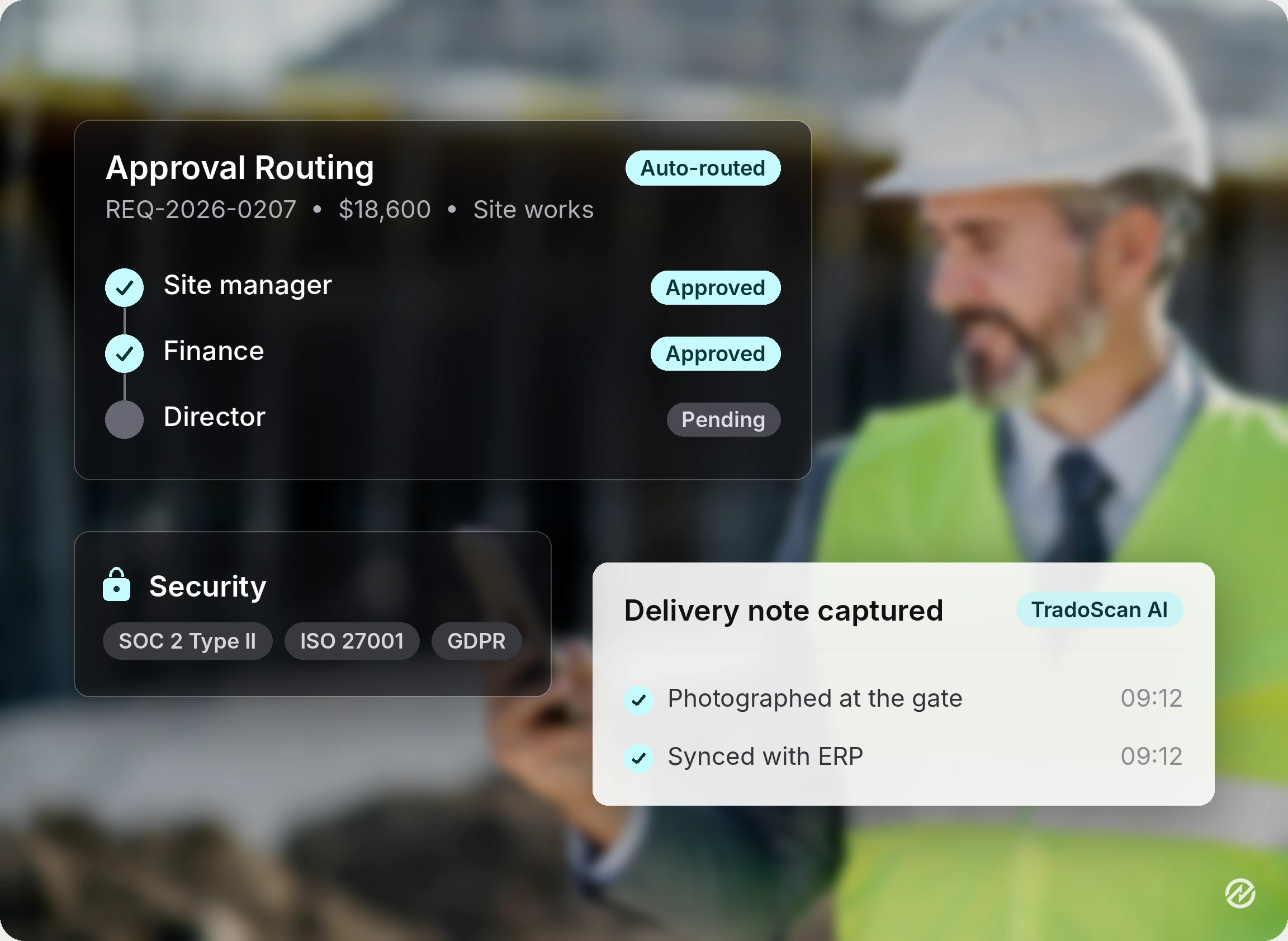
Tradogram handles this through TradoScan AI, which reads invoices, quotes, receipts, contracts, and supplier documents and extracts header fields, line items, supplier details, and pricing into structured procurement data. Captured documents can be converted straight into purchase requisitions, removing the re-keying step that generates most data entry errors. Tradogram's figures put this at 90% data capture accuracy with an 80% reduction in manual data entry, and the system improves as users correct it. Human review remains at the approval gate before anything is paid.
The point is not the AI. The record is created when the document exists, not three weeks later, when accuracy is highest.
Real-time procurement visibility
When requests, approvals, and receipts are captured as they happen, the financial data is current.
Real-time spend visibility matters most to whoever owns a budget, because committed spend becomes visible while something can still be done about it. Instant status notifications on unusual or overdue items make oversight continuous. That is the difference between managing a budget and reconciling one.
Supplier communication in one place
Vendor communication that lives in a shared thread attached to the order removes most of the status-chasing that consumes procurement operations. Spread across several inboxes, it creates it.
Suppliers experience your organization through how easy you are to transact with. Clear orders, fast acknowledgment, and prompt answers are what supplier relationships are built on, and mobile access is what makes promptness possible when the person who knows the answer is out of the office.
Where mobile procurement runs into real limits
Three constraints to know before adoption, and vendors tend not to volunteer them.
Limited connectivity. Construction sites, basements, warehouses with thick walls, and rural routes are often where purchasing needs come up, and they're also where the signal drops. Ask each vendor how the app behaves when the connection is weak or lost partway through a task. Does a half-finished requisition survive, or does the user have to start over? Does the app make it clear whether a submission went through, so nobody sends the same request twice? Test it somewhere with patchy coverage before you roll it out to field teams.
Integration with existing systems is harder than any demo suggests. Implementations slow down when you connect a procurement platform to ERP systems, accounting software, or an existing supplier master. This is especially true when field mappings don't line up, entity structures differ, and historical data is inconsistent. None of that argues for skipping integration, since procurement data that never reaches the accounting system creates a second set of books. It argues for scoping the work honestly and asking a vendor to describe an integration that failed.
Mobile procurement adoption depends on people who are not on procurement teams. The heavy users will adopt anything. The occasional approver will not. If they find the app confusing once, they revert to email permanently, and the purchases they authorize become invisible.
This shows up at industry scale. PwC's fifth Global Digital Procurement Survey, covering around 1,000 companies across some 60 countries, found that 94% use a source-to-pay platform, but only 37% of transactional processes and 35% of strategic processes are digitalized; it also named user take-up as a limiting factor. The software is bought. The people who need it occasionally are not using it. Mobile is where that gap gets closed or widened, and it is a selection problem, not a training problem.
Naming these constraints is not an argument against mobile procurement. Organizations that plan for them get the benefit; those that don't spend a year discovering them.
How mobile fits into the wider procurement lifecycle
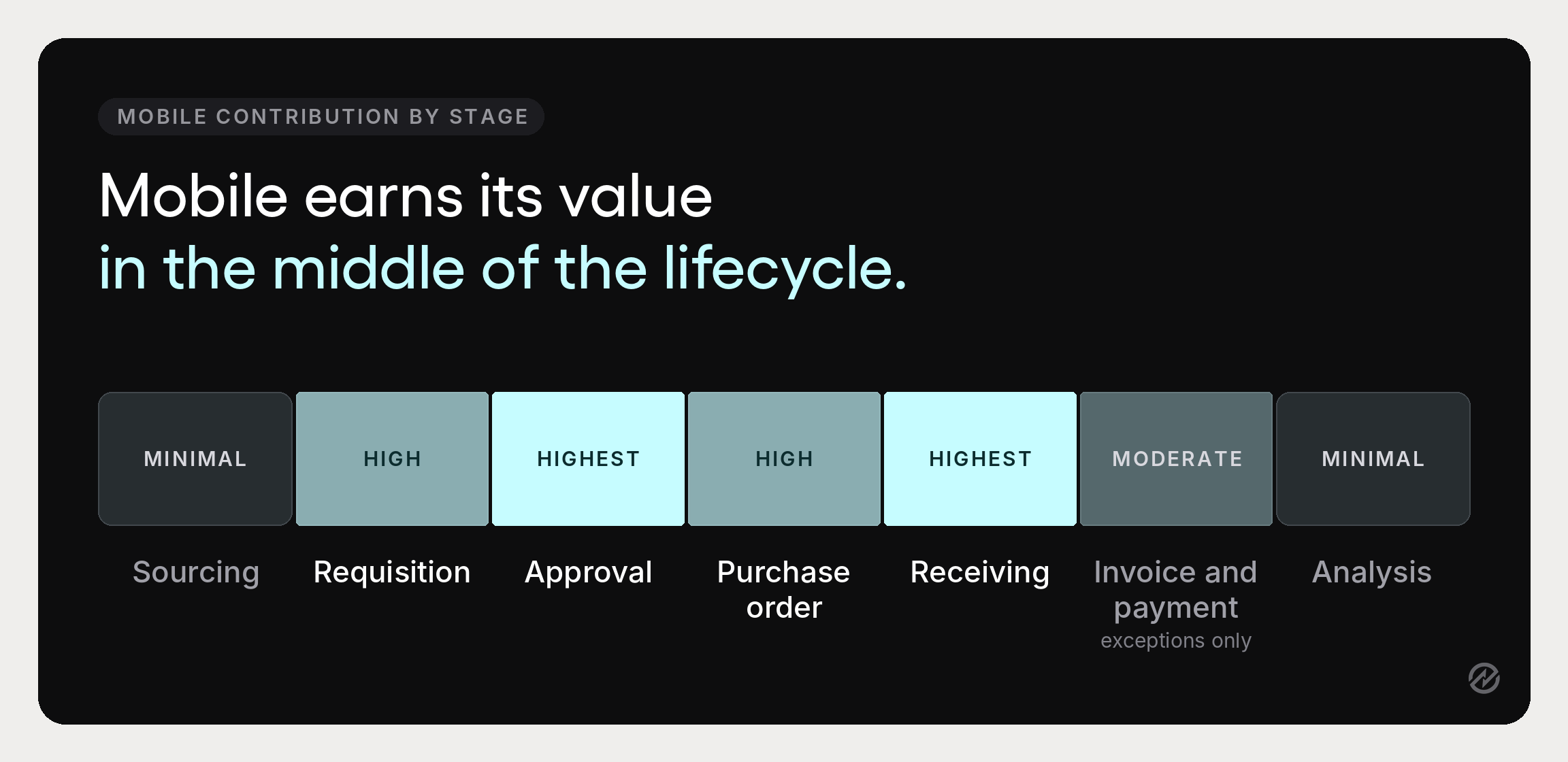
Mobile is one access method within a process that runs from identifying a need through to payment. It helps to see where it does and does not touch that lifecycle.
Sourcing. The sourcing process and strategic sourcing work happen on a desktop. Comparing bids, evaluating suppliers, and modeling scenarios all need screen space. Mobile contributes almost nothing here and should not pretend to.
Requisition and approval. The heaviest mobile contribution. Purchase requisitions raised at the point of need, basic approval workflows cleared from anywhere, escalation when something sits too long.
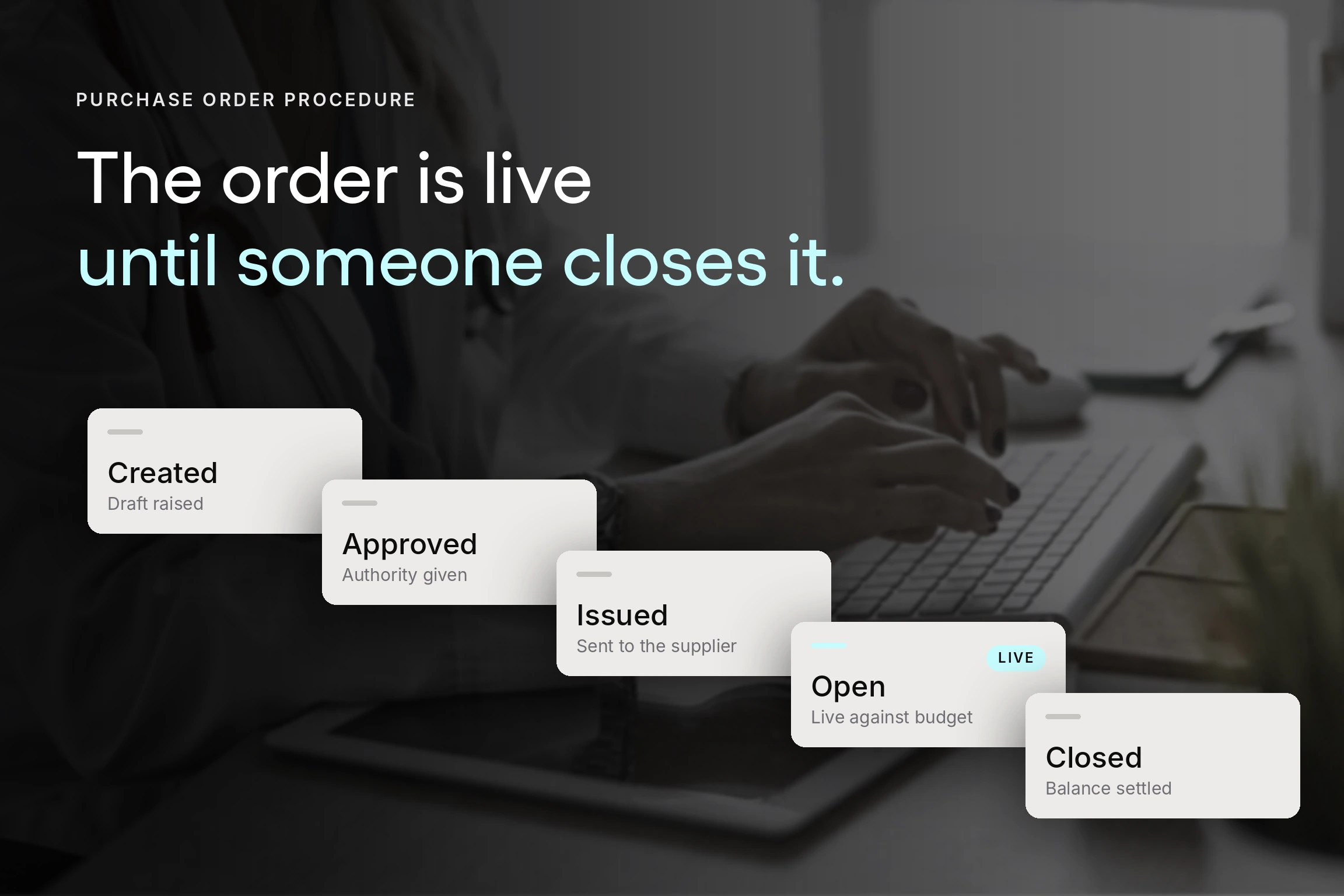
Purchase orders. Issued and tracked. Order status is a natural mobile lookup, and procurement teams checking it from a phone stop interrupting each other to ask.
Receiving. Recorded at the point of delivery, as above.
Invoice and payment. Invoice automation and three-way matching are largely background processes, but exception approvals suit mobile well, since an exception is a single decision with limited context.
Supplier and contract management. Supplier management record-keeping and contract management are desktop work. Vendor management on mobile comes down to communication and status, the useful part of it day to day.
Analysis. A quick check on budget availability or committed spend makes sense on mobile, but complex spend analysis, procurement analytics, and reporting capabilities belong on a screen you can interrogate. A summary dashboard on a phone is fine for awareness and useless for investigation.
Read across that list, and the shape is clear. Mobile technology does not cover the entire procurement process and is not meant to. It adds the most value at the transactional middle of the procurement lifecycle and almost none at either end. A platform designed around that reality will serve procurement workflows better than one designed to demonstrate breadth.
Added bonus: mobile spend & expense management. Strictly speaking, employee expenses sit outside the procurement lifecycle, because the spend happens before anyone raises a request. It's still one of the clearest mobile wins. Receipt capture works best at the moment of purchase: photograph the receipt, tag it to a cost center, and submit it before it ends up crumpled in a jacket pocket. Finance gets the record the same day, and month-end reconciliation no longer depends on someone's memory of a lunch three weeks ago.
Choosing a mobile procurement platform
Three questions settle the shortlist faster than any feature comparison.
What is your primary procurement challenge? If it is approval delay, you need speed and notification design. If it is maverick spend, you need the request step to be easier than the workaround. If it is invoice exceptions, you need receiving and matching. If it is supplier risk, mobile is largely irrelevant, and you should be looking elsewhere. Naming the problem first keeps the evaluation from collapsing into a feature comparison between products that all tick every box.
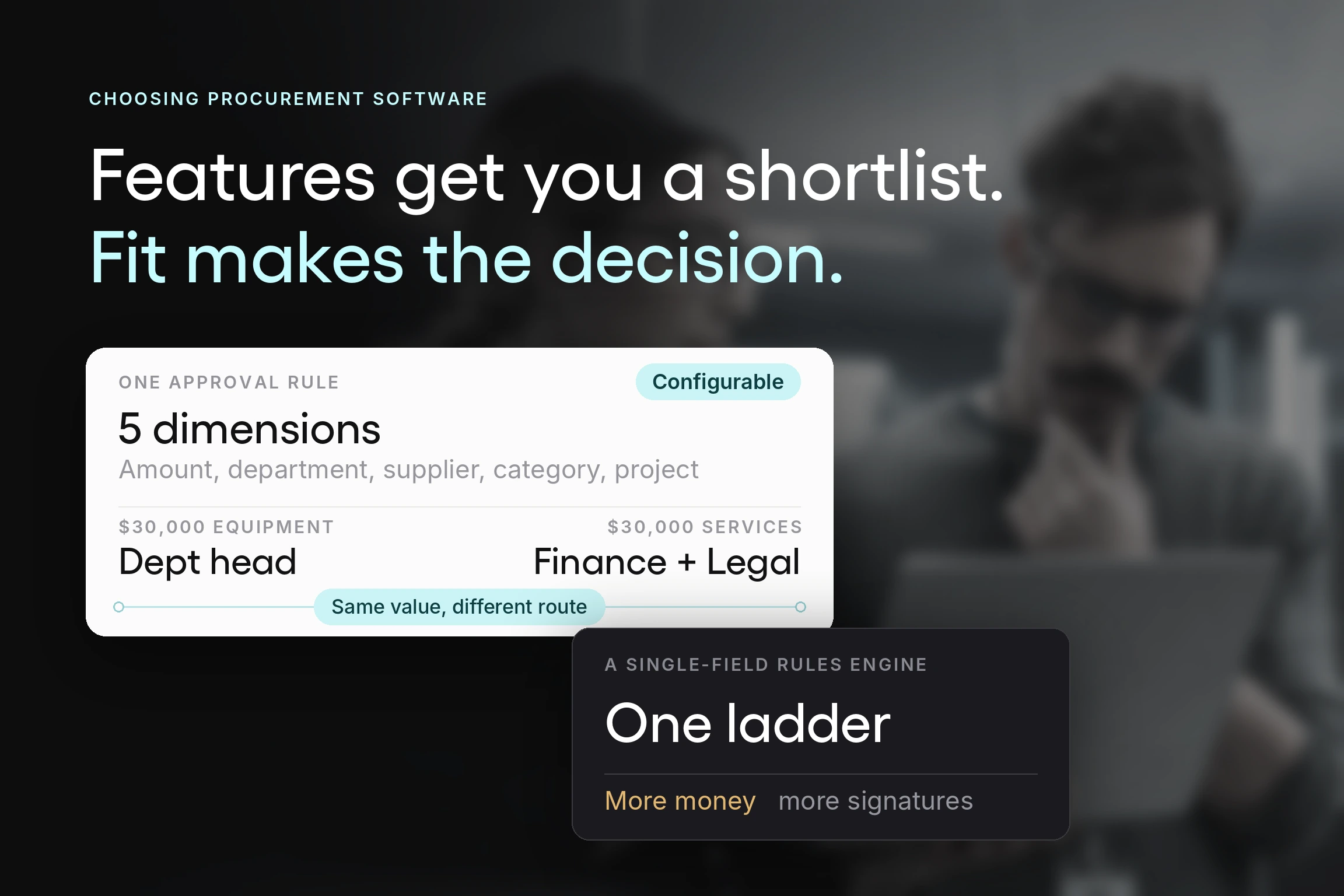
What size is your organization? Mobile procurement platforms are built for different scales, and the mismatch is expensive in both directions. A small team buying an enterprise suite will use a fraction of it and pay for the rest in configuration time. A multi-entity organization with real procurement complexity buying a lightweight tool will outgrow it within two years. Large enterprise suites such as SAP Ariba are built for the second case and are usually more than a mid-market team needs; the mid-market question is which platform combines procurement breadth with an interface people will use.
What has to connect? List the systems before you shortlist. Your accounting system at minimum. ERP if you run one. Any existing supplier master. Procurement software solutions that cannot write into the tools your finance team uses have relocated work, not removed it. Comprehensive procurement solutions are only comprehensive if they reach the systems you already run.
With those three answered, apply these criteria:
A user-friendly interface, tested on the person least likely to use it. Hand it to the occasional approver, not the procurement lead. An intuitive interface is not a claim a vendor can settle; you observe it in someone who has never seen the product.
Cloud-based access across devices. Mobile procurement apps should be the same system as the desktop, working from the same data. Anything that syncs rather than shares will produce a disagreement later.
Integration with the business tools you already run. Accounting software such as QuickBooks or NetSuite, ERP systems, and any inventory or supply chain management platform in use. Ask what happens when a field mapping fails.
Security standards that match your obligations. Procurement carries supplier banking details and pricing data. Certification is table stakes, and so is control over who sees what on a device that leaves the building.
Reporting capabilities on desktop, awareness on mobile. Judge the analytics on a full screen. Judge the phone on whether it tells you something needs attention.
Collaboration and supplier portal access. Whether a supplier can participate without buying software themselves determines how much of your supply base engages.
Modern procurement platforms increasingly add AI-powered document capture on top of this. Evaluate it on the same terms as everything else: test it with your own messy documents instead of a clean demo invoice.
Rolling it out
Three steps, and the order matters more than the effort in each.
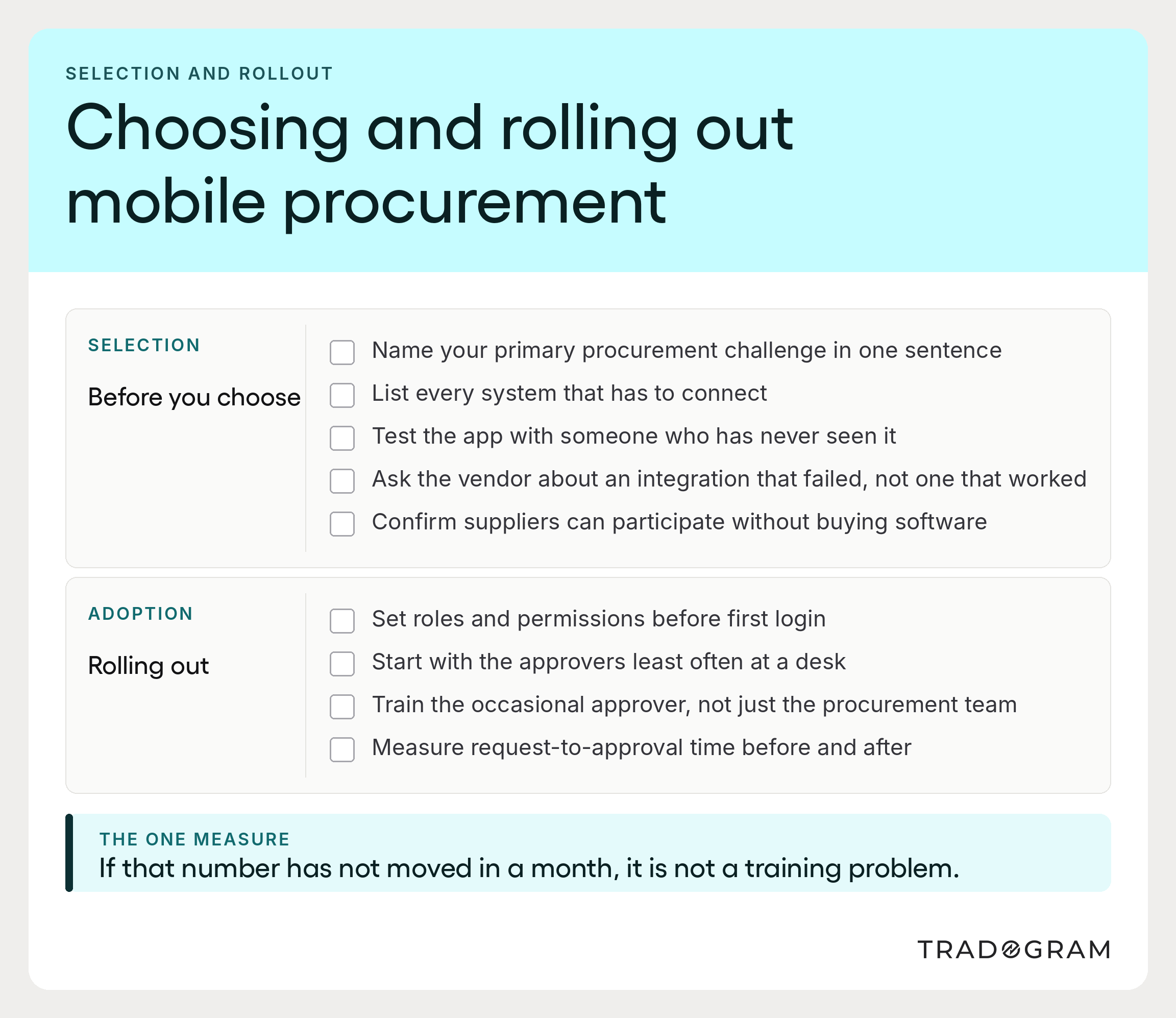
Step 1: Set roles and permissions before anyone logs in. Clarify who can raise, who can approve at what value, and who can see what. Doing this after rollout means retrofitting structure onto habits people have already formed, which is considerably harder.
Step 2: Start with the approvers who are least often at a desk. They get the most benefit, will notice it immediately, and their adoption makes the process credible to everyone else. Rolling out to the procurement team first is intuitive and backward, since the procurement team was never the bottleneck.
Step 3: Train the occasional user, not just the team. Comprehensive onboarding for procurement professionals is necessary but not sufficient. Ten minutes with the people who approve four requests a year determines your data quality, and most rollouts skip it.
Then measure one thing: average time from request raised to request approved, before and after.
If that number falls, the rollout worked. If it has not moved after a month, the app is installed but not adopted, and more training will not fix a design or permissions problem.
Where Tradogram fits
Tradogram is a cloud-based procurement platform with a mobile app on iOS and Android, available by searching Tradogram in the App Store or Google Play, using the same login as the desktop with single sign-on where a company has it enabled. For teams who would rather not install anything, the platform is fully mobile-responsive at app.tradogram.com.
The app is deliberately built around the high-priority tasks:
- Review and approve requisitions and purchase orders from wherever the approver is
- Record received items during delivery, at the loading bay and not afterward
- Upload receipt photos for expense and document capture
- Real-time status notifications so nothing waits silently
Alongside it, TradoScan AI handles document capture across invoices, quotes, receipts, contracts, and supplier documents, extracting line items and supplier details into structured data and converting documents into requisitions without re-keying. Tradogram's own measurements put document processing at roughly 5x faster with 90% capture accuracy (that increases over time with training), with the system learning from corrections and human review retained at the approval gate.
That combination, a focused mobile app for the decisive tasks plus capture that removes the typing, is what mobile procurement is for. It streamlines the work instead of relocating it. Everything else belongs on a desktop, and a platform honest about that distinction will serve your business operations better than one claiming to do everything everywhere.