

The traditional methods of invoice processing are outdated and quite risky in today’s world. Not only do they require an additional manual effort, but they also increase the number of errors, time required to process the data, and chances of potential data loss.
Instead, many organizations incorporate software for automated invoice processing. In this article, we will review everything related to automated invoice processing, from benefits to tips on how to choose good software. So, if you are ready, let’s start!
Why is Invoice Management Important?
First of all, let’s understand the importance of invoice management. Invoice management helps with better supplier relationship management due to timely payments, regulatory compliance, and regular orders placed.
Good invoice management also helps businesses reduce fraud and easily determine the legitimacy of the invoices received. Overall, it contributes to smooth procurement processes, helping businesses track and analyze their supply chain, spending, and budgets.
What is Automated Invoice Processing?
Invoice management is a necessary process for every business. However, manual management comes in handy with lots of risks, including data loss, fraud, and double payments. Luckily, in this era of technology, there is no need for manual invoice processing.
Automated invoice processing is the automation of the existing process you have for invoice management. It handles everything from data entries and validation to workflow management and approvals.
Essentially, automated invoice processing eliminates most manual effort and contributes to time savings.
How Invoice Automation Works?
Well, let’s understand how invoice automation works. There are a few key stages involved in automated invoice processing. The stages may vary depending on the software you use.
It all starts with receiving the invoice. When the company receives an invoice from the suppliers, it scans the document (if it is paper-based) to add the invoice to the software. The next stage is invoice validation, during which the system checks the invoice’s data on accuracy and pre-defined criteria. This stage is usually set up with approval workflows.
After the invoice is approved, the remaining step is to make the payment. Then, the invoice will be stored in the database, where it can be retrieved at any given time.
What Tasks Can Be Automated?
You can automate a variety of tasks with invoice automation software. For instance:
- Invoice matching automation. Invoice matching automation tools will allow you to match invoice records with purchase orders and align information from buyers, receiving teams, and accounting teams.
- Data Entry. No more need to enter data manually and check a few times to make sure it is accurate. With good invoice processing software, you can automate data entry to accurately and quickly capture details from received invoices.
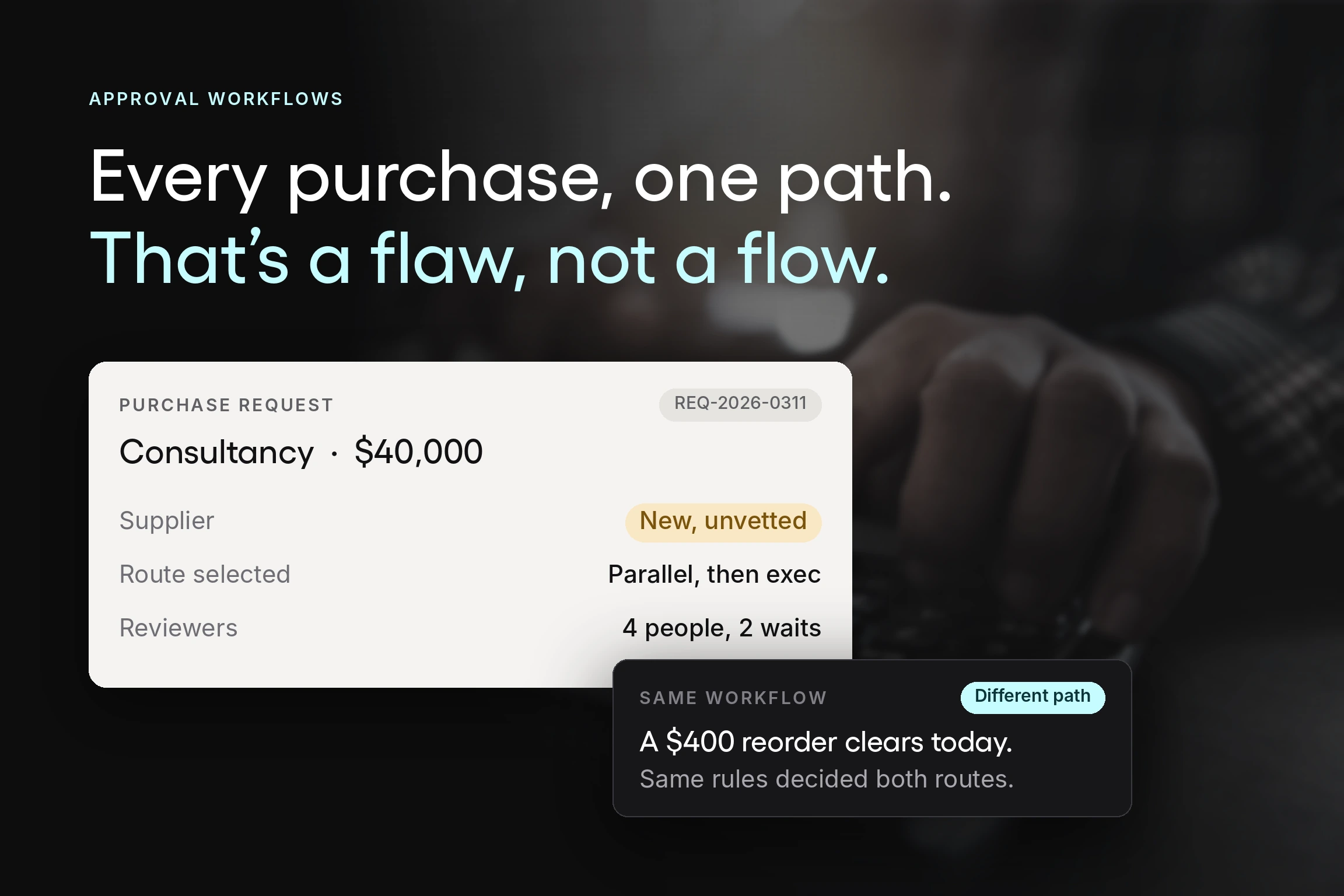
- Approvals Hierarchies. You can set up approval workflows with instant notifications (sent to people responsible for the approvals at different stages).
- Approval Workflows. You can create approval workflows with pre-defined criteria that will allow for quick automated approvals of the invoices and reduce the need for revision.

Benefits of Automated Invoice Processing
Automated invoice processing comes in handy with a variety of benefits. Let’s take a look at some of them.
Increased Efficiency
One of the most prominent benefits of automated invoice processing is increased efficiency. Automated invoice processing allows the creation of workflows that eliminate unnecessary steps from the process and automatically validate invoices according to pre-defined criteria.
Thus, it improves efficiency within teams, allowing employees to focus on other relevant tasks for business growth.
Improved Accuracy
Automated invoice processing enhances accuracy. Due to the fact that it reduces the need for manual effort, it automatically results in improved accuracy.
The there-way matching system allows the automatic matching of the POs to received goods and then to the invoices. This enhances the transparency of the process and prevents mistakes.
Reduced Costs
Another benefit of automated invoice processing is reduced costs. First of all, it allows you to save resources on hiring personnel for invoice management. Besides, your current employees will be able to spend their time more productively, which will contribute to further business growth.
Streamlined Process
Automated invoice processing helps to streamline the overall invoice management process. Your team can set criteria based on which the invoices can get approved or rejected. Then, the approved ones will move forward in the workflow, notifying the responsible personnel about the need for final revision and payment processing.
Essentially, a good software solution will allow you to automate workflows, invoice matching and take advantage of integrations with other accounting systems. All of which will result in you enjoying the above-mentioned benefits.
What Features Should You Look for in Automated Invoice Processing Software?
When choosing an automated invoice processing software, make sure it offers features such as document matching, customizable workflows, and analytics tools. All of these are designed to enhance automation and management of invoices.
So, let’s take a look at each of these and some other vital features in more detail.
Customizable Workflows
One of the main features that you want to look out for in invoice processing software is customizable workflows. These will help you to streamline the invoice management process and ensure high accuracy.
Digital Recordkeeping
Digital record keeping is another important feature the software solution of your choice must offer. It will allow you to create digital versions of the invoices with a downloadable PDF. Also, digital record-keeping tools will give you an opportunity to batch invoices for easy data export.
User Roles & Permissions
To manage your procurement processes, including invoice processing efficiently, you should assign roles and permissions for the users. When each of the team members is responsible for a specific set of tasks, management becomes easier.
Document Matching
Automated invoice matching is by far one of the most useful features. It allows the creation of an easy 3-way match on every order with customizable system rules.
With matching functionality, you’ll be able to match the invoice to the purchase orders and align information from different teams.
Analytics
To improve the efficiency of your procurement process, choose software with robust analytics for spend control. A good analytics tool will provide you with an overview and actionable insights into your business’s spending patterns.
Automation Features
Look out for different automation features within the software. You want to make sure that it provides automated document matching, automated workflows, and automated purchasing capabilities. All of these will help you to streamline invoice processing.

How to Choose the Best Automated Invoice Processing Software?
When choosing the best automated invoice processing software, consider several factors ranging from ease of use to customization options available. So, let’s take a look at each of these in more detail.
Ease of Use and Good UI
One of the most important factors to consider when choosing software is the ease of use. A high-quality user interface and easy navigation will enhance your and your team's experience with the software.
Data Security and Privacy
Not any less important is data security and privacy. Automated invoice processing deals with lots of data, which preferably should stay between the supplier and the buyer. So, make sure that the software you are planning to use has robust data protection policies.
Scalability
When choosing software, pay attention to scalability. The number of invoices received is going to grow as your business grows. So, making sure the software solution of your choice can handle the increased number of invoices with ease and precision is vital for long-term success.
Pro Tip: Choose a cloud-based solution to ensure high scalability.
Customization
An important aspect to look out for when it comes to automated invoice processing is customization. Pay particular attention to workflow customization functionality. Every company has different processes for invoice management. Thus, check out whether or not the software of your choice gives you enough flexibility to customize the workflows.
Good Support
If you want to have a positive experience with the software of your choice, make sure it offers good support. You can easily check out what tools offer good support via review platforms such as G2 and TrustRadius.
Why Should You Choose Tradogram for Automated Invoice Processing?
Well, if you are looking for the best automated invoice processing software, then Tradogram is the right choice for you.
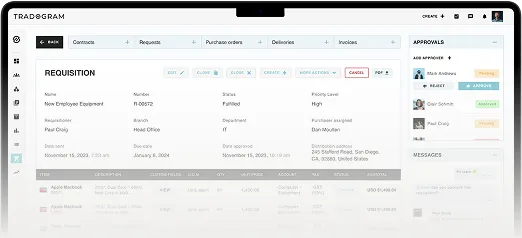
Tradogram comes in handy with a variety of useful features to automate invoice processing and enhance procurement within your organization. Main features include customizable workflows, high scalability, 3-way match, auto-population of invoice data, invoice matching, and many others.
It is an all-in-one solution to improve invoice management for your business.