

In today's competitive business landscape, it is crucial for small businesses to streamline their operations and optimize efficiency. One area where this can be achieved is through the implementation of a robust Purchase Order (PO) system. By understanding the basics of a Purchase Order system and its importance for small businesses, as well as key features to look for and steps to implement one, small businesses can effectively manage their purchasing process and drive growth.
Understanding the Basics of a Purchase Order System
A Purchase Order system for small businesses is a digital solution that businesses use to manage their procurement process. It simplifies and automates the purchasing workflow, from the initiation of purchase requests to the final approval of orders. By centralizing and digitizing the process, businesses can save time, reduce errors, and improve accountability.
Implementing a Purchase Order system can greatly benefit businesses of all sizes. Whether it's a small startup or a large corporation, having a structured and efficient procurement process is essential for success. Let's take a closer look at what a Purchase Order system entails and why it is important for small businesses.
What is a PO System?
A Purchase Order system is a software application that allows businesses to create, track, and manage purchase orders. It provides a structured workflow that ensures each step of the procurement process is followed, from requesting quotes to receiving and paying for goods or services.
With a Purchase Order system, businesses can streamline their purchasing activities by automating repetitive tasks and eliminating manual paperwork. This not only saves time but also reduces the risk of errors and delays in the procurement process.
Importance of a Purchase Order System for Small Businesses
For small businesses, implementing a Purchase Order system is vital for several reasons. Firstly, it helps in maintaining control over expenses by enforcing a structured purchasing process. By having predefined approval workflows, businesses can prevent unauthorized purchases and ensure that budget limits are adhered to.
With a purchasing software for small business, small businesses can establish a clear chain of command for approving purchase requests. This ensures that all purchases are reviewed and authorized by the appropriate personnel, minimizing the risk of overspending or purchasing unnecessary items.
PO system for small business enables better supplier management. By keeping track of suppliers' performance and history, businesses can identify reliable vendors and negotiate better terms. This leads to improved relationships and potential cost savings.
By leveraging the data provided by a Purchase Order system, small businesses can analyze their purchasing patterns and identify opportunities for cost optimization. They can identify areas where they can negotiate better prices, consolidate orders to take advantage of bulk discounts, or explore alternative suppliers to reduce costs without compromising on quality.
Why Do You Need a Purchase Order Software for Small Businesses?
In today's fast-paced business environment, small businesses need every advantage to stay competitive and efficient. A purchase order software for small businesses is essential for streamlining procurement processes and minimizing errors. By automating tasks such as creating purchase orders, tracking inventory, and managing suppliers, businesses can ensure smoother operations and improve overall productivity. This software not only saves time but also helps maintain control over finances by tracking expenses and enforcing budget limits. Implementing a purchase order software for small business can significantly reduce the risk of human error, boost operational efficiency, and provide valuable insights into purchasing trends, enabling informed decision-making.
What are the benefits of a PO System for Small Businesses?
Implementing a purchase order system for small businesses can significantly enhance operational efficiency and control. The key benefits of this integration are as follows:
- Improved cost control as PO systems help organizations enforce structured purchasing processes and reduce unauthorized spending.
- Streamlined and efficient procurement. Automated purchase workflows reduce manual efforts required, saving time and increasing employee productivity.
- Enhanced supplier relationships. Quality supplier management tools allow you to track and evaluate supplier performance and history, leading to informed decision-making and timely resolution of any disputes.
- Robust and data-driven insights. PO systems efficiently analyze purchasing patterns and efficiently overlook cost-saving opportunities.
Key Features of a Robust Purchase Order System for Small Business
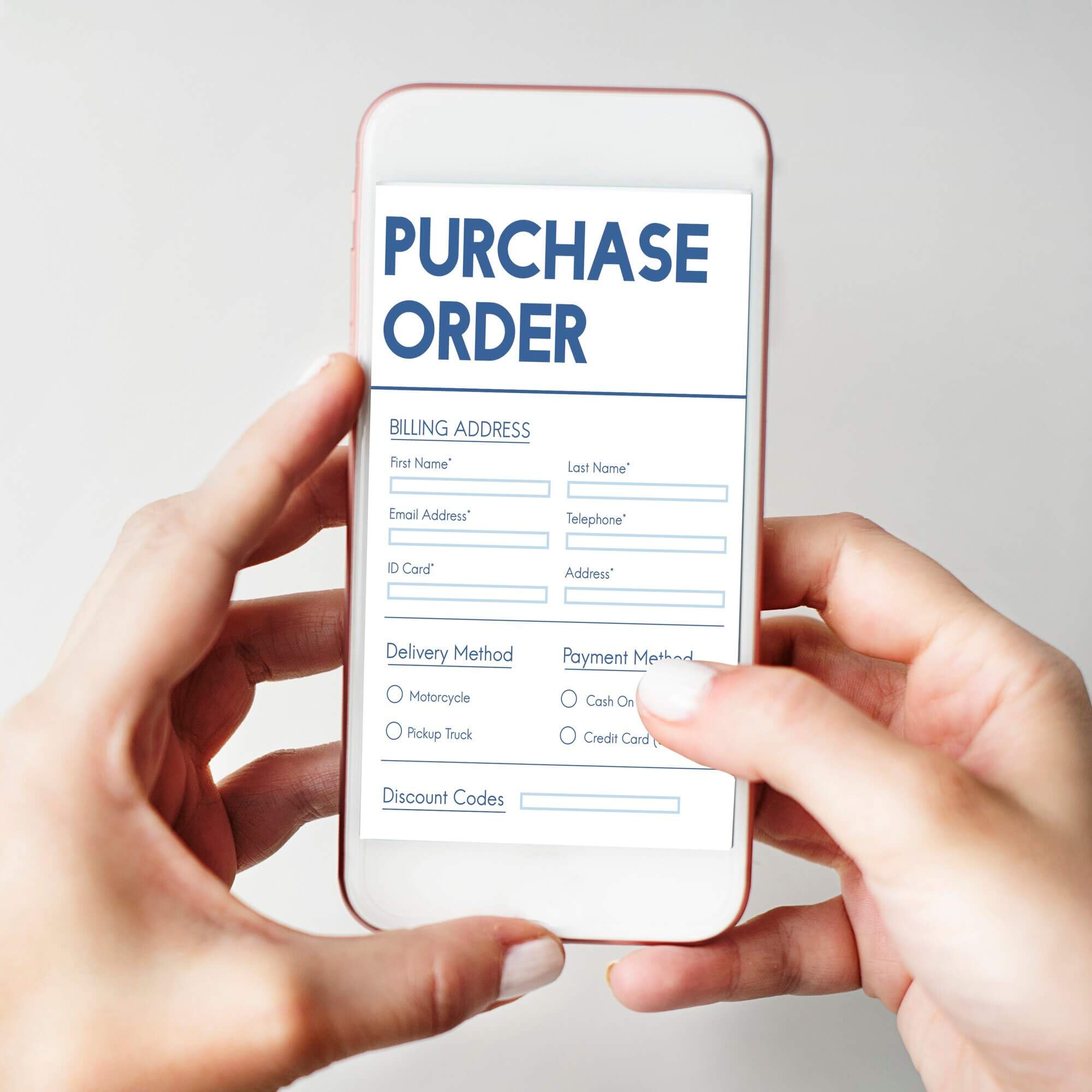
When choosing a PO system for your small business, it's important to consider several key features that contribute to its effectiveness.
Implementing a robust purchase order (PO) system can greatly enhance the efficiency and effectiveness of your small business operations. By automating repetitive tasks, providing budget control and expense tracking, and offering supplier management features, the best purchase order system for small business can streamline your purchasing process and improve overall productivity.
Automation and Efficiency
An ideal purchase order system for small business should automate repetitive tasks, such as creating and sending purchase orders, tracking deliveries, and generating reports. By automating these processes, businesses can eliminate manual errors, save time, and improve overall efficiency.
Imagine a PO ordering system that automatically generates purchase orders based on predefined inventory levels. This automation ensures that your business never runs out of essential supplies, eliminating the need for manual monitoring and ordering. Additionally, the system can automatically send purchase orders to suppliers, reducing the time spent on manual communication and allowing for faster order processing.
Budget Control and Expense Tracking
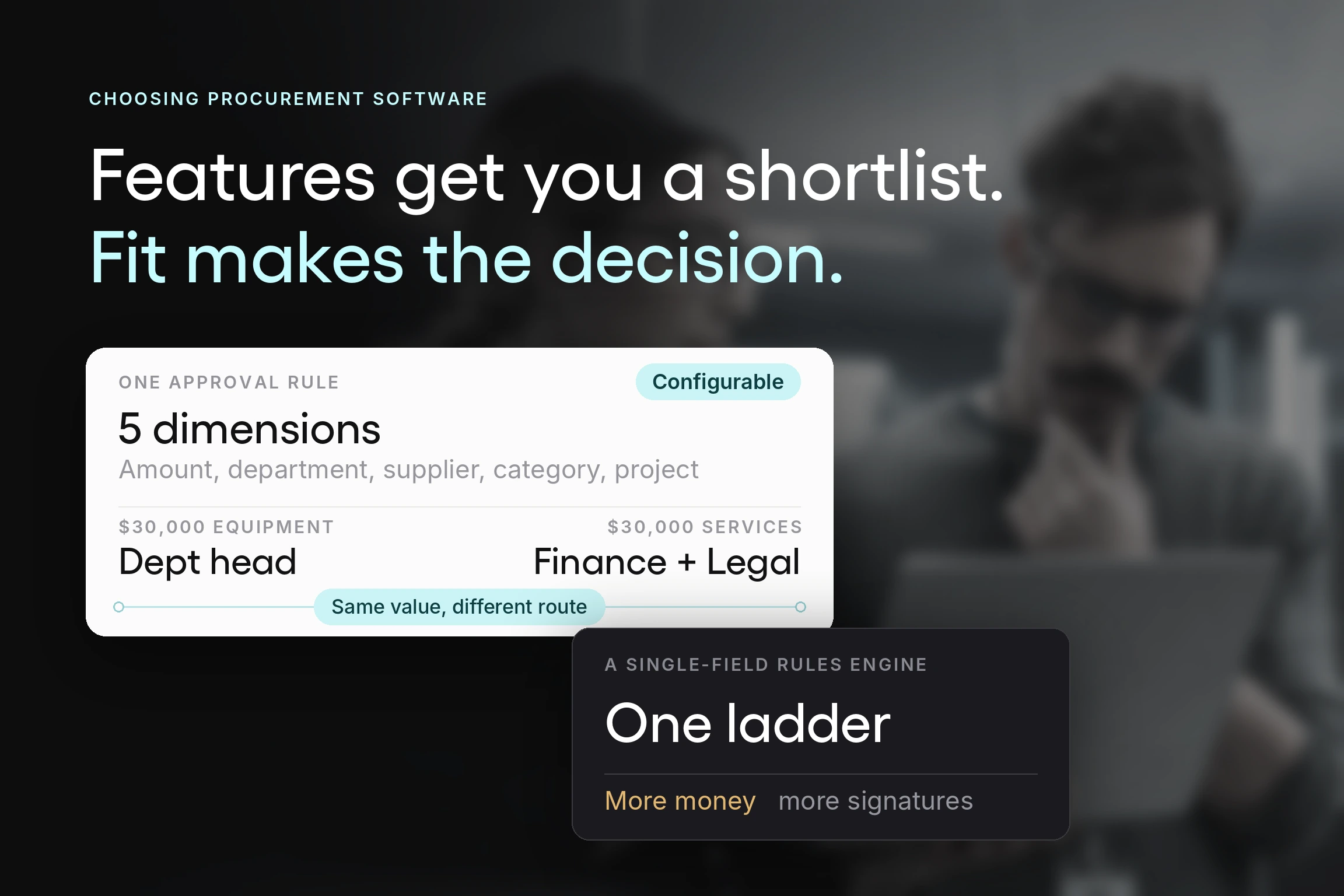
A good purchase order system for small business should provide robust budget control and expense tracking features. It should allow businesses to set spending limits, enforce approval workflows, and track expenses in real-time. This helps in preventing overspending and provides visibility into where money is being allocated.
With a comprehensive PO system for small business, you can easily set spending limits for different departments or projects, ensuring that your business stays within budget. The system can also enforce approval workflows, requiring managers to review and authorize purchase orders before they are sent to suppliers. This not only helps in maintaining budget control but also ensures that all purchases align with the company's procurement policies.
Supplier Management
A comprehensive PO system for small business should include features for managing suppliers. It should allow businesses to maintain a vendor database, track their performance, and store important documents like contracts and certificates. Having this information readily available ensures smooth communication and efficient collaboration with suppliers.
By utilizing a PO system with supplier management capabilities, businesses can centralize all supplier-related information in one place. This includes contact details, payment terms, delivery preferences, and any specific requirements or agreements. With this centralized database, businesses can easily access and update supplier information, ensuring accurate and up-to-date communication.
Choosing the Right PO System for Your Business
With numerous PO systems available in the market, selecting the right one for your small business can be challenging. To streamline the process, consider the following factors:
Assessing Your Business Needs
Start by evaluating your specific business requirements. Consider factors such as the size of your business, the number of employees involved in the procurement process, and your budget. This evaluation will help you determine the necessary features and functionalities your business needs from a PO system.
For example, if your business is a small retail store with only a few employees, you may not require a complex PO system with advanced inventory management features. However, if you run a large manufacturing company with multiple departments and a high volume of purchase orders, you would need a robust system that can handle the complexity of your operations.
Comparing Different PO Systems
Research and compare different PO systems available in the market. Look for systems that align with your business needs and offer the desired features. Pay attention to factors such as ease of use, scalability, integration capabilities, customer reviews, and support services.
When comparing different PO systems, it's essential to consider the user interface and overall user experience. A system that is intuitive and user-friendly will save you time and reduce the learning curve for your employees. Look for systems that offer a demo or trial period, so you can test the system before making a final decision.
Considerations for Implementation
Before implementing a PO system, consider the potential challenges and plan for a smooth transition. Define implementation milestones, establish training programs for employees, and ensure that proper technical support is available during and after the implementation process.
Implementation of a new system can disrupt your business operations, so it's crucial to have a well-defined plan in place. Identify key milestones and set realistic timelines for each phase of the implementation process. This will help you stay on track and ensure a smooth transition.
Steps to Implement a PO System in a Small Business
Implementing a PO system in a small business requires careful planning and execution. Follow these steps to successfully implement a PO system:
Planning and Preparation
Start by defining the goals and objectives of implementing a PO system. Assess the current procurement process and identify areas that can be improved. Create a detailed implementation plan that includes timelines, responsibilities, and milestones.
Next, gather the necessary resources, such as software licenses, hardware requirements, and training materials. Ensure that the system is compatible with existing software and integrates seamlessly with other business systems.
Training and Support
Provide comprehensive training to employees who will be using the PO system. This includes training on how to create purchase orders, manage supplier information, and generate reports. Offer ongoing support and address any questions or issues that arise during the transition period.
Monitoring and Evaluation
After the implementation, closely monitor the performance of the PO system. Track metrics such as cost savings, productivity improvements, and user feedback. Evaluate the system's effectiveness and make necessary adjustments to maximize its benefits.
In conclusion, implementing a Purchase Order system is essential for small businesses aiming to streamline their procurement process, ensure budget control, and optimize efficiency. By understanding the basics of a PO system, considering key features, and following the steps for implementation, small businesses can successfully integrate a PO system into their operations and drive growth.
Purchase Order Software for Small Business
There are different purchase order software that small businesses need to foster successful operations. The key is to choose the right one.
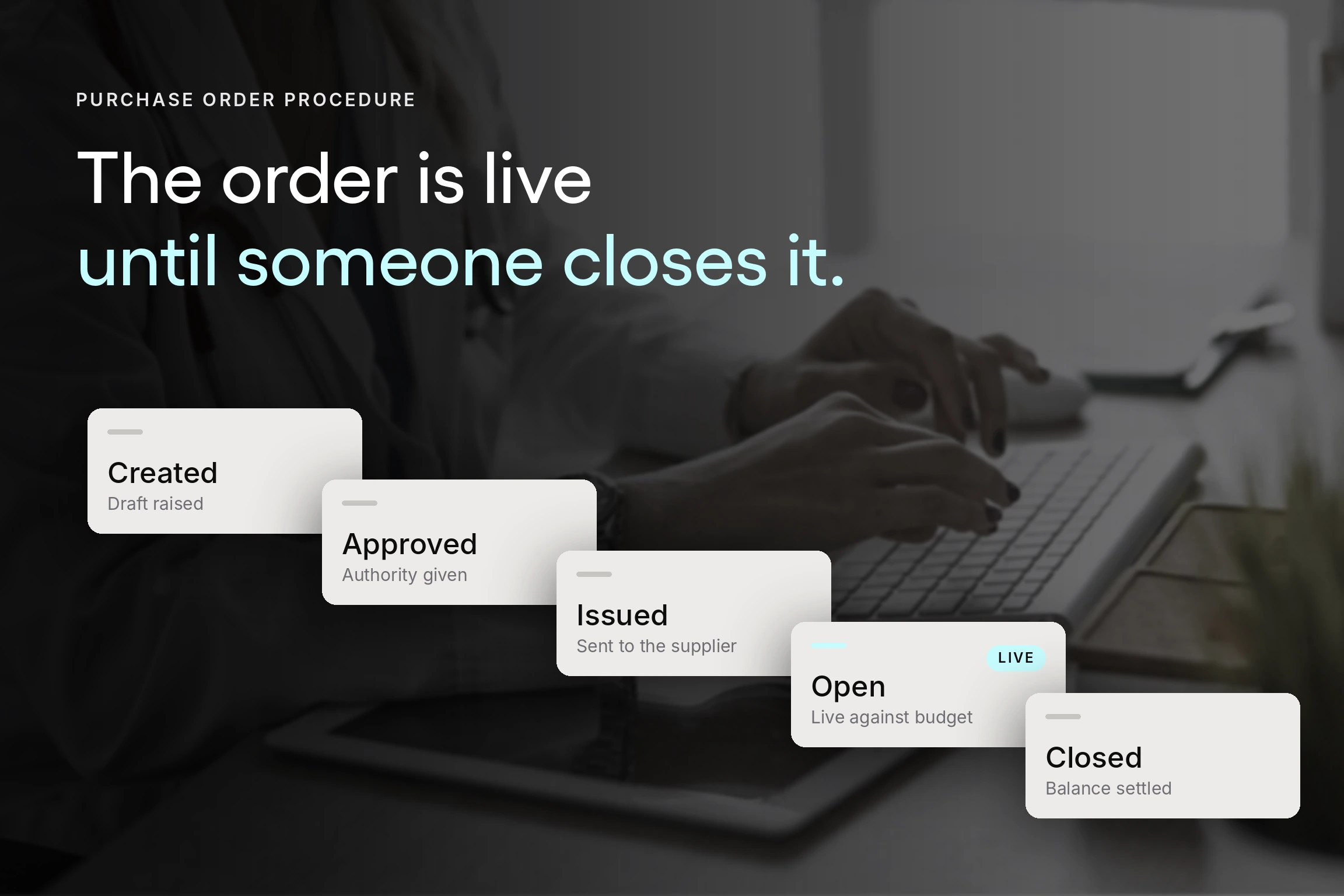
To find the right solution for your business, make sure to first identify the specific needs and requirements of your business regarding procurement. Typically, a small business PO process has several stages, such as:
- The purchase requisition stage is during which an employee/department identifies the need for goods and services and submits a request.
- The requisition review and approval stage is during which assigned personnel approves or rejects the request.
- PO creation stage. After the requisition is approved, the PO is created with all the details provided in the requisition form.
- PO approval. After the PO creation, the document moves to the PO approval stage, where it is reviewed and approved by relevant personnel within the company.
- Order placement. Finally, after all the stages mentioned above, the order is placed; the next stages after order placement include order fulfillment by the suppliers and inspection by the buyers.
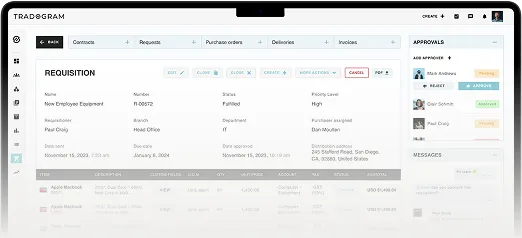
Based on these stages, it is evident that purchase order software for small business must offer sufficient tools to automate and streamline the process efficiently. One of the best software solutions in the market is Tradogram. Tradogram comes in handy with all the necessary features to automate PO processing and reduce cycle time.
Best Purchase Order System for Small Businesses
If you are looking for the best purchase order system for small business, then you are in the right place. Tradogram is a robust small business purchase order system that automates and streamlines the purchase order process.
Tradogram offers a comprehensive suite of tools designed specifically for small businesses, including automation of purchase orders, budget control, supplier management, and real-time reporting.
Contact us to find out more about how Tradogram can help you streamline PO processes.