


Can multiple delivery notes be received from a supplier for a single purchase order?
Yes - In order to receive multiple delivery notes, the supplier must respond to a purchase order sent to them via email that has the “Request Delivery Note” option selected.
Follow the steps below to add multiple deliveries
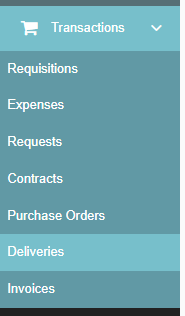
1. Navigate to the deliveries tab on the navigation bar
2. Find the PO you wish to mark a delivery for and select “Add Delivery” on the right side

3. Fill out all relevant information on this delivery note and add in the delivered quantities
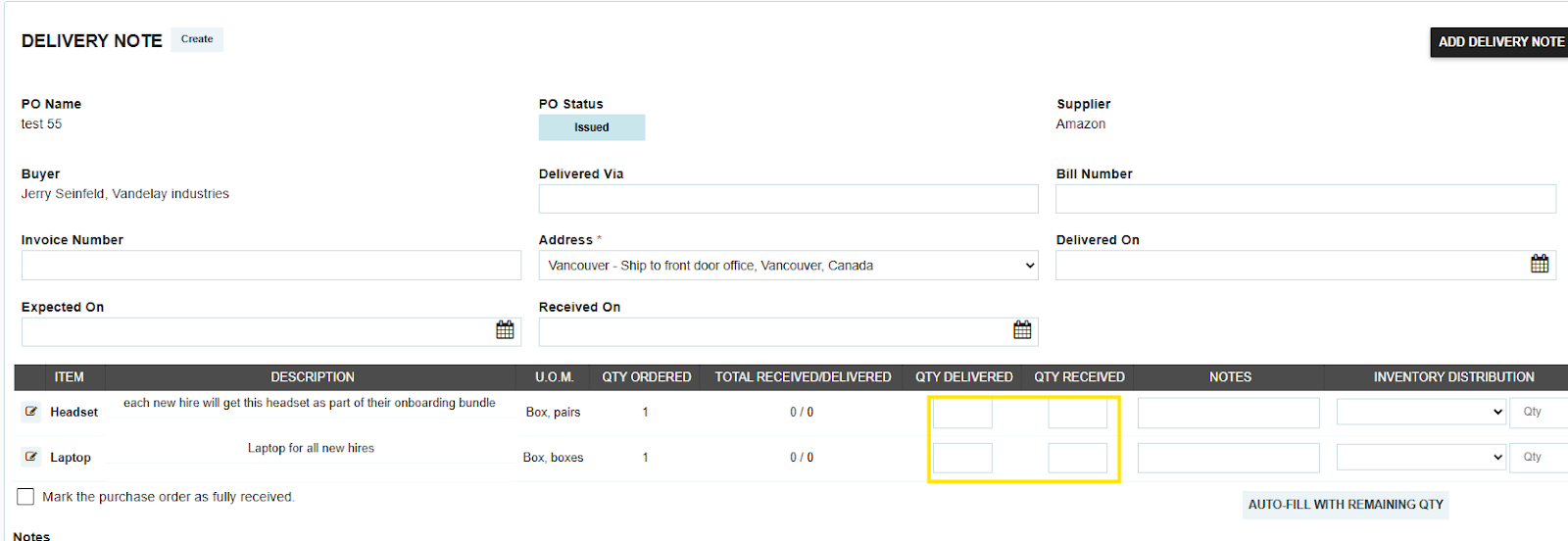
4. For this example, we will say only one of the items was delivered, then click “Add Delivery Note.”

5. You can now see the delivery has been added

6. Follow the same process to add another delivery on the same P.O.
Thank you! Your submission has been received!
Oops! Something went wrong while submitting the form.
.webp)
.png)


