


What is the purpose of having a default delivery address?
The default delivery address is used to streamline the purchasing process by automatically assigning a standard delivery location to new transactions. This helps ensure that orders are sent to the correct location without requiring manual input each time.
How to Set a Default Delivery Address
To establish a default address for your branch:
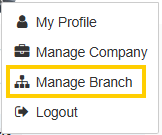
- Go to the dropdown menu in the top-right corner and select Manage Branch.
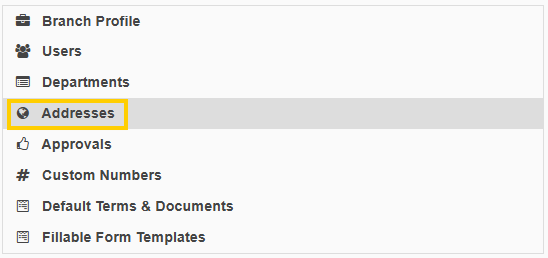
- Navigate to the Addresses section.
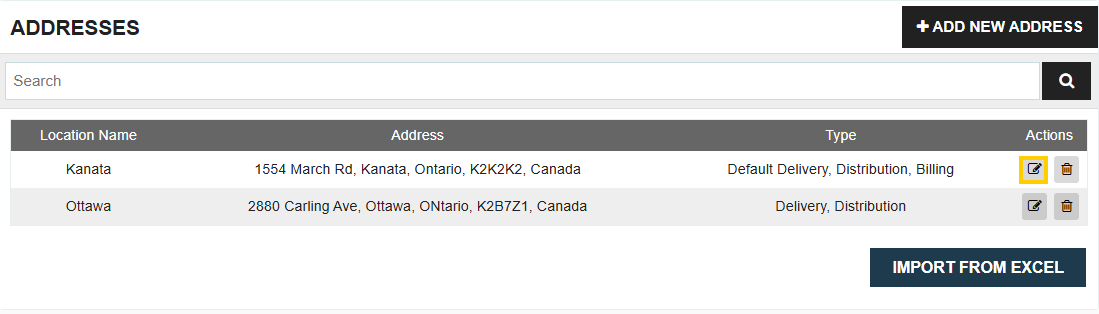
- Choose the address you wish to set as the default and click Edit.
- Check the box to indicate that this address will be the default delivery address.
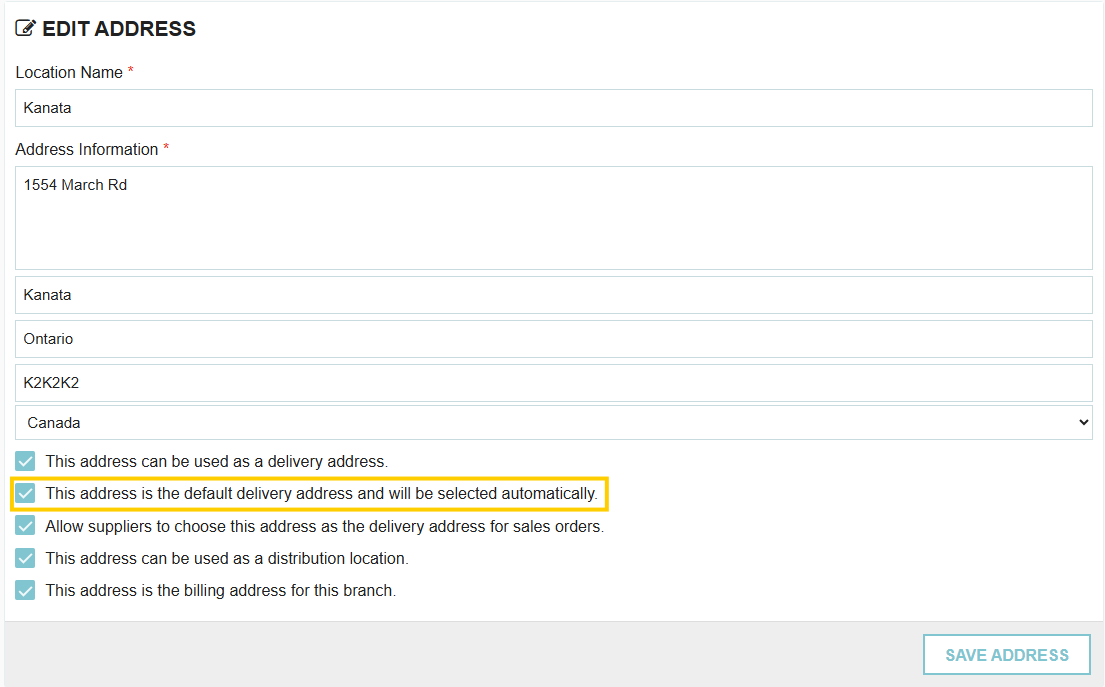
- Save your changes.
Note: You can always override or edit the delivery address on an individual transaction, even after a default has been set.
Thank you! Your submission has been received!
Oops! Something went wrong while submitting the form.
.webp)
.png)


