


How Does the System Handle Duplicate Suppliers During an Import?
When you upload a supplier list using an import template, Tradogram’s behavior depends on your company's specific security settings. By default, the system is designed to maintain a clean database by identifying existing records.
When Duplicate Checks are ENABLED (Recommended)
If the "Enable Supplier Duplicate Checks" setting is turned on in your company settings, the system acts as a safeguard:
- New Suppliers: Any supplier on your template that does not currently exist in your database will be imported as a new profile.
- Existing Suppliers (Mass Edits): If a supplier on your template already exists in Tradogram, the system will not create a second profile. Instead, it will overwrite the existing profile with the new information from your template.
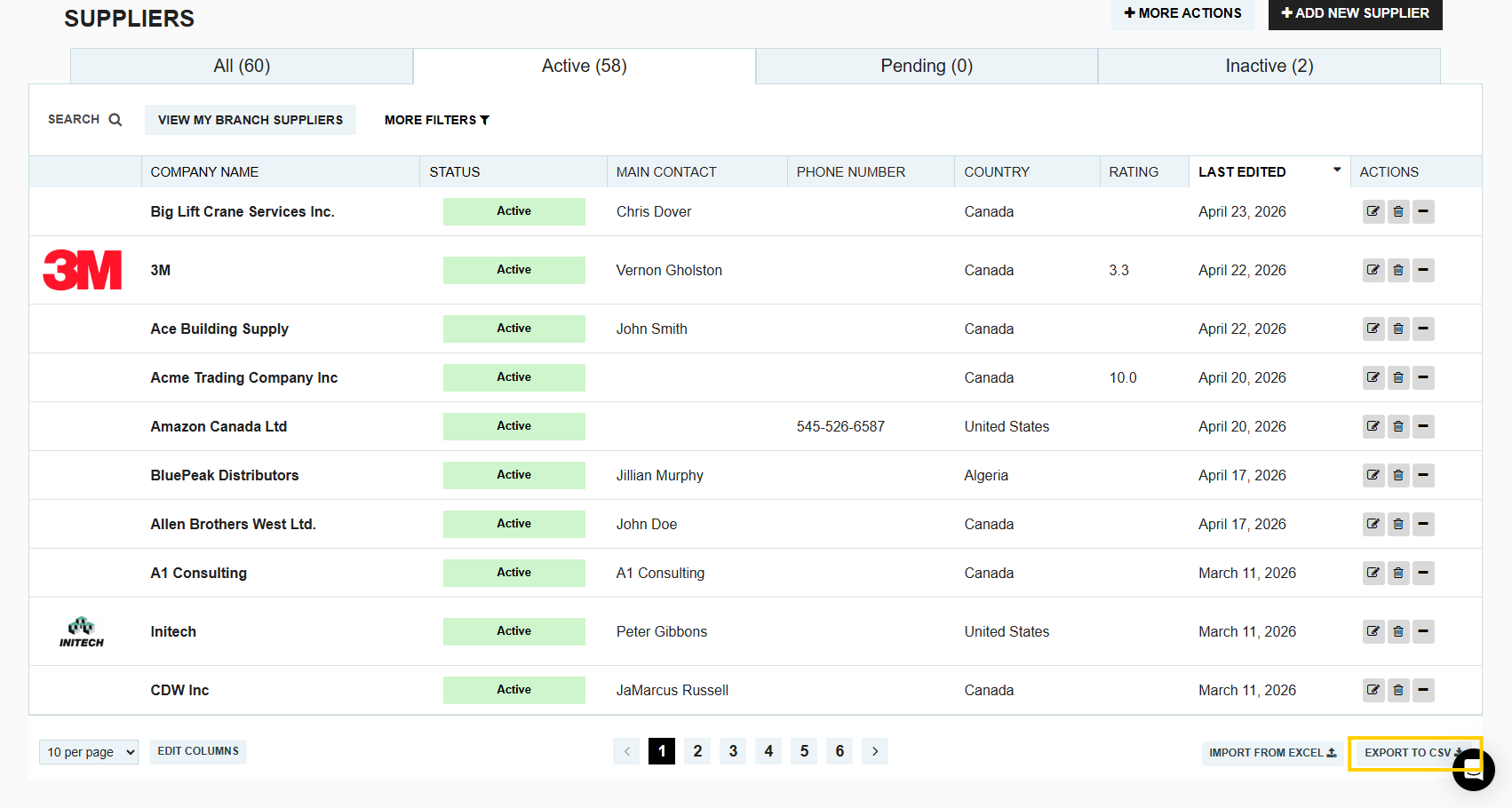
Tip: This is the most efficient way to perform mass edits (such as updating addresses or contact names) for your entire supplier list at once.
When Duplicate Checks are DISABLED
If the "Enable Supplier Duplicate Checks" setting is turned off, the system will not cross-reference the template against your current database:
- Duplicate Entries: The system will allow duplicates to be imported. If a supplier is already in your database and appears on your template, you will end up with two separate records for that same supplier.
- Data Integrity: This can lead to fragmented spend reporting and confusion during transaction creation, as users may not know which profile is the correct one to use.
How to Check Your Settings
Before performing a large import, it is a best practice to verify your duplicate check settings:
- Navigate to Manage Company.
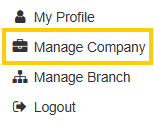
- Go to Company Settings.
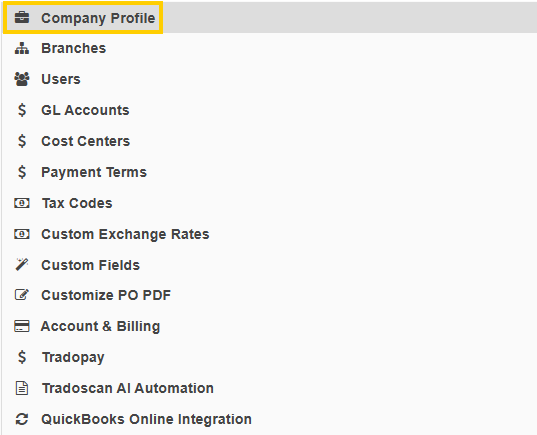
- Locate the toggle for "Enable Supplier Duplicate Checks" to ensure it matches your intended import strategy.

Thank you! Your submission has been received!
Oops! Something went wrong while submitting the form.
.webp)
.png)


