


What is the “Invoice Notes” section at the bottom of an invoice entry record used for?
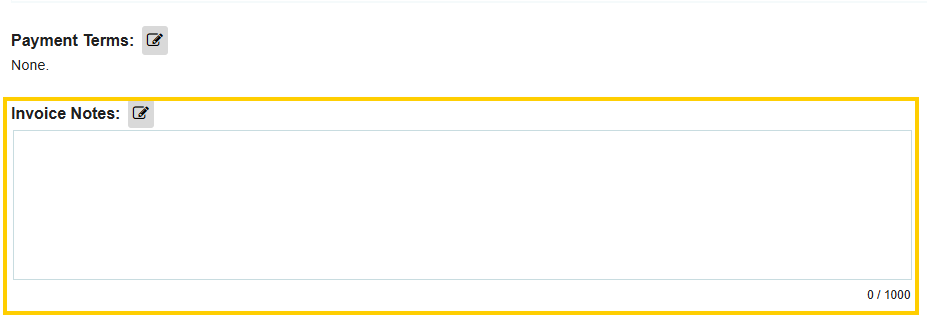
The Invoice Notes section at the bottom of an invoice entry record is designed for capturing internal documentation and communication regarding a specific billing event. Unlike standard fields, this section allows you to save multiple unique notes, creating a chronological log of updates or explanations attached directly to the invoice.
Examples of Common Uses
Using notes helps keep your accounting and purchasing teams aligned without cluttering the primary financial fields. Common examples include:
- Discrepancy Explanations: "Quantity delivered (95) differs from the PO (100) due to supplier backorder; the remaining 5 will be invoiced separately."
- Payment Instructions: "Apply this invoice toward the pre-payment credit from June 12th."
- Audit Justifications: "Final payment for Project X; verified by the Site Manager on 04/15."
- Administrative Reminders: "Check for a matching delivery note before final approval."
Integration and Mapping
If you use Tradogram’s data export or integration features, these notes serve a critical function in syncing your procurement data with your accounting software:
- QuickBooks Online Integration: The Invoice Notes in Tradogram will automatically map to the "Memo" field on the resulting invoice in QuickBooks.
- API Usage: For custom integrations, the notes field can be mapped to any text-based field in your external accounting or ERP system, ensuring that context isn't lost during the data transfer.
Thank you! Your submission has been received!
Oops! Something went wrong while submitting the form.
.webp)
.png)


