


What are item bundles used for?
Item Bundles are a powerful tool for streamlining the procurement of goods and services that are frequently purchased together. Instead of searching for and adding multiple items one by one, a bundle allows you to add a pre-configured group of items to a transaction with a single click.
Key Benefits of Item Bundles
- Speed and Efficiency: Bundles significantly reduce the time spent on data entry. For example, a "New Hire Kit" bundle could automatically include a laptop, keyboard, mouse, monitor, and desk chair.
- Consistency: By setting fixed quantities within a bundle, you ensure that the correct ratio of items is ordered every time, reducing the risk of missing essential components.
- Standardized Kits: Bundles are ideal for maintenance kits, standardized office setups, or specific project material lists.
Where Can You Use Bundles?
Once created, item bundles can be added to:
- Requisitions: Help employees request everything they need for a specific task in one go.
- Requests (RFQs): Send a standardized list of items to vendors for pricing.
- Purchase Orders: Quickly generate orders for recurring groups of items.
How to Create an Item Bundle
Administrators and users with item management permissions can create bundles by following these steps:
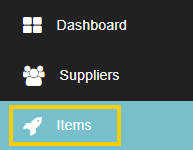
- Navigate to Items: Click on the Items tab in the left-hand navigation menu.
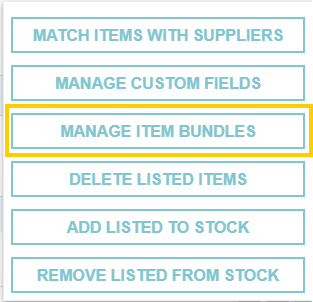
- Access Bundle Management: Click on the More Actions button at the top right and select Manage Item Bundles.

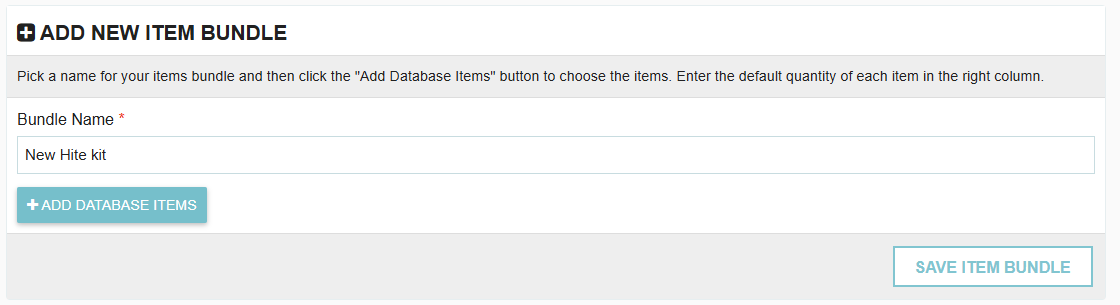
- Add New Bundle: Click the Add New Item Bundle button.

- Configure the Bundle:
- Give your bundle a descriptive Name (e.g., "Standard Lab Supplies").
- Search for and select the Items you wish to include.
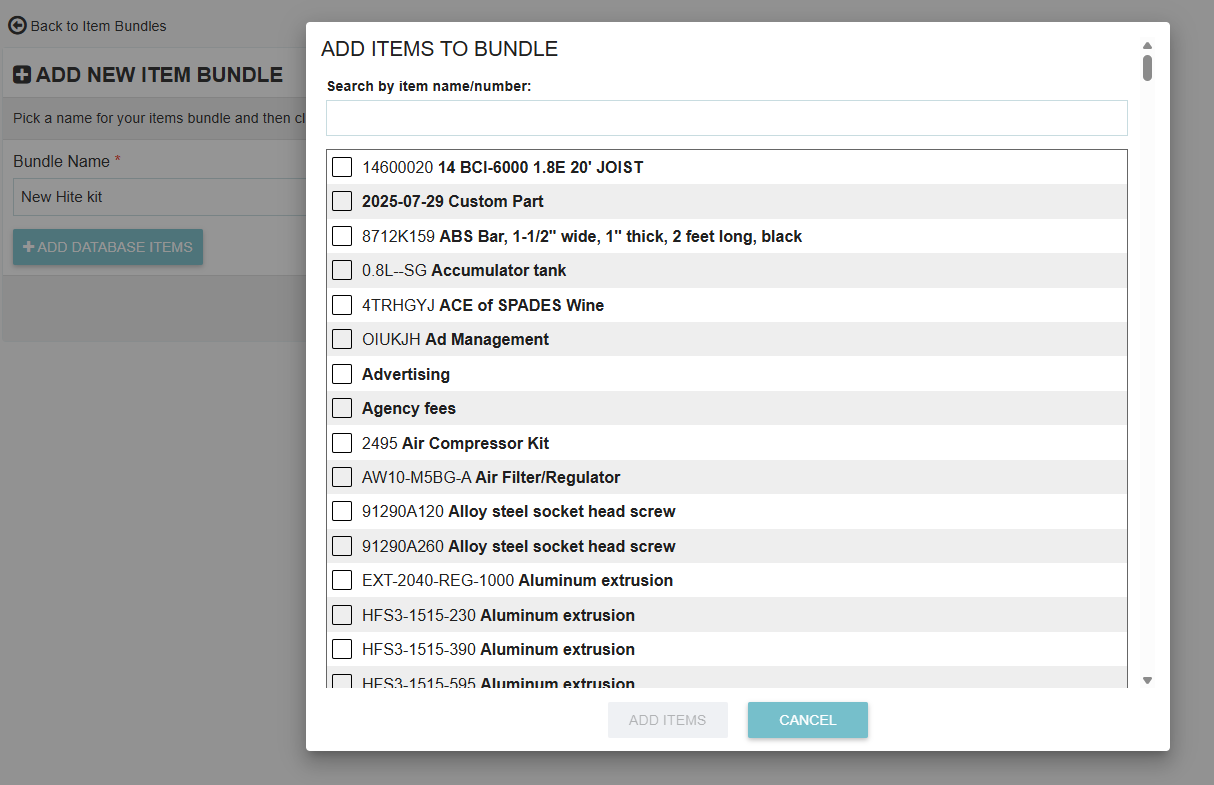
- Set the Set Quantities for each item within the bundle.
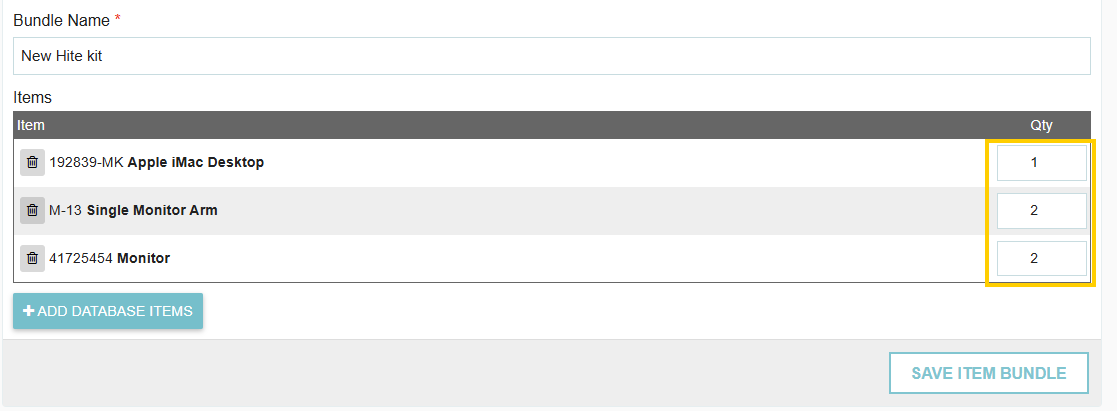
- Save: Click Save to make the bundle available for use across your transactions.
Pro Tip: When you add a bundle to a requisition or PO, you still have the flexibility to adjust the quantities of individual items within that specific transaction if needed.
Thank you! Your submission has been received!
Oops! Something went wrong while submitting the form.
.webp)
.png)


