


Should “Terms & Conditions” be provided in the text field, uploaded as a file, or both?
In Tradogram, you have the flexibility to provide Terms & Conditions (T&C) using both text fields and file uploads. While both are optional and can be used on a single transaction, the way they appear to your suppliers differs significantly.
How Suppliers View Your Terms
Understanding the difference in visibility between these two methods will help you decide which approach best fits your workflow:
Terms as Text (Recommended for Visibility)
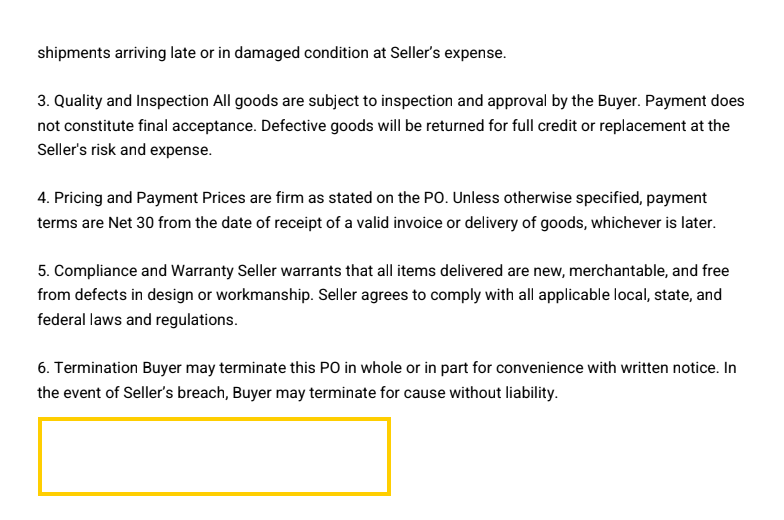
- Where it appears: This text appears in the electronic version of the document and is printed directly onto the PDF copy attached to the email.
- Benefit: This is the most visible method, ensuring the supplier sees the terms immediately upon opening the PDF without needing to click additional links.
Terms as File Uploads
- Where it appears: Attached files are only accessible via the electronic link provided in the supplier's email.
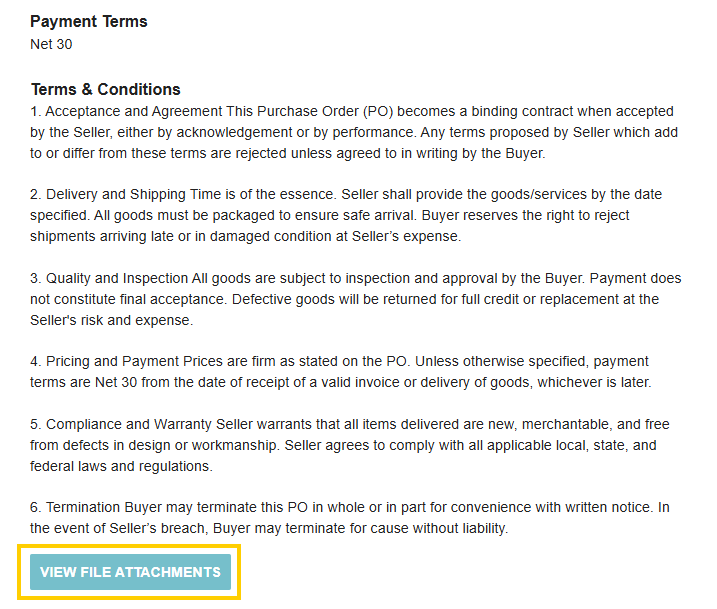
- Limitation: These files are not indicated on the PDF copy and are not attached as separate files to the email itself. Suppliers must click into the Tradogram portal to view them.
Configuring Default Terms & Conditions
Branch administrators can save time by configuring default terms that automatically populate every new transaction.
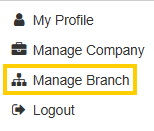
- Click the dropdown menu at the top right and select Manage Branch.
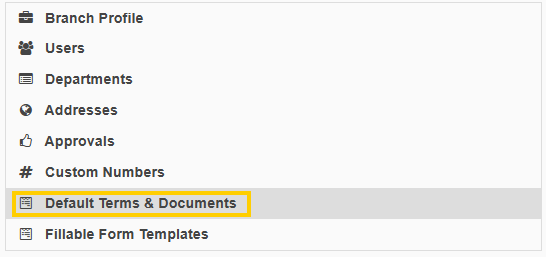
- Select Default Terms and Documents in the left panel.
- Enter your desired text or upload your files.
- Click Save Changes.
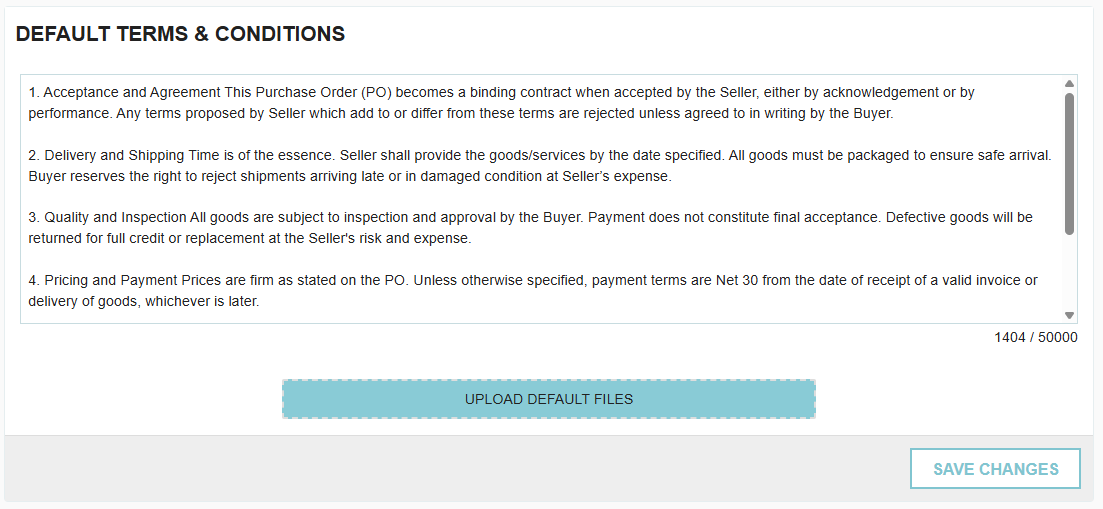
⚠️ Important Note: If you enter text into the field and then add a file before saving, the text will be removed. Be sure to save your text entry first if you plan to use both.
Thank you! Your submission has been received!
Oops! Something went wrong while submitting the form.
.webp)
.png)


