


What does enabling white-labeling do?
White-labeling is an exclusive feature for Premium users that allows you to brand the Tradogram application and all external communications with your company's identity instead of the Tradogram logo.
Benefits of White-Labeling
When white-labeling is enabled, your company's logo is used in three key areas:
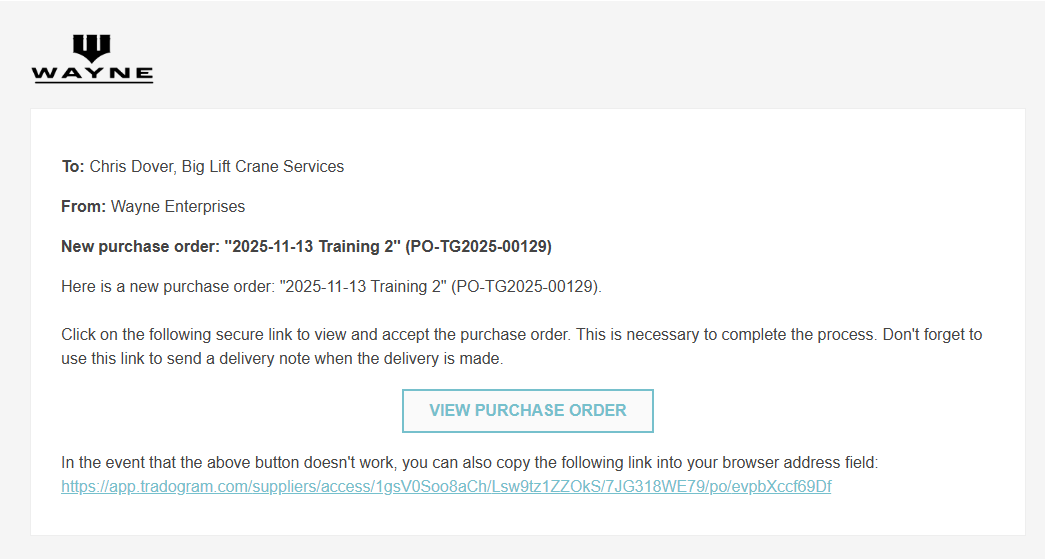
- Email Communications: All emails sent from Tradogram to both users and suppliers (e.g., PO notifications, approval requests) will feature your company's logo.
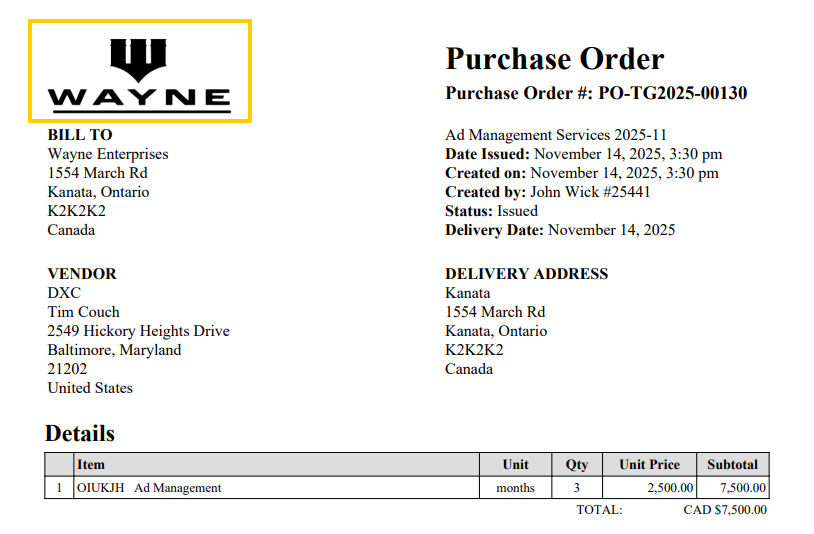
- Transactions/Documents: All created documents, such as the Purchase Order (PO) PDF and other transaction printouts, will display your company's logo.
- User Interface: Users will see your company's logo on their main Tradogram login page and potentially within the application interface.

How to Enable White-Labeling
To enable this feature, you must first upload your company logo and then activate the setting:
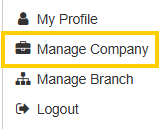
- Navigate to "Manage Company" from the top-right dropdown menu.
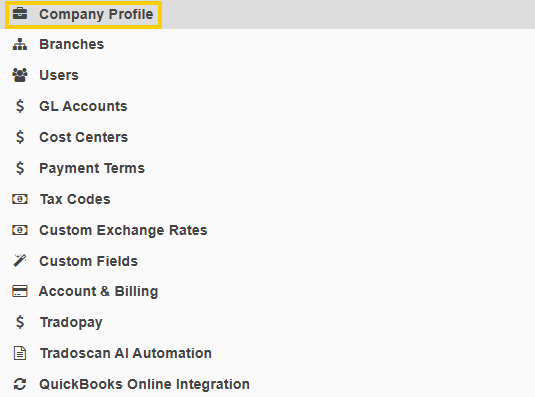
- Click on "Company Profile" on the left-hand side.
- Check the option to "Enable White-Labeling".

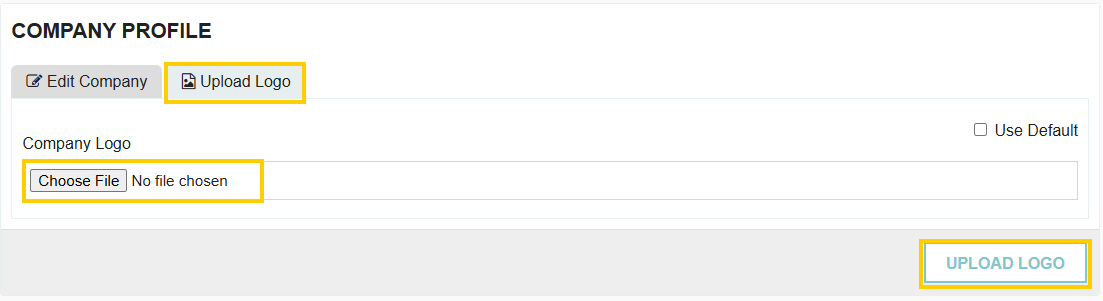
- Navigate to the "Upload Logo" tab within the Company Profile.
- Upload your company logo file.
- Click "Upload" to save the logo and finalize the white-labeling activation.
Thank you! Your submission has been received!
Oops! Something went wrong while submitting the form.
.webp)
.png)


