


Why Can Some Invoice Records Be Deleted While Others Can’t?
In Tradogram, the ability to delete or modify an invoice depends on its status and how it was submitted. This ensures data integrity and maintains a consistent audit trail between your records and your vendors'.
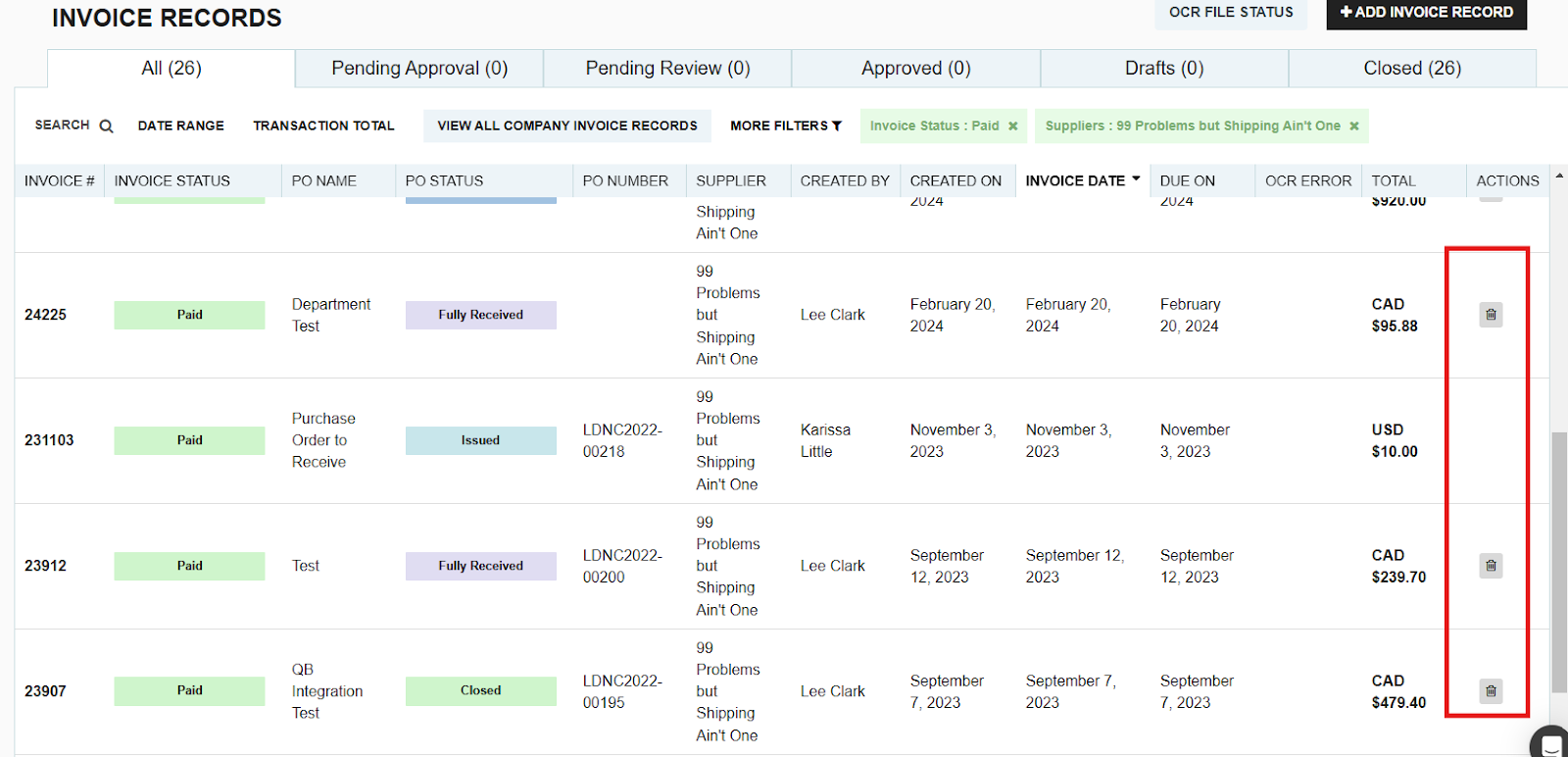
Invoices Received from Connected Suppliers
If your vendor has a Connected Supplier Account, they can send invoices directly to your Tradogram portal. Because these documents are linked between two accounts, the process follows a specific workflow:
1. Accept or Decline
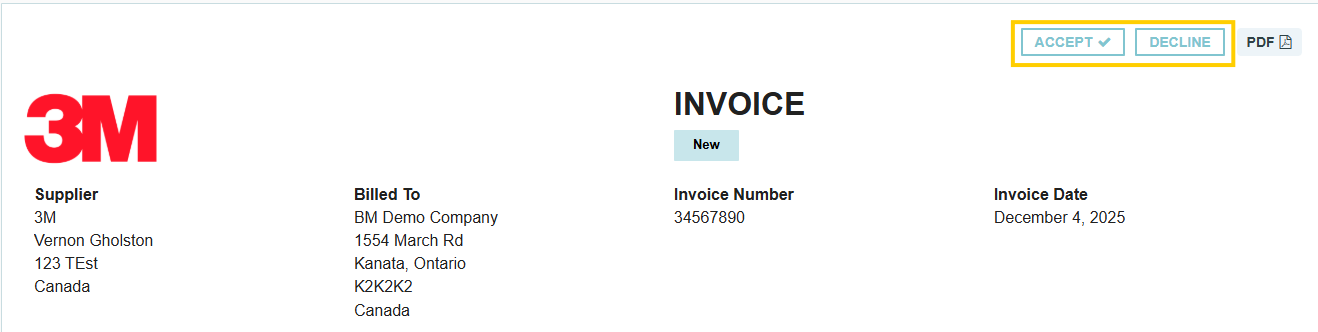
When a connected supplier sends an invoice, it arrives in a "Pending" state. Before it affects your ledger, you have the option to:
- Accept: The invoice is officially recorded in your system for processing.
- Decline: The invoice is sent back to the supplier. This is the best way to handle errors without creating a permanent record in your active invoices.
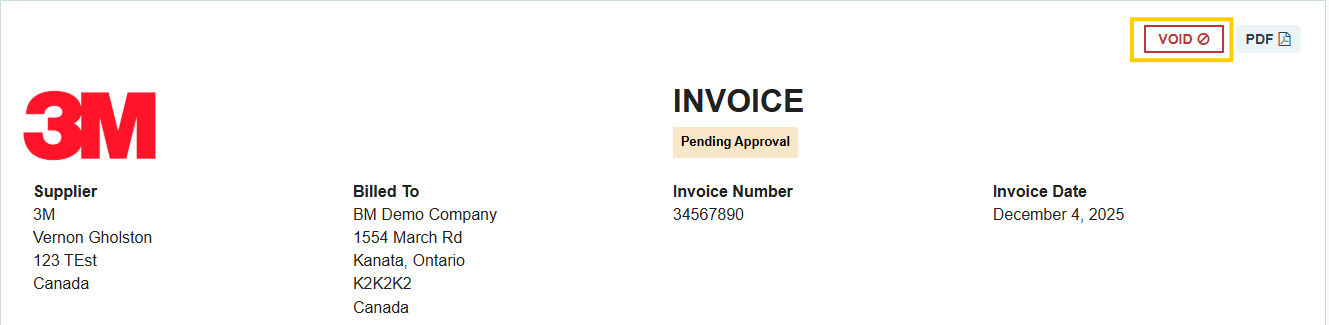
2. Voiding an Accepted Invoice
Once you have Accepted an invoice from a connected supplier, it can no longer be "Deleted." However, you still have the option to Void it.
- Why Void instead of Delete? Voiding cancels the financial impact of the invoice while keeping a "cancelled" version of the document in the system. This ensures that both you and the supplier have a matching history of what happened to that specific invoice number.
Thank you! Your submission has been received!
Oops! Something went wrong while submitting the form.
.webp)
.png)


