


What is the "Discussion Room” option of request creation used for?
The Discussion Room is a centralized messaging hub that streamlines communication between your company and participating suppliers during a bidding or sourcing event. By enabling this feature, you can manage clarifications and questions in one place, ensuring they remain linked directly to the specific request.
How it Works
The Discussion Room functions as a forum-style conversation. Any supplier or invited internal user can post comments or questions directly into the room.
- Supplier Access: Suppliers join the conversation via the same secure email link they use to respond to the request—no extra login or Tradogram account is required.
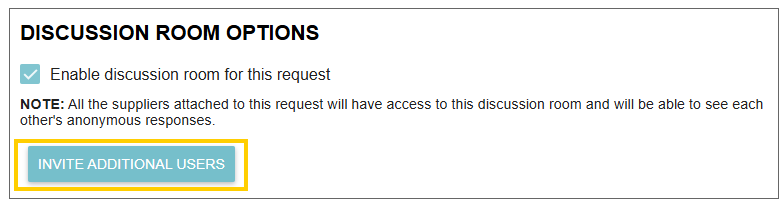
- Internal Collaboration: You can invite specific team members (such as technical experts or department heads) to the room. When enabling the feature, you will see a list of internal Tradogram users to choose from.
- Efficiency: The primary purpose of the room is to prevent you from answering the same question multiple times. If one supplier asks for clarification, your response is visible to all participants.
Privacy and Anonymity
To maintain a fair and competitive bidding environment, Tradogram enforces strict anonymity rules:
- Supplier View: Suppliers can see that other posts exist, but the identities of other vendors are hidden. Every other supplier appears as "Anonymous Supplier".
- Buyer View: Only your internal team members can see the actual identities of the suppliers, allowing you to distinguish exactly who is asking each question.
- Your Identity: When you or your team members post a response, all suppliers will clearly see that the message came from your organization.
How to Enable and Access
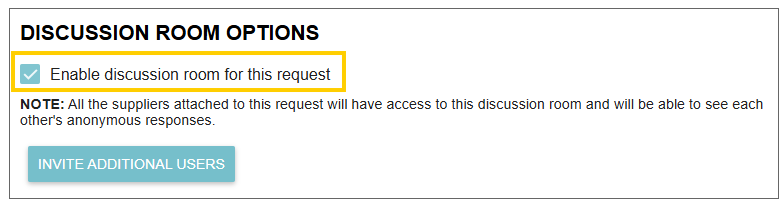
- Enable: When creating a request, check the "Enable Discussion Room" box located near the bottom of the page.
- Access: Once a request is active, open the request in Tradogram, click on any submitted offer, and locate the Discussion Room button at the top right of the page.

Thank you! Your submission has been received!
Oops! Something went wrong while submitting the form.
.webp)
.png)


