


How can suppliers be deleted?
In Tradogram, you can delete a supplier only if they have no associated transactions. If a supplier has existing purchase history, they can only be marked as inactive.
Deleting a Supplier
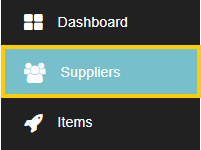
- Navigate to the Suppliers database.
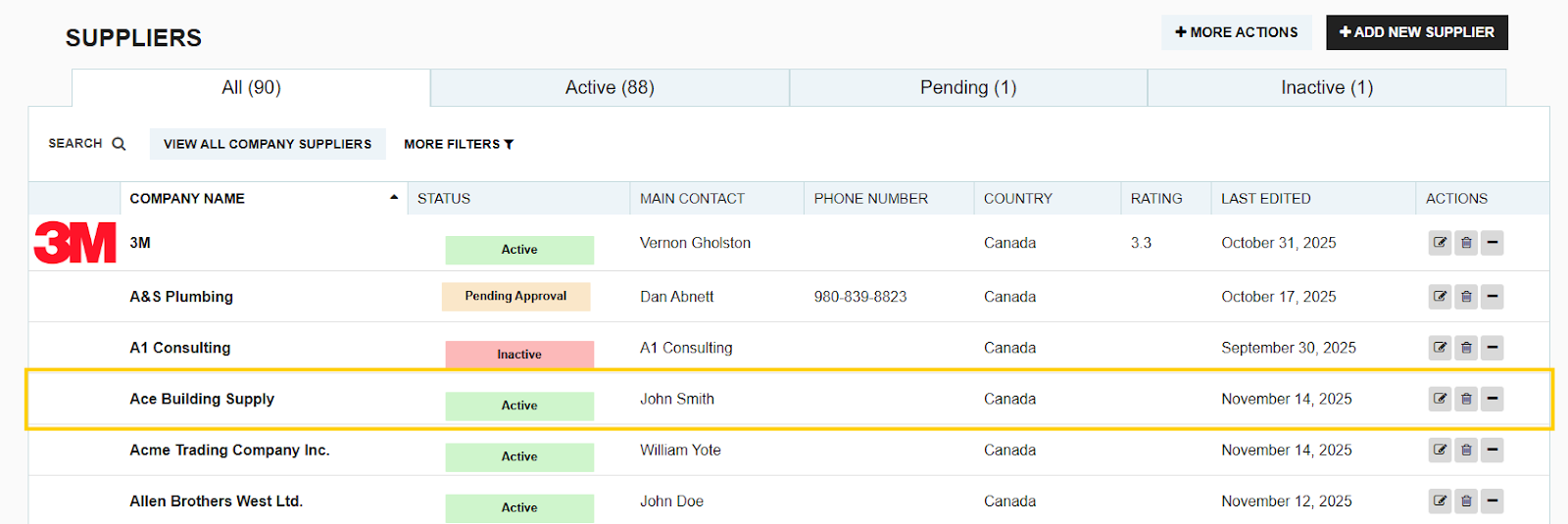
- Search for the supplier you wish to delete.
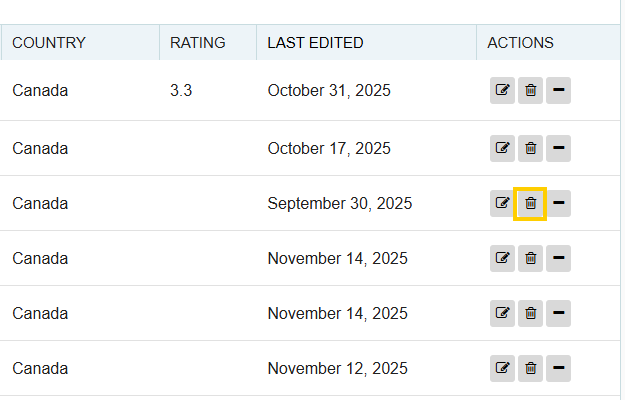
- Click the Delete button (trash can icon) on the right side of the supplier's entry.
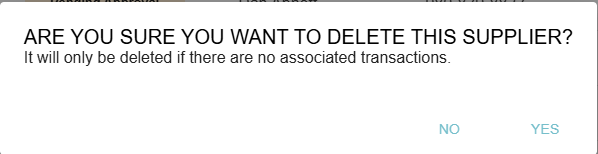
- The system will prompt you to confirm the deletion and will check for associated transactions:
- If there are no associated transactions: The supplier will be permanently deleted from the database.
- If there are associated transactions: The supplier will be automatically marked as Inactive.
Inactive Suppliers

When a supplier is marked as Inactive:
- You retain full access to their complete purchase history and all past data.
- You will not be able to select them when creating any new transactions.
Thank you! Your submission has been received!
Oops! Something went wrong while submitting the form.
.webp)
.png)


