


How to Use Custom Fields
Custom fields allow you to capture specific information that is not natively tracked by Tradogram. They are essential for tailoring the system to your company's unique data and workflow requirements.
Creating a Custom Field
To manage or create custom fields:
- Navigate to Manage Company from the top-right dropdown menu.
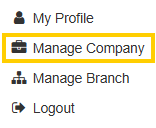
- Select Custom Fields.
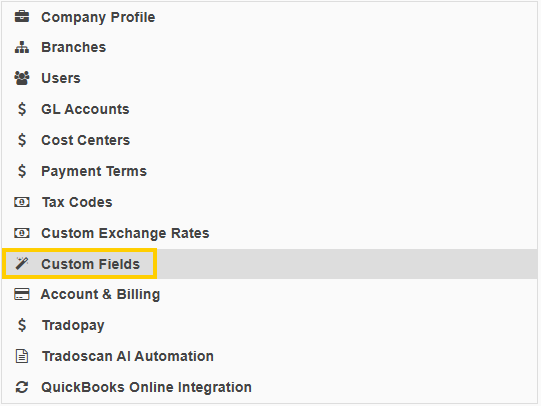
This menu displays all existing custom fields, where you can edit, delete, or create new ones using the + ADD NEW CUSTOM FIELD button.
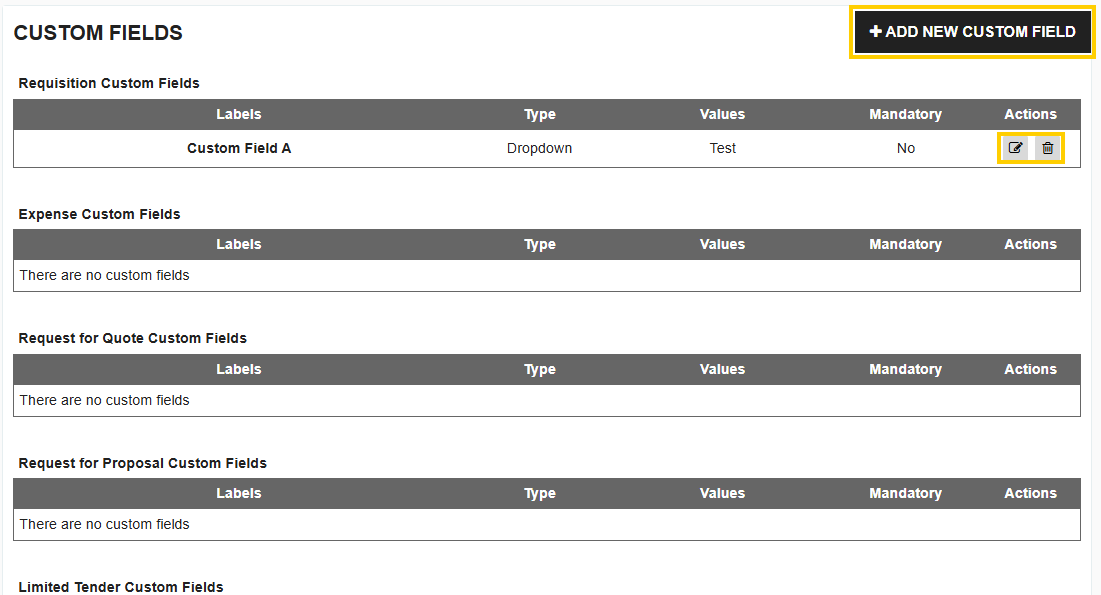
When creating a new custom field, you will configure the following details:
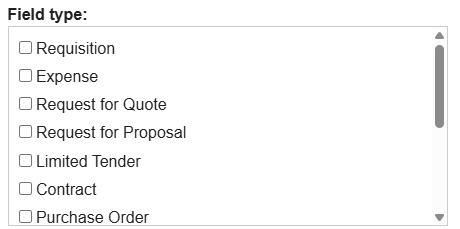
- Applicable Field Type (Object): This multi-select dropdown allows you to choose where the custom field will appear. You can select one or more objects when creating a custom field. If you select multiple objects (e.g., Requisition and PO), the value entered in the first object (Requisition) will automatically copy over to the subsequent object (PO). Custom fields can be created for:
- Requisitions
- Expense
- Request for Quote
- Request for Proposal
- Limited Tender, Contract
- Purchase Order, Delivery Note
- Delivery Item
- Invoice
- Credit Note
- Budget Item
- Supplier
- Label: This is the name of the field that users will see on the transaction forms.

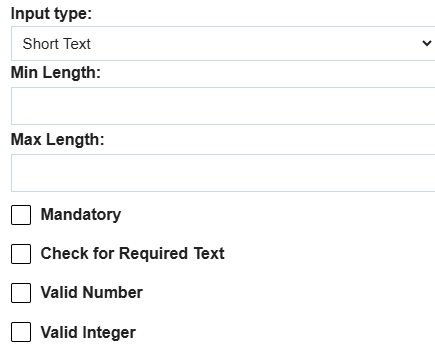
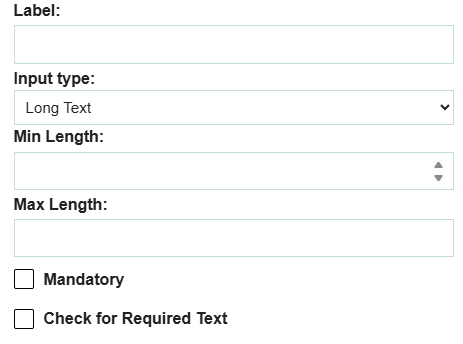
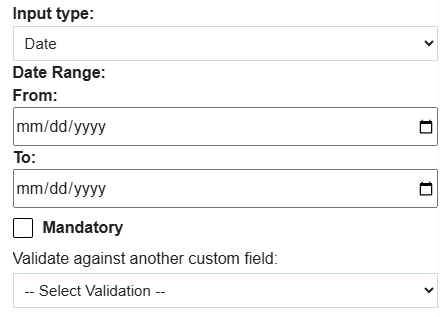
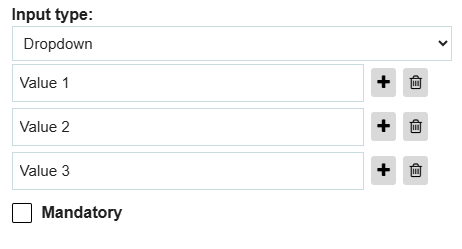
- Input Types: You can choose the format of the data entry:
- Short Text: An open text field with a 100-character limit.
- Long Text: An open text field with a 2000-character limit.
- Date: A calendar date picker.
- Dropdown: A preset list of defined options.
Additional Custom Field Settings
- Mandatory: You can select whether the custom field is mandatory. If checked, users must fill out the field to save that record.

- Visibility (Internal Only): For custom fields added to Purchase Orders, Invoices, or Suppliers, you can choose if they are Internal Only.
- If Internal Only is checked: The field will not be visible to the supplier in any supplier communications.
- If Internal Only is unchecked (Public): The field will be visible to the supplier in the corresponding communications:
- POs and Invoices: Visible on the electronic version and the PDF document.
- Suppliers: Visible on the public supplier onboarding form.

See more details on the validation of custom fields for how to fill out the additional restrictions: What are validations on custom fields.
For more information on how to use custom fields with items, see our guide on item fieldsets.
Thank you! Your submission has been received!
Oops! Something went wrong while submitting the form.
.webp)
.png)


