


Import Error Resource Center
This section serves as a collection of articles designed to help you troubleshoot and resolve the various errors you may experience when performing any type of data import (e.g., suppliers, items, GL accounts) into Tradogram.
Import Error Resources
- Branch Import Errors
- Category Import Errors
- GL Account Import Errors
- Supplier Import Errors
- Items Import Errors
- Address Import Errors
- Department Import Errors
- User Import Errors
- Project Import Errors
- Approval Import Errors
Common Error(s)
CSV Column Headers Do Not Match

This indicates that the column headers in your import file differ from the headers in our official template.
To resolve this issue:
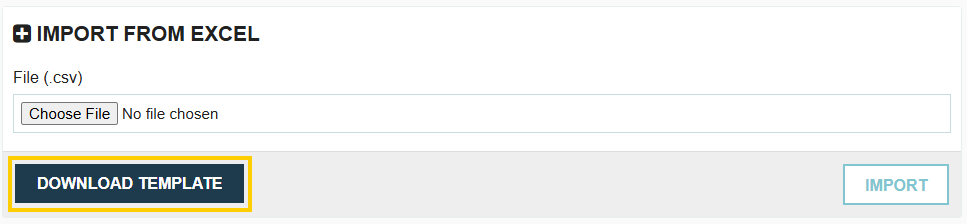
- Click the Download Template button to obtain the latest, correct template.
- Copy your existing import data into the newly downloaded template.
- Save and re-upload the new file.
Required Field Not Completed

This is typically shown as {field} is mandatory. This means that a field that is required in Tradogram to create or update a record has not been filled out in the import CSV file.
Code not Found

This error is specific to when you are attempting to update existing categories by exporting and then re-importing the CSV file. If the code in your import file (found in Column A) does not match the code in the system, the system cannot find the record to update. To verify and correct the codes, export the category CSV and review Column A.
.webp)
.png)


